


It looks like "turning off hardware acceleration" is not applied to the initial "Firefox - Choose User Profile" !, What should I do ?

Hello All,
I'm using Firefox (149.0.2 snap) with LUbuntu 24.04.4 LTS. Because of a wrong graphic driver, I had to turn off hardware acceleration in FF.
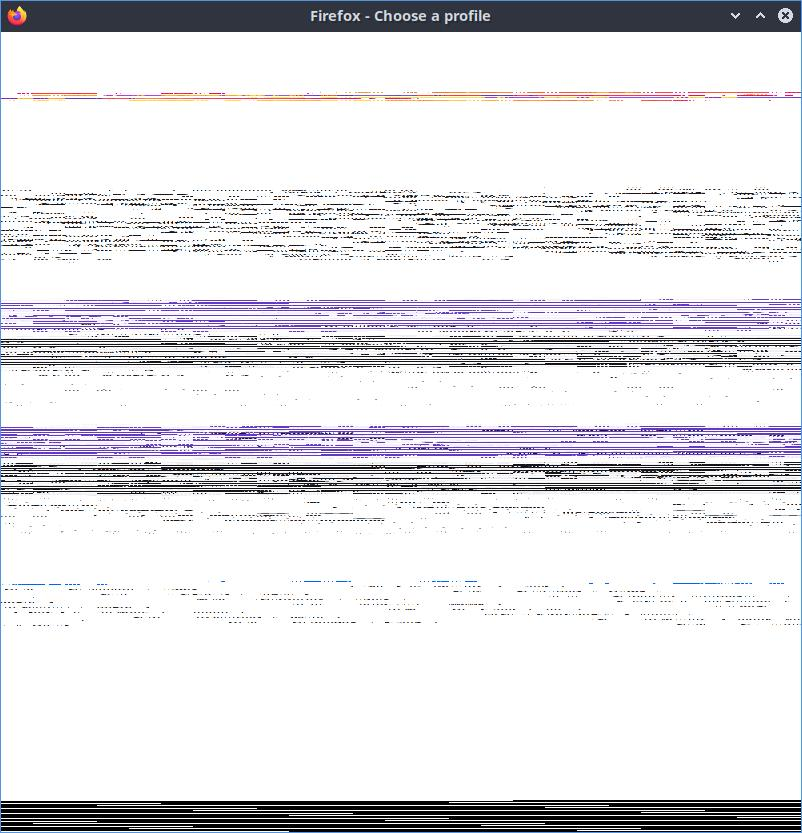
When FF is started the Initial "Firefox - Choose User Profile" is unreadable (see attached : wrong_screen.jpg), but if I continue (click somewhere in the window) , all the opened tabs are readable.
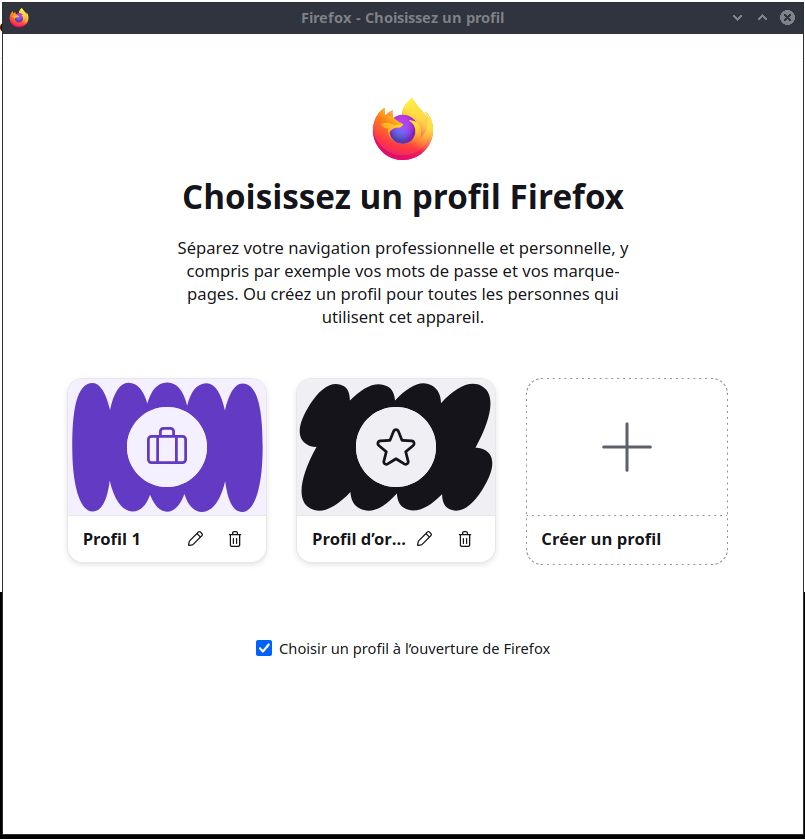
Once in FF, if I want to select another profile from the application menu -> .. -> manage profiles, then the "Choose User Profile" window is fine (see attached : good_screen.jpg).
I tried to start FF with the "-P" option to specify wanted profile but it continues to start with the unreadable "Choose User Profile" window.
Could someone give me a solution, except finding the good hardware driver for my computer?
Thanks Bouilla.
所有回覆 (1)
Hi, could you please clarify how exactly you turned off hardware acceleration in Firefox?