


ESR versons WILL AUTO UPDATE TO RELEASE VERSION -- WHY? (bug2001851)

It appears that any ESR version will auto upgrade to the Release version right after you close the program and shut your machine down. When you go back online, surprise!, you now have 144.0.1 installed with HALF your folders missing.
https://support.mozilla.org/en-US/questions/1548668/edit/1779923#answer-preview
由 Wayne Mery 於 修改
所有回覆 (10)
That link should've been:
https://support.mozilla.org/en-US/questions/1548668#answer-1779923
由 lajoes 於 修改
well, once again, my 140.5.0esr installation morphed in to 144.01 after spending hours rebuilding my folders - only to loose half of them again.
All this pain for MS Exchange worth it?
Hello
Similars questions. https://support.mozilla.org/en-US/questions/1545967 https://support.mozilla.org/en-US/questions/1546004
https://connect.mozilla.org/t5/ideas/option-to-disable-update-reminders/idc-p/46382
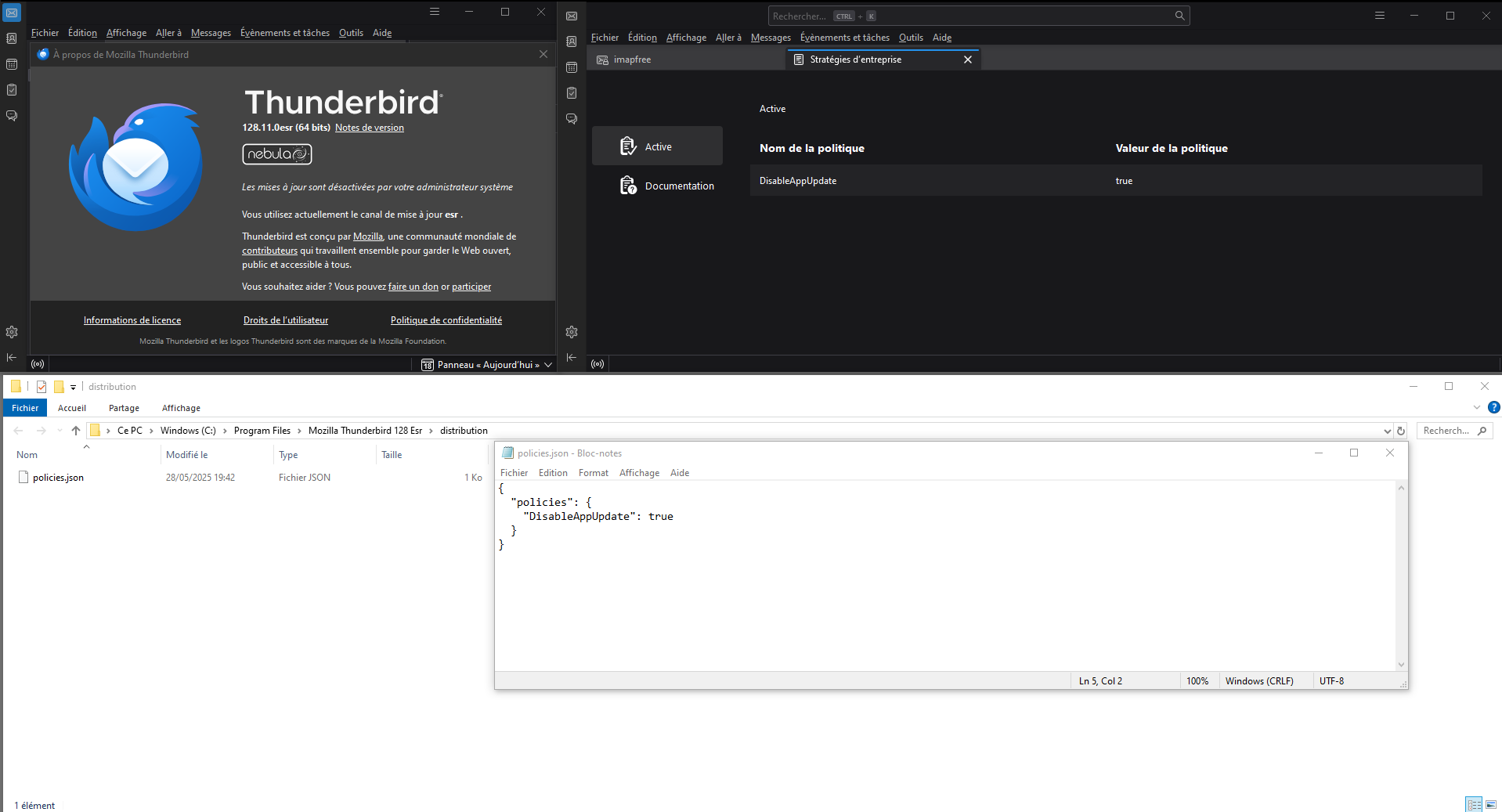
For information purposes. You can try, policies.json, DisableAppUpdate.
{ "policies": { "DisableAppUpdate": true } }
A illustration.
由 Agent virtuel 於 修改
Note : somes external applications can be a source of updates (e.g.) antivirus computer protection security software. Example. https://forums.mozfr.org/viewtopic.php?t=151864 https://connect.mozilla.org/t5/discussions/where-have-the-top-right-icons-gone/m-p/110616/highlight/true#M42771
Somes external applications, can be a source of updates, is it your case.
Agent virtuel said
Note : somes external applications can be a source of updates (e.g.) antivirus computer protection security software.
Good point as I have seen over the years of threads where people use some application that helps keep their various applications updated cause issues. For example the app may think the current Firefox ESR channel version was not current and would try to update it to current Firefox version on Release channel.
I do NOT use any app or program that "checks to see if any of my programs are in need of 'updating', let alone would allow them to update any that need it." If a program needs updating, I always use that program's updating feature to do the updating.
Also, why is it that ONLY TB is behaving like this?
More data may help us make progress.
1. If your system went from 140esr to 144 release, then I don't understand whey returning to 140esr did not return your missing folders. What types of folders were missing, and what did you do to bring them back?
2. In Help > Troubleshooting Information, what channel is shown? And what is seen at "Show Update History"?
Wayne, guess what. NOTHING CHANGES. NO MATTER WHAT VERSION OF TB I INSTALL THEY ALL DEFAULT TO 144.01 RELEASE.
And when they revert to Release, half my folders disappear and half the contents of the remaining folders disappear.
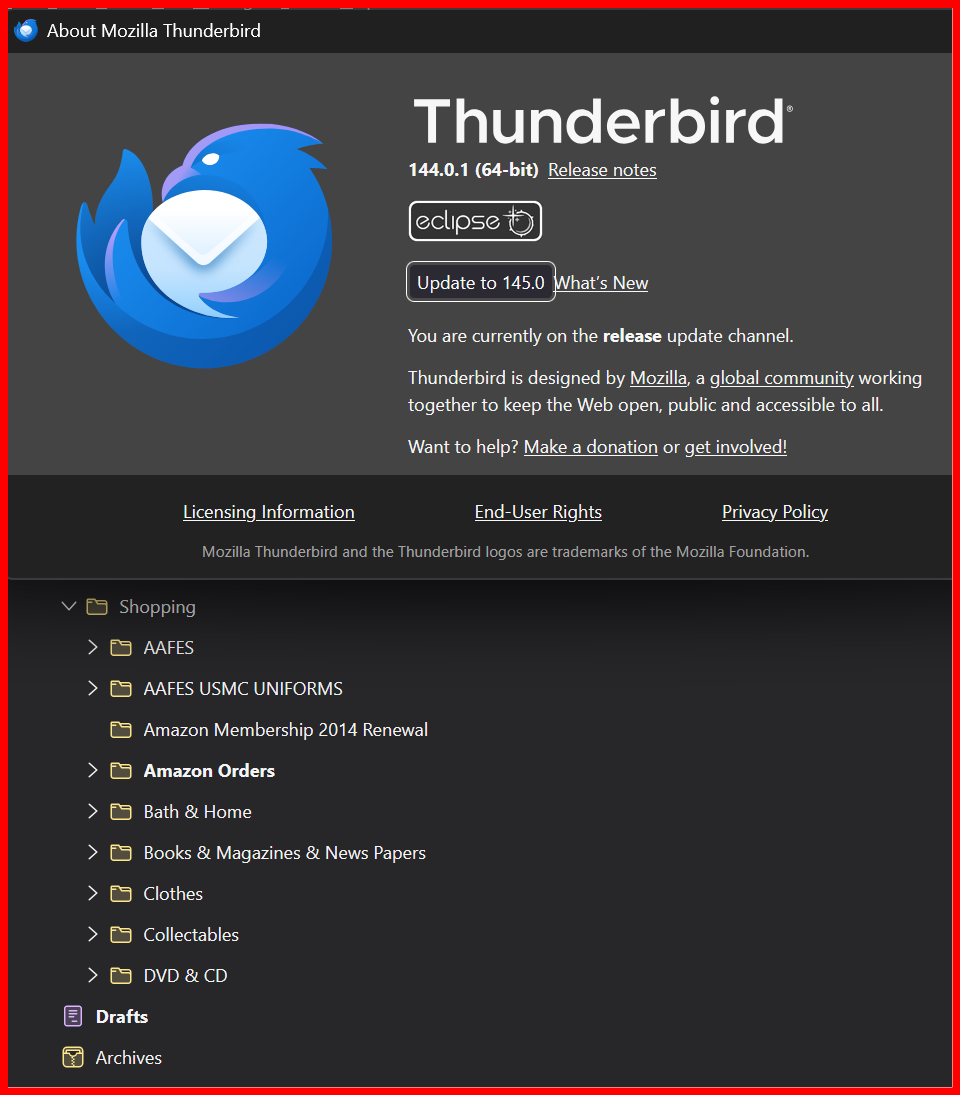
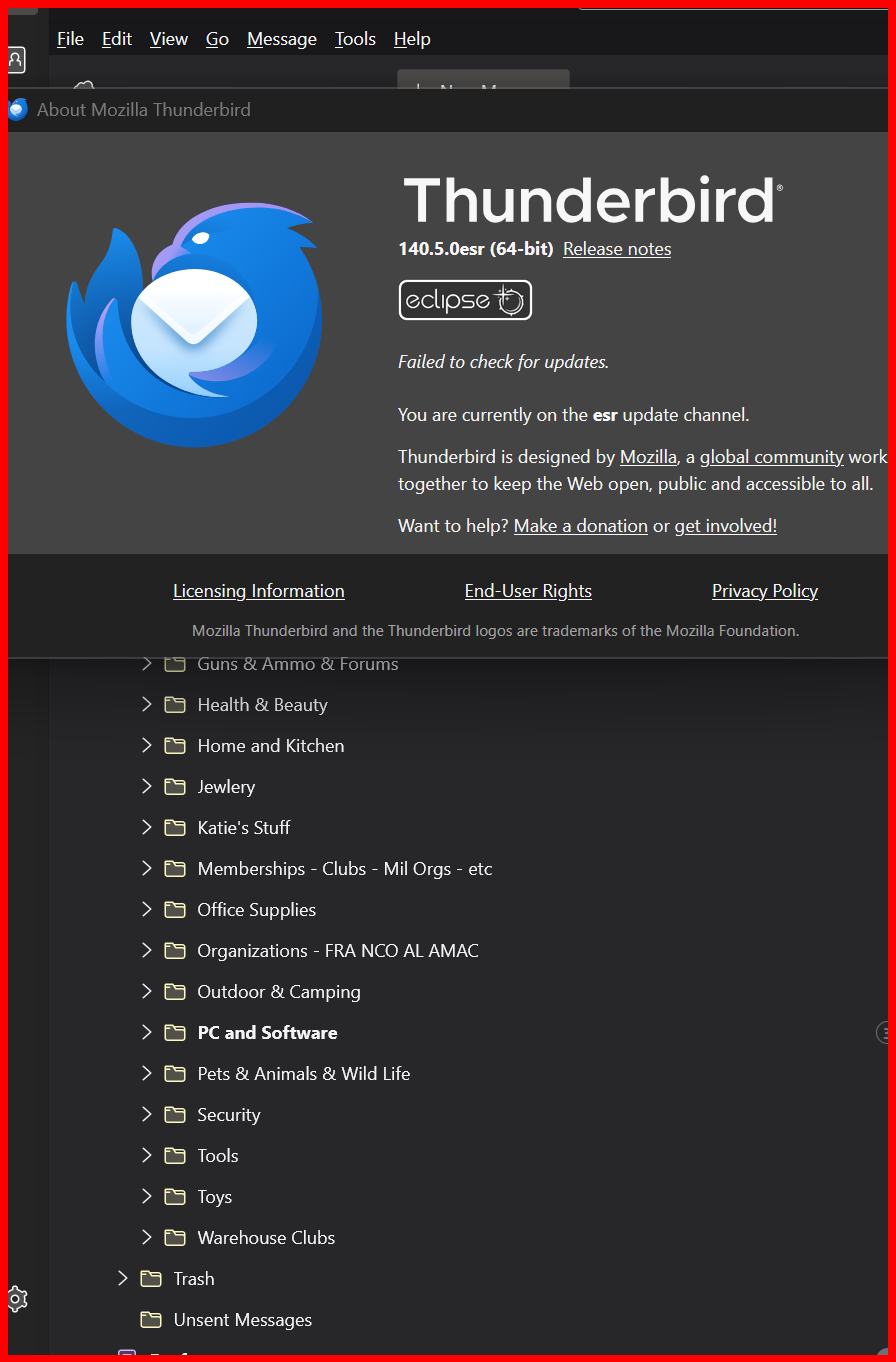
Please explain exactly how you download your ESR version.
When you go to this link https://www.thunderbird.net/en-US/thunderbird/all/
1. Do you download this
 2. Or do you download this?
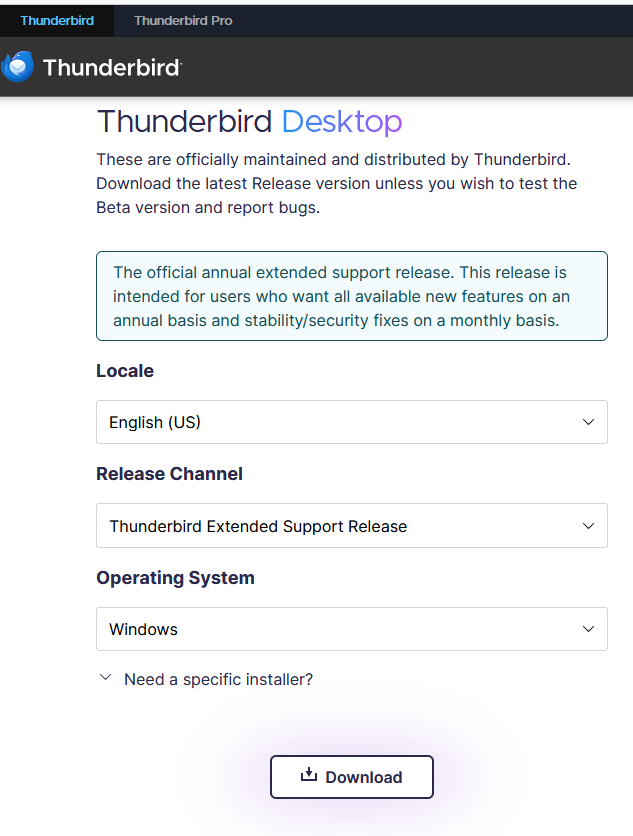
If you are downloading from another site then I guess you are on your own as to if you actually get the 140ESR version or just plain 140
lajoes said
I do NOT use any app or program that "checks to see if any of my programs are in need of 'updating', let alone would allow them to update any that need it." If a program needs updating, I always use that program's updating feature to do the updating.
Are you sure your antivirus product of choice does not contain such a wonder? Bitdefender for example has been causing issues for years with unsolicited upgrades, even before updates are offered in Thunderbird.
What antivirus/Security software are you using on your system? Please post a copy of the troubleshooting information for you system in a location we can view it. Open the troubleshooting information on the help menu and slct copy to clipboard. Generally I suggest folk create a paste on pastebin containing the information. https://pastebin.com/ Note pastebin will allow you to manage your pasted information if you have an account, and remove it if you wish later. If you do not register your information will stay there forever AFAIK.
Also, why is it that ONLY TB is behaving like this?
Funny, but I would argue why is it only our system that is acting like this. I am not aware of any other anywhere with the same complaint. So we are talking one in many millions is auto updating.
The forum points to this topic in your "see also". So there are now two of you with a similar but not the same issue, even if I was not aware of it
https://support.mozilla.org/en-US/questions/1545967
Note that they are using winget, so a third party package manger. similar to that depoyed by some antivirus products and other security products to "keep your software up to date".
Before you do anything else we need to see In Help > Troubleshooting Information > Show Update History