


Videos on Canvas not appearing

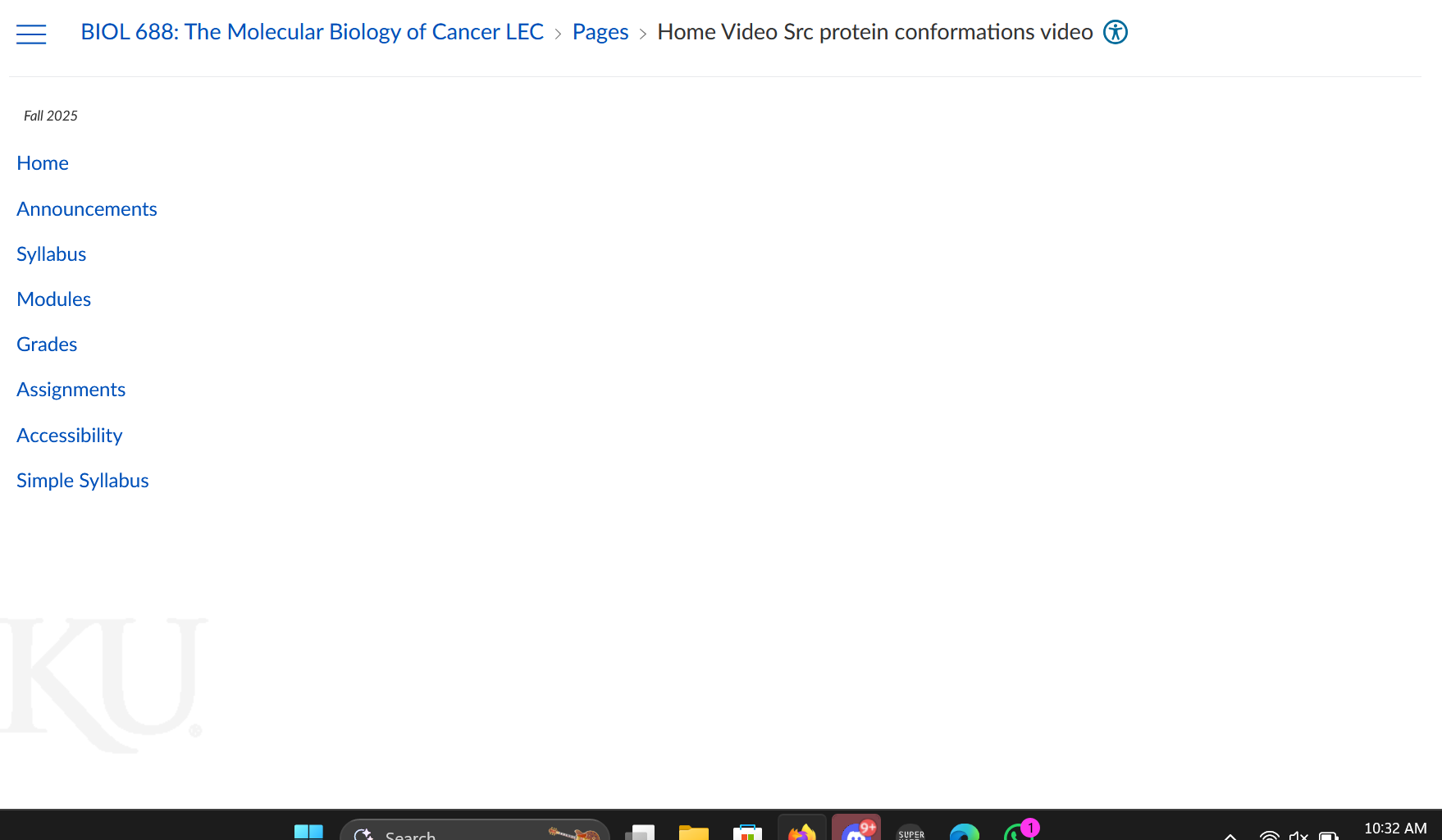
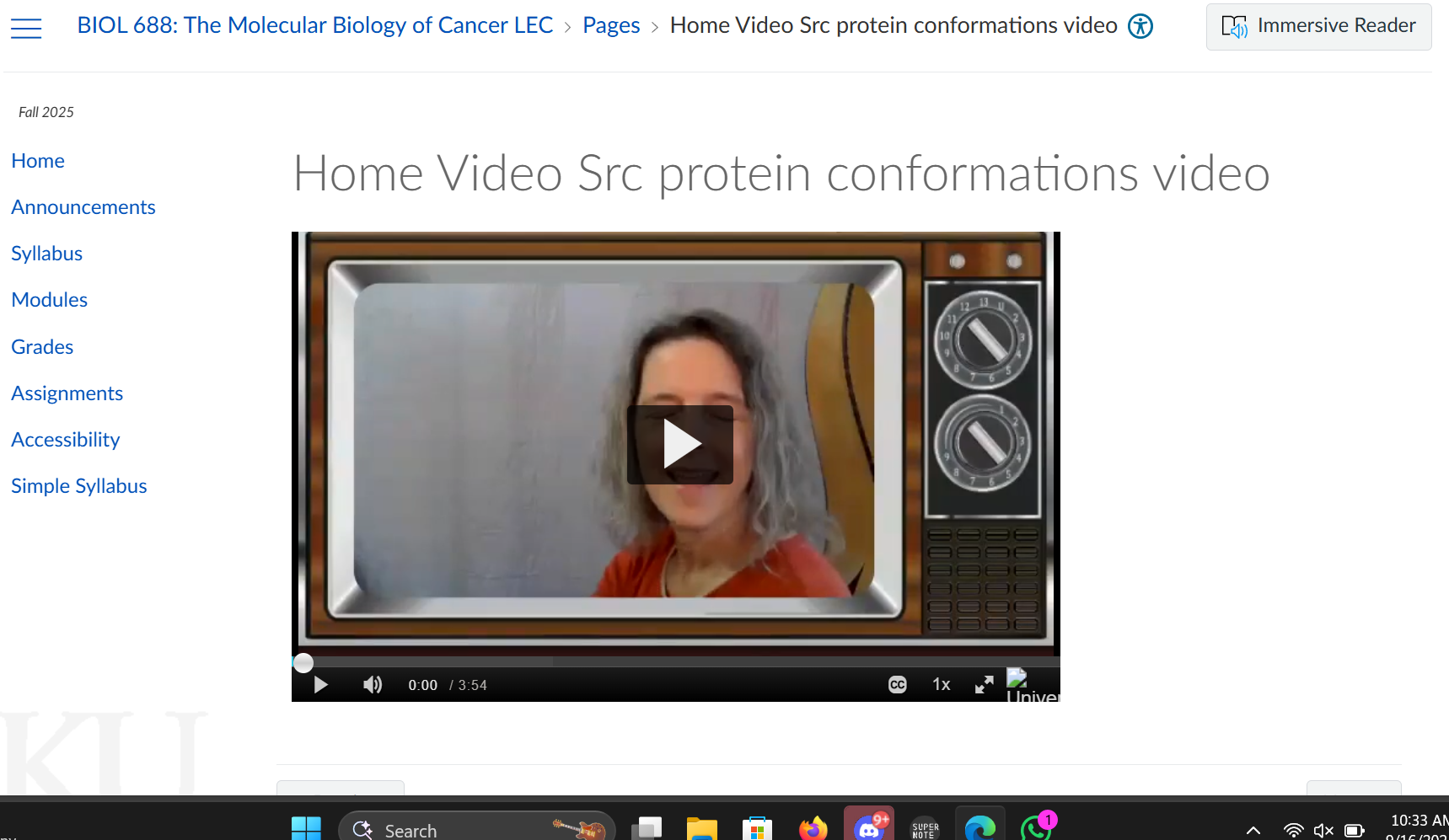
For my Canvas courses, where there should be embedded videos, nothing shows up. However, the videos do appear on both chrome and microsoft edge. I have tried disabling UBlock origin on Canvas and it makes no difference. Attached are screenshots of what I see in Firefox (no video) vs Edge (video).
被選擇的解決方法
Firefox's Enhanced Tracking Protection (ETP) can sometimes block third-party content, including embedded videos, from loading. Look for the shield icon on the left side of the address bar. . Click on it, and a panel will appear. You can then toggle off the "Enhanced Tracking Protection is ON for this site" switch. This should allow the video to load.
Some embedded content requires third-party cookies to function. These are cookies placed by a domain other than the one you are currently visiting (in this case, Canvas). Firefox's default settings may be blocking these.
Go to the Firefox Settings.
Click on Privacy & Security.
Under the "Enhanced Tracking Protection" section, make sure the setting is set to Standard or Custom. If you choose Custom, ensure the box next to Cookies is not checked.
You can also try clearing your cookies and cache for Canvas specifically.
從原來的回覆中察看解決方案 👍 0所有回覆 (3)
選擇的解決方法
Firefox's Enhanced Tracking Protection (ETP) can sometimes block third-party content, including embedded videos, from loading. Look for the shield icon on the left side of the address bar. . Click on it, and a panel will appear. You can then toggle off the "Enhanced Tracking Protection is ON for this site" switch. This should allow the video to load.
Some embedded content requires third-party cookies to function. These are cookies placed by a domain other than the one you are currently visiting (in this case, Canvas). Firefox's default settings may be blocking these.
Go to the Firefox Settings.
Click on Privacy & Security.
Under the "Enhanced Tracking Protection" section, make sure the setting is set to Standard or Custom. If you choose Custom, ensure the box next to Cookies is not checked.
You can also try clearing your cookies and cache for Canvas specifically.
Making those suggested changes and then clearing cookies and site data is what worked for me! Thank you for the speedy response.