


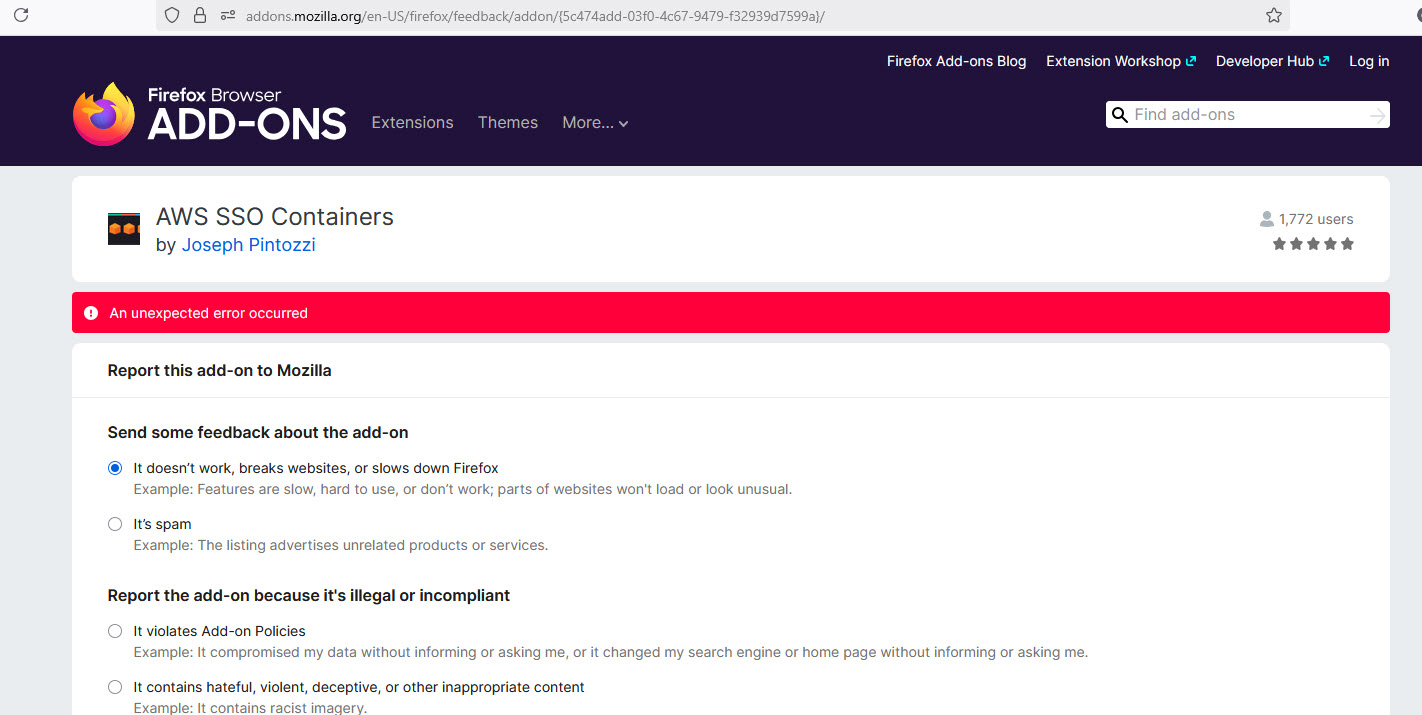
Cannot submit feedback

I'm trying to report a rogue version of this add-on, https://addons.mozilla.org/en-US/firefox/feedback/addon/%7B5c474add-03f0-4c67-9479-f32939d7599a%7D/. The actual add-on is fine and works well. Somehow a version, 1.5, got installed and I cannot keep it removed. Whenever I refresh FF, it shows back up. I cannot find any reference to this version on GitHub or on the extensions page. I have uninstalled FF and refreshed it. Nothing works. It keeps coming back. I also looked in the side-install directory, but there were no extensions there. If I remove the extension under the Add-ons Manager, it removes it and I can install it and it installs the correct version and it works until FF restarts and then the 1.5 version shows back up.
由 gwolbr 於 修改
所有回覆 (3)
First, on the built-in Add-ons page (Ctrl+Shift+A), if you click that extension and scroll down on the details panel, you can disable automatic updates for that extension. This normally would resolve the issue.
(But the Versions page shows a July 1 upload of version 1.13, version 1.5 is not visible, so it doesn't seem like a normal situation.)
Second, could you check the About Policies page to see whether it is being force-installed by an Enterprise Policy - type or paste about:policies into the address bar and press Enter to load the list. Only the "Active" panel is relevant. Anything there related to extensions or extension settings?
Third, have you ever set up any startup scripts, also known as Autoconfig files or userChrome.js scripts? To investigate whether one has been introduced, you can check this folder:
C:\Program Files\Mozilla Firefox\defaults\pref
It is normal for this folder to contain a file named channel-prefs.js which (if you right-click > Edit in Notepad) contains a comment and then a single line of code:
pref("app.update.channel", "release");
If you see other files in this folder, or there is other code in that file, it is potentially suspicious.
Found it in policies: Extensions, Install, "https://addons.mozilla.org/firefox/downloads/file/4165620/aws_sso_containers-1.5.xpi"
That is troubling. Unless your IT department did that, it presumably was some rogue software that created the policy. To track down the source of the policy, you can check for:
(A) A policies.json file
This would be in your Firefox program folder, either:
- C:\Program Files\Mozilla Firefox\distribution
- C:\Program Files (x86)\Mozilla Firefox\distribution
Note: the distribution folder does not exist for any other purpose, as far as I know.
(B) A Mozilla policy key in the Windows Registry
If you are familiar with the RegEdit program, you can check here:
- HKEY_CURRENT_USER\Software\Policies\Mozilla
- HKEY_LOCAL_MACHINE\SOFTWARE\Policies\Mozilla
Note: the Mozilla key does not exist for any other purpose, as far as I know.
But to track down where that came from, hmm, I'm not sure what kind of forensics are possible. Presumably you have run some malware scans? See: Troubleshoot Firefox issues caused by malware.