Windows 10 reached EOS (end of support) on October 14, 2025. If you are on Windows 10, see this article.

搜尋 Mozilla 技術支援網站

防止技術支援詐騙。我們絕對不會要求您撥打電話或發送簡訊,或是提供個人資訊。請用「回報濫用」功能回報可疑的行為。

了解更多
封存

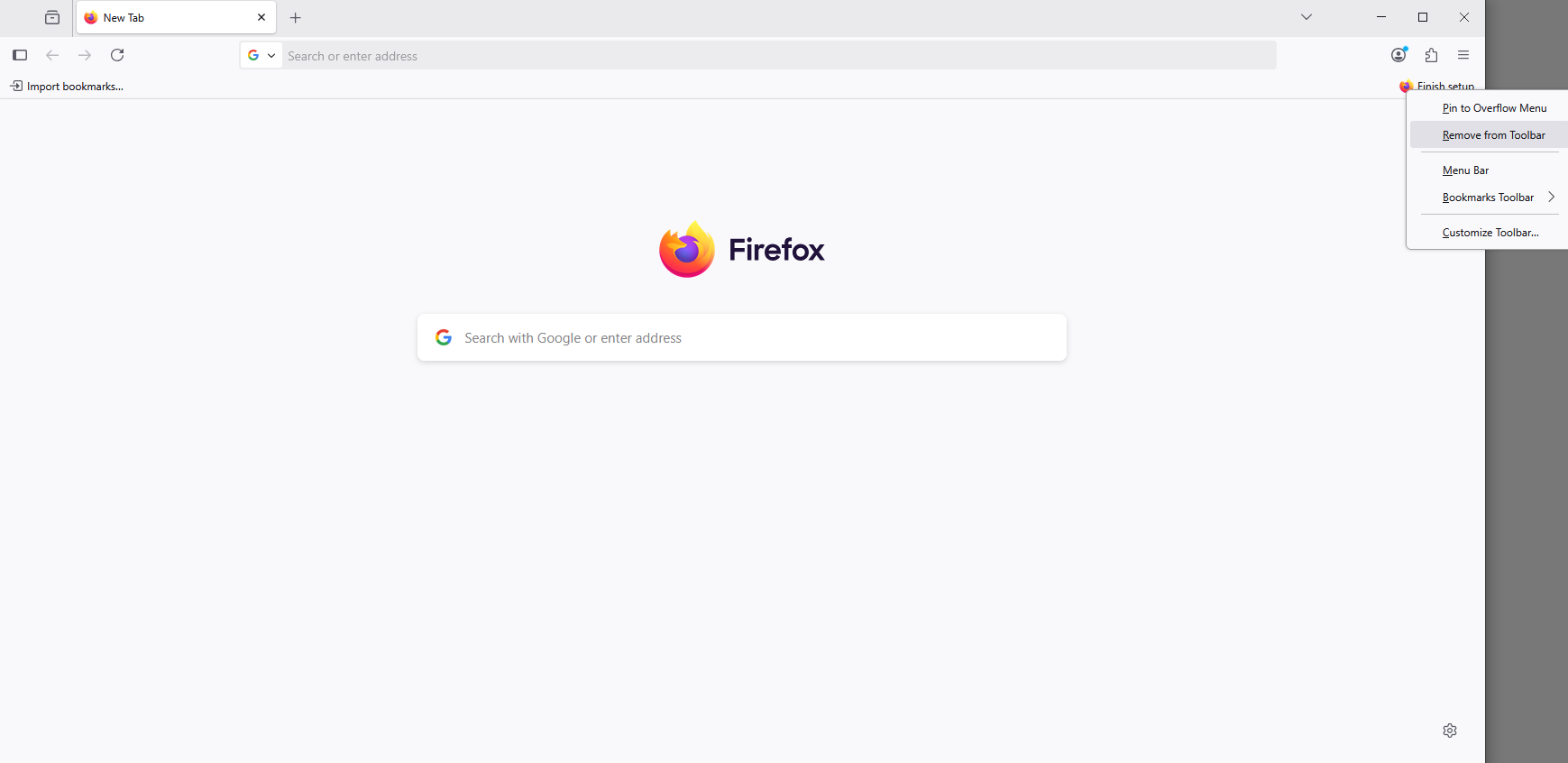
how do i remove the "finsih setup" in the tob right?

nonamed duck

so in the top right there is "Finish setup", i have marked all things, beside "Import previous browser"... the problem is.... what previous browser?... it is a fresh installed system, i have no file to import, and for whatever reason i can not skip it, which doesn't make sense... cuz firefox works without those imports... so why do i get forced to import them... i do not have anything... the annyoing part it... when i click on it, firefox says something "couldn't find files"... which sould be a deead giveaway that i don't have any, it it just should move one... i tired to disable it in about:config, i tried to edit ~/.mozilla, did not work... i just have that super annyoing text at the top, where i have zero change of removing.... why don't you just add a "skip button"... is taht to much to ask?

so in the top right there is "Finish setup", i have marked all things, beside "Import previous browser"... the problem is.... what previous browser?... it is a fresh installed system, i have no file to import, and for whatever reason i can not skip it, which doesn't make sense... cuz firefox works without those imports... so why do i get forced to import them... i do not have anything... the annyoing part it... when i click on it, firefox says something "couldn't find files"... which sould be a deead giveaway that i don't have any, it it just should move one... i tired to disable it in about:config, i tried to edit ~/.mozilla, did not work... i just have that super annyoing text at the top, where i have zero change of removing.... why don't you just add a "skip button"... is taht to much to ask?

所有回覆 (1)

Hello

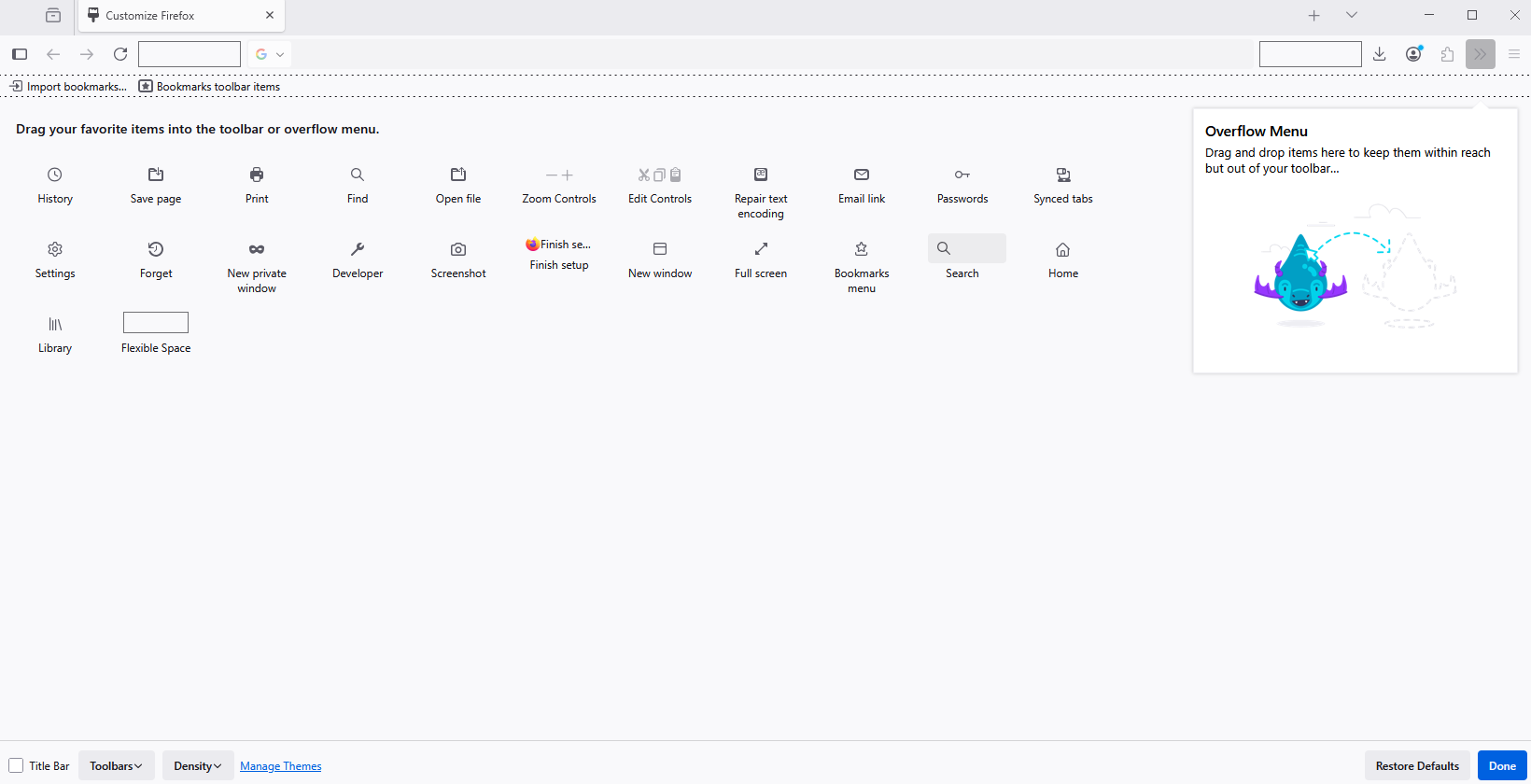
Have you tried, right-click on item and Remove from Toolbar.