Which SQLite files contain "site data" history and cookie white list?

If I select "Privacy & Security > History > Clear history when Firefox closes > Settings > Data > Site settings" what SQLite files affected when Firefox closes?
I suspect in the profile folder directly, there's a file called "storage.sqlite", but there seems to be more things affected because the whitelist for my cookies is also wiped-out.
In my experience (115.23.0.esr), when I request to remove site data when Firefox closes, it wipes out my cookie white list, so I want to manage that myself.
所有回覆 (2)
There's no developer that wants to look at the code to see what this does?
Hello
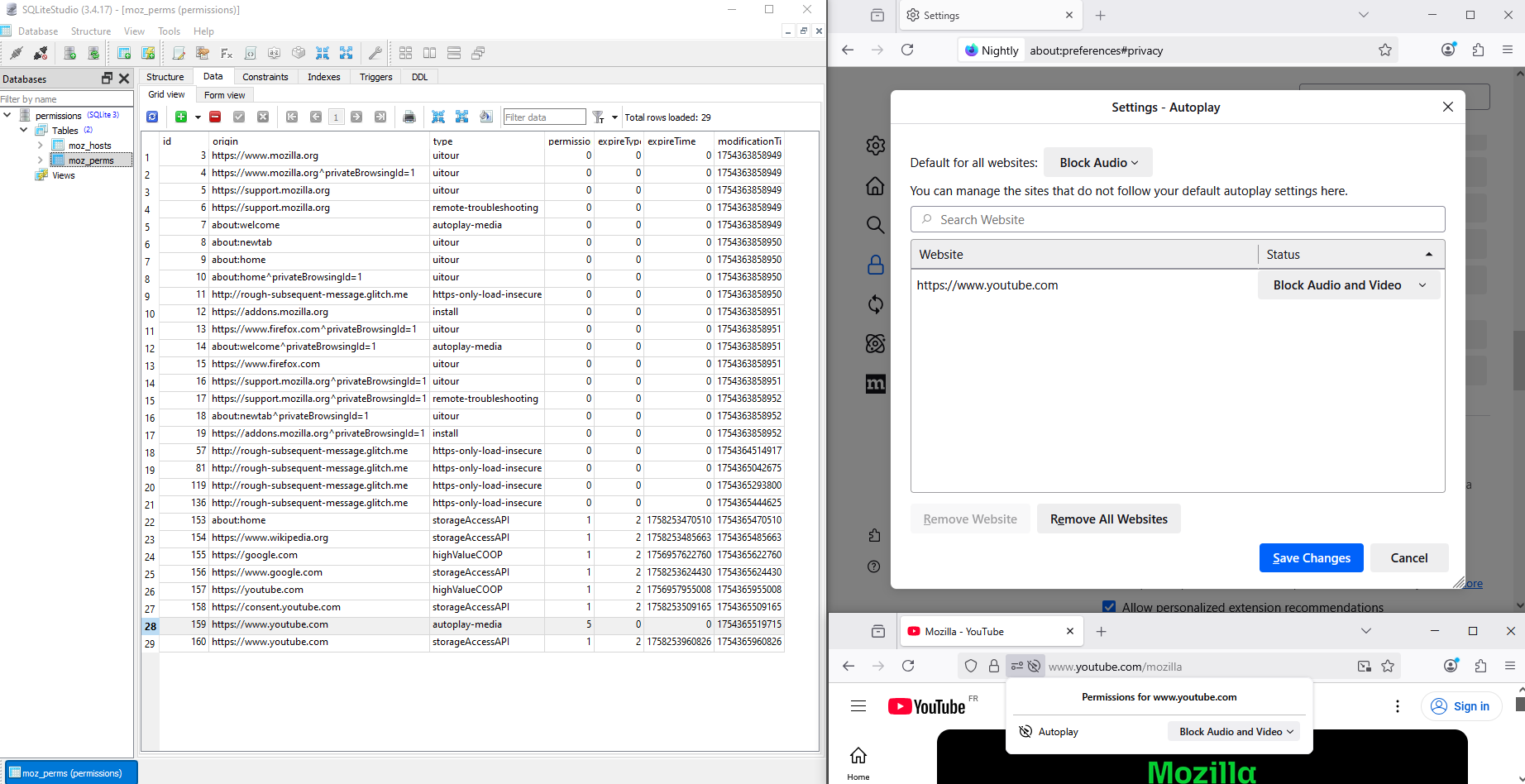
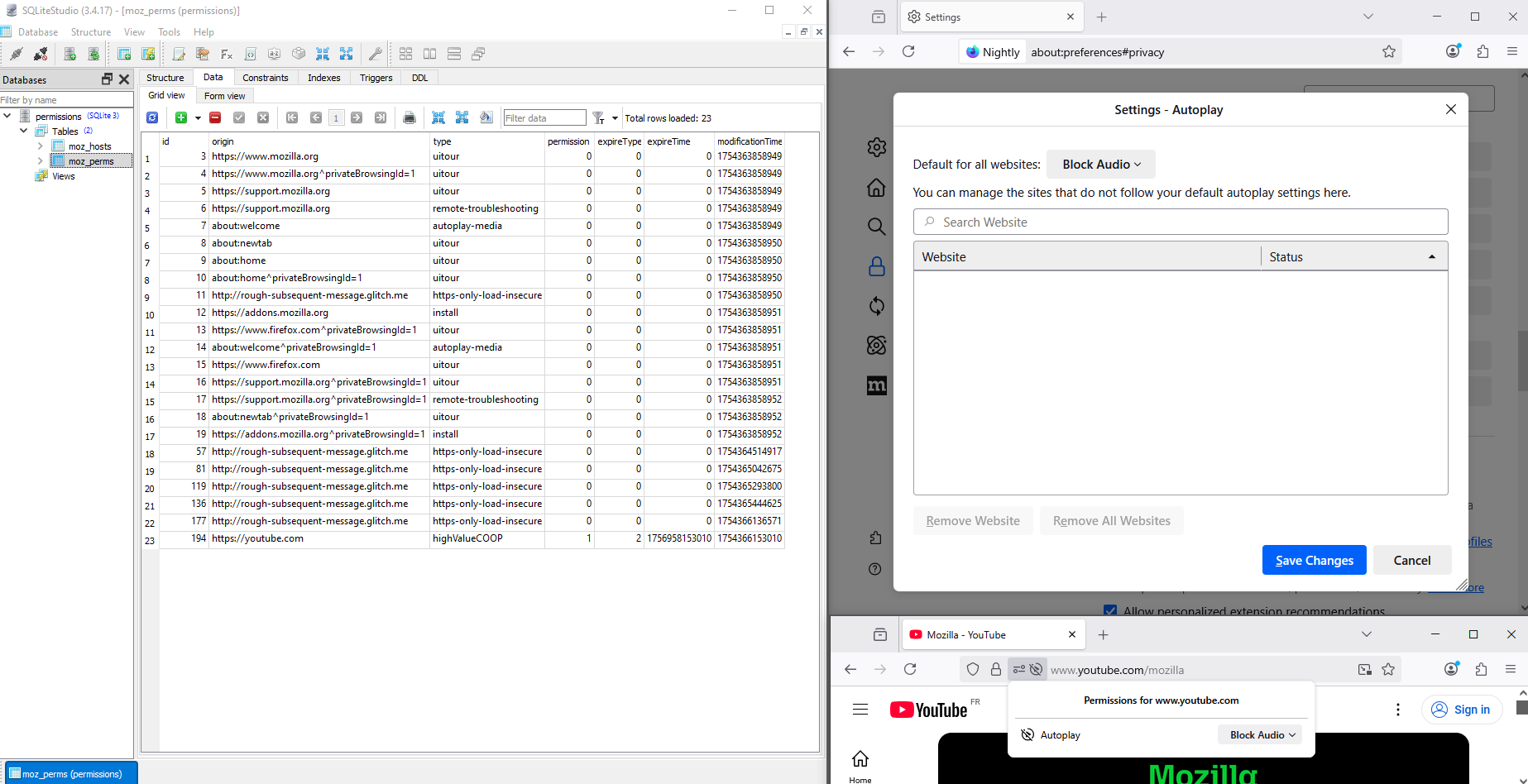
For demonstration with the help of SQLiteStudio https://support.mozilla.org/en-US/questions/1521409
What information is stored in my profile? https://support.mozilla.org/en-US/kb/profiles-where-firefox-stores-user-data#w_what-information-is-stored-in-my-profile
For illustration
Allow or block media autoplay in Firefox https://support.mozilla.org/en-US/kb/block-autoplay
For information purposes 1 - Go to configuration editor for Firefox https://support.mozilla.org/en-US/kb/about-config-editor-firefox 2 - Enter a search term autoplay
media.autoplay.default 1 this correspond to the situation Block Audio media.autoplay.default 5 this correspond to the situation Block Audio and Video media.autoplay.default 0 this correspond to the situation Allow Audio and Video
https://support.mozilla.org/en-US/kb/delete-browsing-search-download-history-firefox#w_how-do-i-make-firefox-clear-my-history-automatically To see, an test, an experiment Clear history when Firefox closes -> Clear browsing data and cookies -> I selected only Site settings.
permissions.sqlite and see the result screenshot2