


Firefox show a white page

Hi to all.
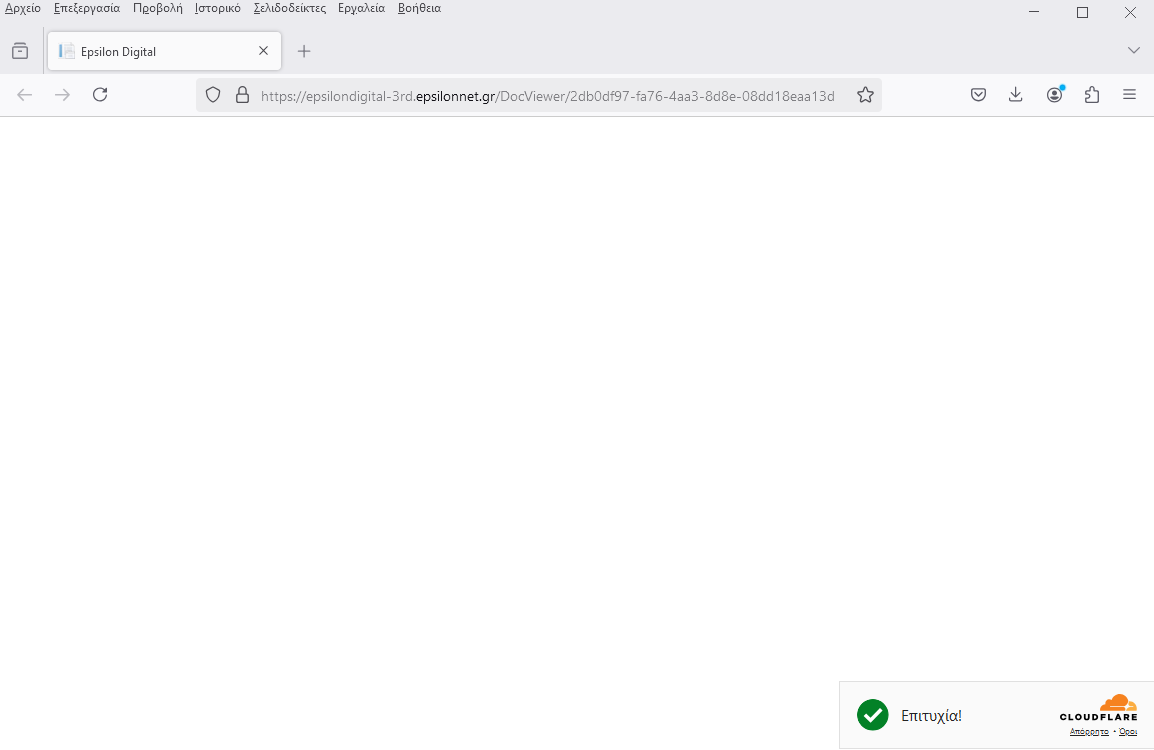
when i try to open an https link firefox show only a white page instead of the document from the link.
I make refresh without fix anything I totally remove firefox and delete also the registry entries and after make a new installation without fix anything.
Any suggestion?
Thanks and regards
所有回覆 (3)

Vaggelis Roidoulis said
when i try to open an https link firefox show only a white page instead of the document from the link.
First you mention a hyperlink, then you later mention a document. Show what you are doing and provide screenshots if needed. Provide steps to replicate.
In the first image you see the link where i want to open. In the second image you see what firefox show.
In other browsers (chrome or edge) the link working without issues!!!
Thanks and regards

Can we perform the same steps? If so, provide link(s). Do you have the same issue with Firefox in Troubleshoot Mode? https://support.mozilla.org/en-US/kb/diagnose-firefox-issues-using-troubleshoot-mode#w_how-to-start-firefox-in-4troubleshoot-modesf5safe-modesf
Did you try clearing the browser cache? https://support.mozilla.org/en-US/kb/how-clear-firefox-cache#