


Open
A standard link to websites never works

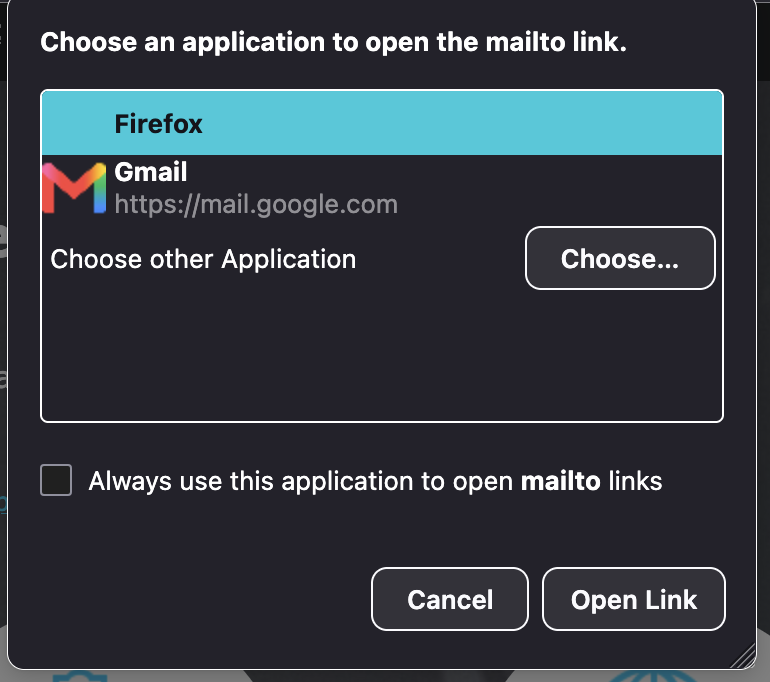
When I am in a web page and am asked to link to another URL using the standard link system, it never works. It is a black image framing choices of which browser I want to use and "Firefox" is usually highlighted. When I click on the link, nothing happens. I want to know how to make it work, because the actual URL is seldom if ever listed. I'll send an image to help (I hope).
When I am in a web page and am asked to link to another URL using the standard link system, it never works. It is a black image framing choices of which browser I want to use and "Firefox" is usually highlighted. When I click on the link, nothing happens. I want to know how to make it work, because the actual URL is seldom if ever listed. I'll send an image to help (I hope).
所有回复 (1)
Even here, on this support site? If you click e.g. the link right above the response form, saying "rules and guidelines" — you get prompted what to do with "mailto" link like in your image instead of navigating to the guidelines page?