


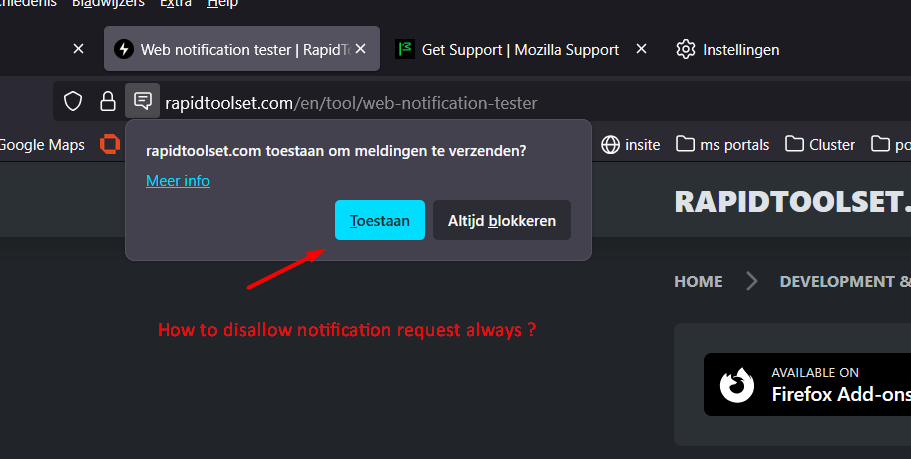
how do disable notification requests enterpise wide

based on this article: https://support.mozilla.org/en-US/kb/push-notifications-firefox#w_manage-the-notifications-permission-for-all-websites
i can manually disable the notification requests in a single instance. However, how can i accomplish the same for my other 1000 users in one policy?
I tried different permission notification registry settings, but none seem to work. probably getting lost in the AI web that doesn't exactly know how to fix it.
I’m looking for something i can set in the registry,powershell or by gpo. It should work in all cases, new and existing firefox profiles.
所有回复 (2)
选择的解决方案
You'd ideally ask in (or have mods move this to) support.mozilla.org/questions/firefox-enterprise however you're probably just looking for this:
permissions.default.desktop-notification
See firefox-admin-docs.mozilla.org/reference/policies/permissions/#values for Locked and BlockNewRequests bits.
Thnx @jbr , i'll try to implement this