


How to I add add-ons to the menu bar?

If I download an extension or add-on to mozilla how do I add the button to the menu bar so I can actually use it while browsing?
所有回复 (3)
https://support.mozilla.org/en-US/kb/customize-firefox-controls-buttons-and-toolbars
No problem here (on Windows 7) with moving a toolbar button to the Menu Bar.
I'm not talking about the generic toolbar buttons. Those are easier enough to access.
These are what you're talking about in the first image, correct?
But there's no way to access Add-ons in this drag and drop image to be able to grab them and drop them onto the toolbar.
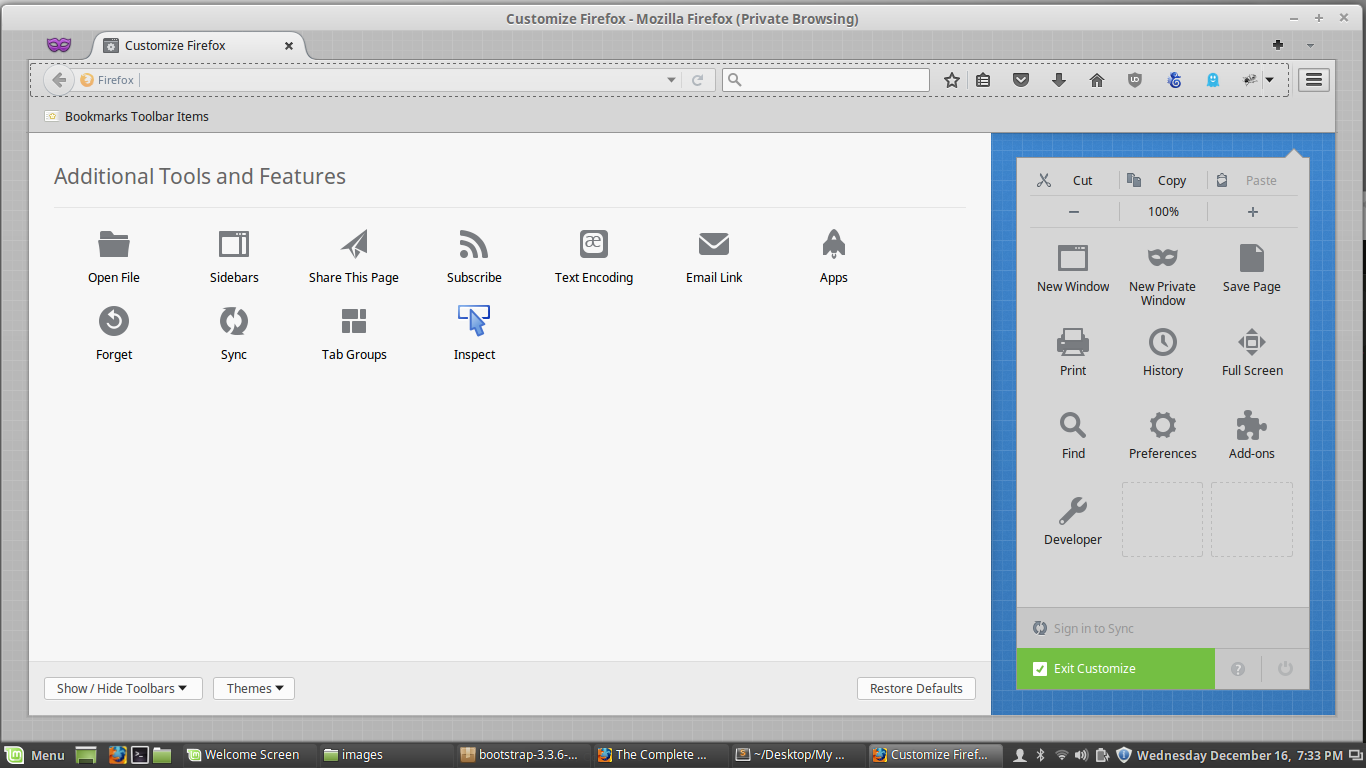
First - don't use Private Browsing mode when you're using Customize. Second - in the lower-left corner use Show / Hide Toolbars and select Menu Bar so it shows all the time when doing your customization.