


"Access Blocked" or "Unable to Connect" Error

Hi. Recently I have been having issues connecting to various websites including ones that I have connected to in the past. The first one that I noticed that I could no longer connect to was The Trek (https://thetrek.co/) which I have for several years had no issue connecting to. Now it is happening with various other websites. I want to continue to be able to access the blogs etc. on their website. Thank you!
Tất cả các câu trả lời (4)
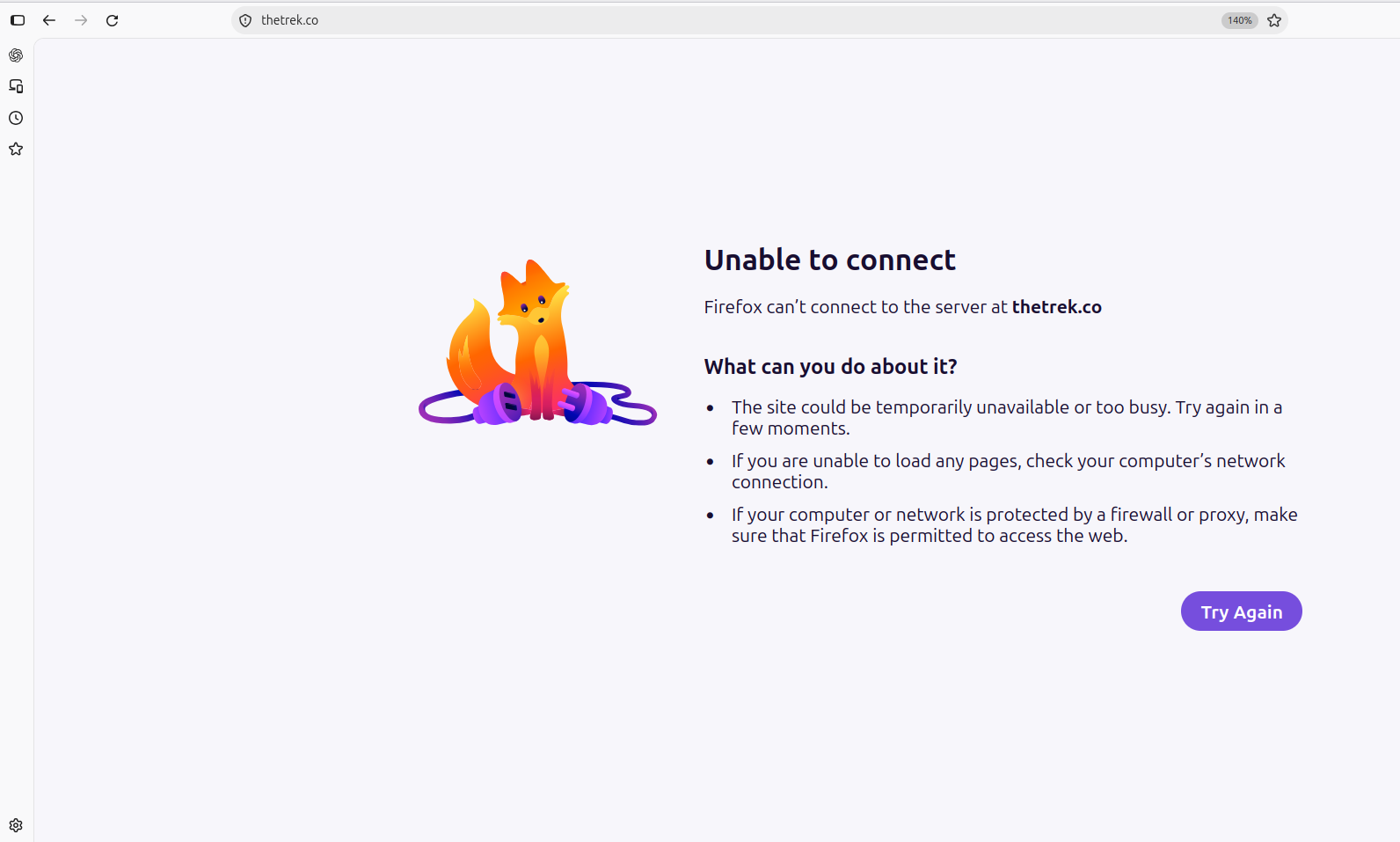
The screenshot shows that Firefox is unable to connect to the server at thetrek.co.
Could you try opening the same website in another browser, such as Microsoft Edge or Chrome, and let us know whether it works? Also, do the other affected websites show the same error, or are you seeing different messages?
These details will help narrow down the cause. In the meantime, you can find some troubleshooting steps in [Websites don't load - troubleshoot and fix error messages](https://support.mozilla.org/en-US/kb/websites-dont-load-troubleshoot-and-fix-errors).
Thanks Max. The other affected websites show the same error. I tried opening it in the Brave Web Browser and got the message ERR_SSL_PROTOCOL_ERROR. Screenshot attached. Thank you again!
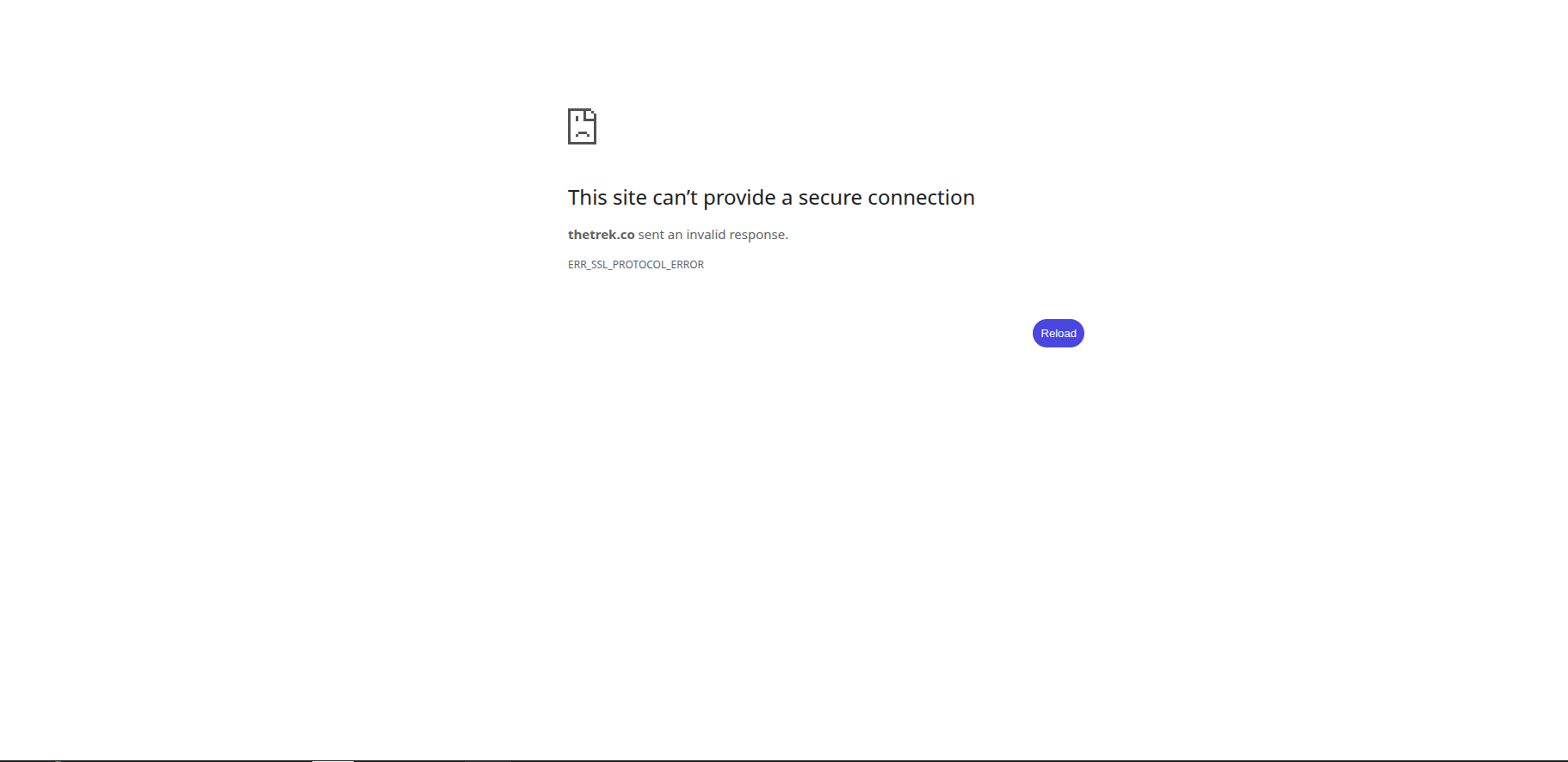
That means something is getting in between you and the site. (To be clear: the linked site works fine from here.)
So you may need to investigate your antivirus, router's security features, you internet provider getting in the way etc. — not something Mozilla Support can effectively help you with.
One quick tip though: if you have the built–in VPN service available to you, try using that to connect to the site — it might work around a lot of these connection wrinkles by routing it its own custom way.
Thank you! It seems that my Internet provider is the problem. Tried on a different network and things are working well. I haven't tried using open dns or google cloud dns, but it seems that will likely remedy the problem.