


Tab and button design

Hello everyone.
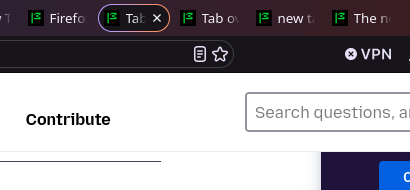
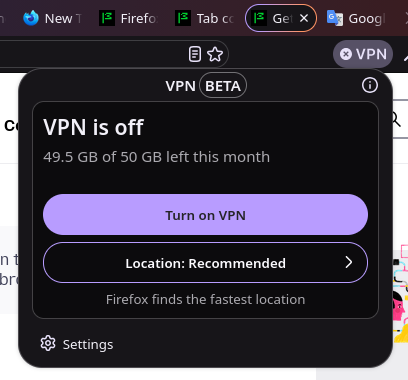
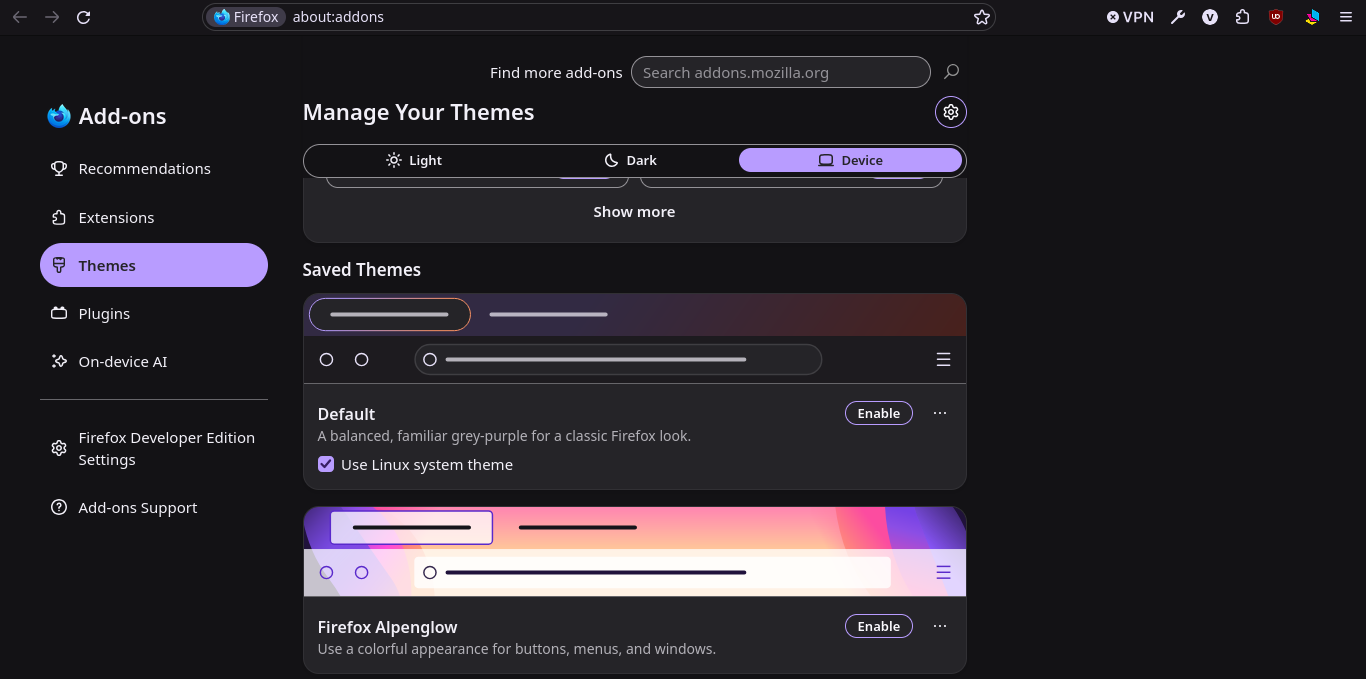
Firefox updated today. I don't know—maybe some people like the new design of the tabs, the buttons in the drop-down menus, and the gradient borders around the active tab and the tab bar itself. But I’d like to revert to the old interface. How can I do that?
Thanks!
Giải pháp được chọn
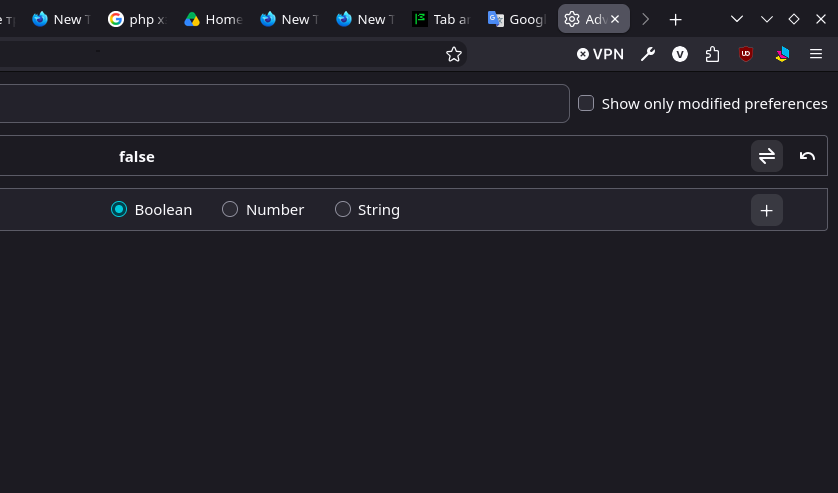
I'm not sure this was supposed to be enabled in Beta already — but the preference is called browser.nova.enabled that you can flip back to false to disable it for now.
WARNING from the moderator team: Changing Firefox preferences from the about:config page can sometimes break Firefox or cause strange behavior. You should only do this if you know what you're doing. Please read Firefox advanced customization and configuration options to learn more.
Được chỉnh sửa bởi Paul vào
Tất cả các câu trả lời (12)

Hi
First look at optional themes Secondly you can do what you like via a userChrome.css file
amoun сказал(а)
Hi First look at optional themes Secondly you can do what you like via a userChrome.css file
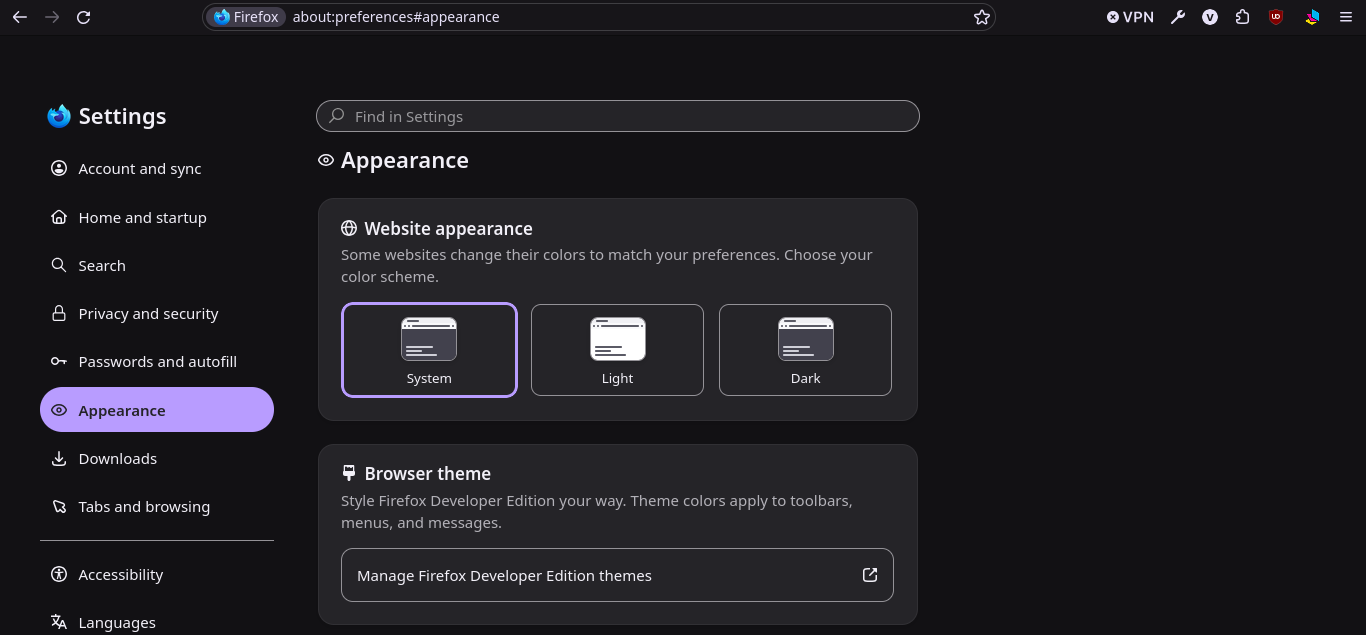
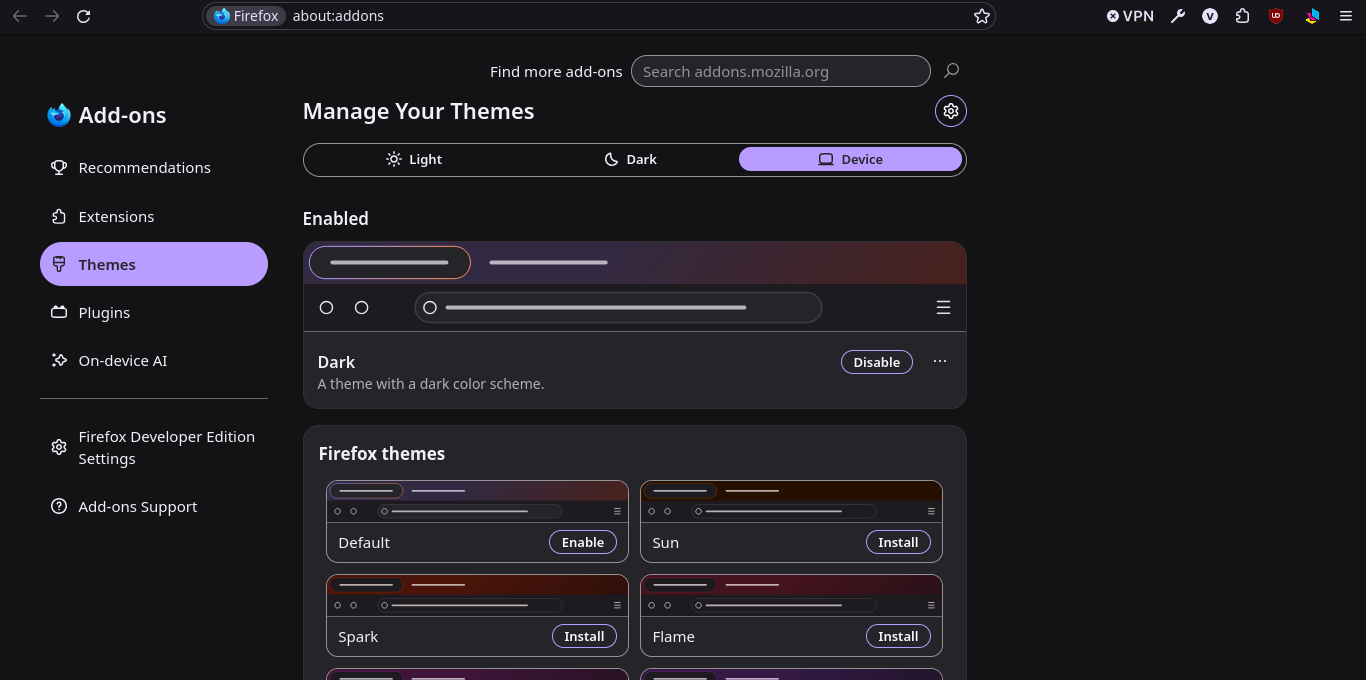
The themes haven't been changed, and no new ones have been installed. In general, switching between system, light, and dark themes doesn't affect the appearance of tabs and buttons.
Regarding custom CSS... where can I read about the selectors used for the elements?
Được chỉnh sửa bởi Val_Ery vào
Giải pháp được chọn
I'm not sure this was supposed to be enabled in Beta already — but the preference is called browser.nova.enabled that you can flip back to false to disable it for now.
WARNING from the moderator team: Changing Firefox preferences from the about:config page can sometimes break Firefox or cause strange behavior. You should only do this if you know what you're doing. Please read Firefox advanced customization and configuration options to learn more.
Được chỉnh sửa bởi Paul vào
jbr сказал(а)
I'm not sure this was supposed to be enabled in Beta already — but the preference is called browser.nova.enabled that you can flip back to false to disable it for now.
Yes, exactly! I set the value to "false," and the design elements returned to their usual appearance. Thanks.
Bonjour
A space for users to give product feedback https://support.mozilla.org/en-US/kb/what-mozilla-connect
Hi
I strongly recommend against using about:config to reverse this change as in time that preference will be removed.
You can revert most of the new interface changes in the menu without having to use any hidden config settings.
Paul сказал(а)
Hi I strongly recommend against using about:config to reverse this change as in time that preference will be removed. You can revert most of the new interface changes in the menu without having to use any hidden config settings.
Hi!
In that case, I need the specific path to where I can change the browser's visual settings. To be honest, that design was terrible... I prefer a classic look without embellishments like rounded buttons and gradients.

Paul said
Hi I strongly recommend against using about:config to reverse this change as in time that preference will be removed. You can revert most of the new interface changes in the menu without having to use any hidden config settings.
I strongly recommend against forcing changes on us and making us hunt for solutions in about:config or the settings, instead of just giving us the option of staying where we are, but you've done this filthy shit SO MANY TIMES that I just don't have any faith anymore.
Then, after you do this, you write asking for donations.
I'm done with Firefox. Congrats.

Paul said
Hi I strongly recommend against using about:config to reverse this change as in time that preference will be removed. You can revert most of the new interface changes in the menu without having to use any hidden config settings.
This is a classic change for change sake that old/veteran users can do without, won't like, will hate, will seek things to go back to what they DID like, enjoyed and left alone. Designers just can't keep their hands off things. It's infuriating.
Val_Ery said
Hello everyone. Firefox updated today. I don't know—maybe some people like the new design of the tabs, the buttons in the drop-down menus, and the gradient borders around the active tab and the tab bar itself. But I’d like to revert to the old interface. How can I do that? Thanks!
HATE the rounded tabs. HATE.
Paul said
Hi I strongly recommend against using about:config to reverse this change as in time that preference will be removed. You can revert most of the new interface changes in the menu without having to use any hidden config settings.
You keep saying this in all the threads.... give the actual answer then. Majority hates the purple rounded tabs and the only thing we've found is editing config. Tell us how to turn it off

Paul said
Hi I strongly recommend against using about:config to reverse this change as in time that preference will be removed. You can revert most of the new interface changes in the menu without having to use any hidden config settings.
I also dislike the new Firefox design and would really appreciate an official option to revert to the previous interface.
Changing the UI so significantly without giving users a clear choice is frustrating, especially for people who were comfortable with the previous layout and workflow.
Please consider adding a permanent setting in Firefox that lets users choose between the new design and the previous one, instead of relying on hidden about:config preferences that may disappear later.