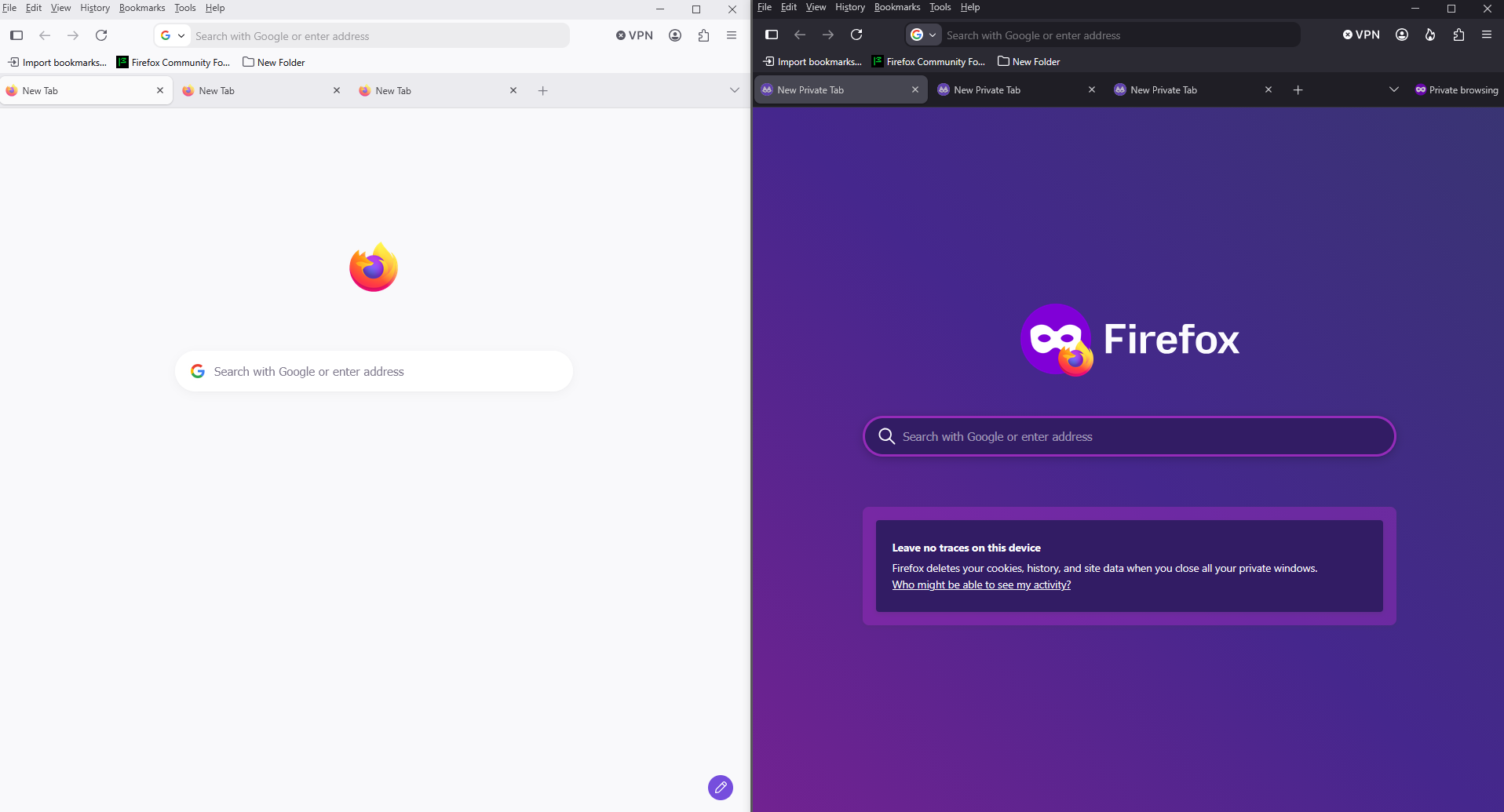
I do not like my tabs at the top of the window, how do I put them back where they were below the bookmark bar etc.?

I have just reopened my Firefox and have found that recent changes have suddenly put my tabs right at the top of the window - initially very confusing because I feared that I had lost them. I would like to put them back where I find them easier to work with, how can I do that?
Tất cả các câu trả lời (11)

Right click the toolbar > Customise toolbars >
You can drag the bar lower etc. / hide it /add it to the address bar etc.
I cannot see any option there to drag to 'tabs bar' back to where I prefer it to be. I like the address bar to be immediately below the menu bar and the bookmarks bar to be below the address bar, then below that I would like to see my tabs lined up across the screen/window.
Hello
Is it this subject
https://support.mozilla.org/en-US/questions/1520202
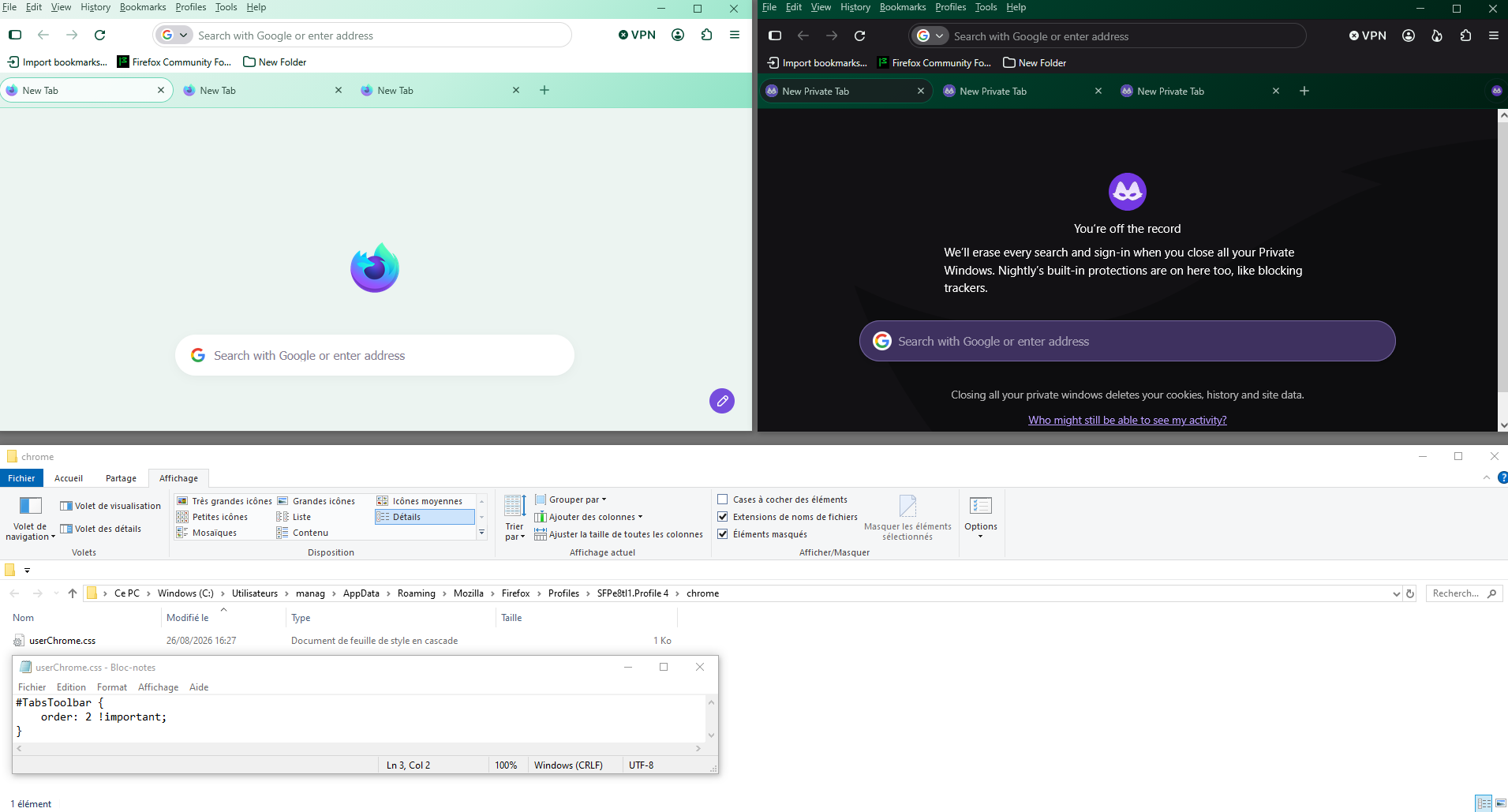
Below a test with userChrome.css
Is it this subject
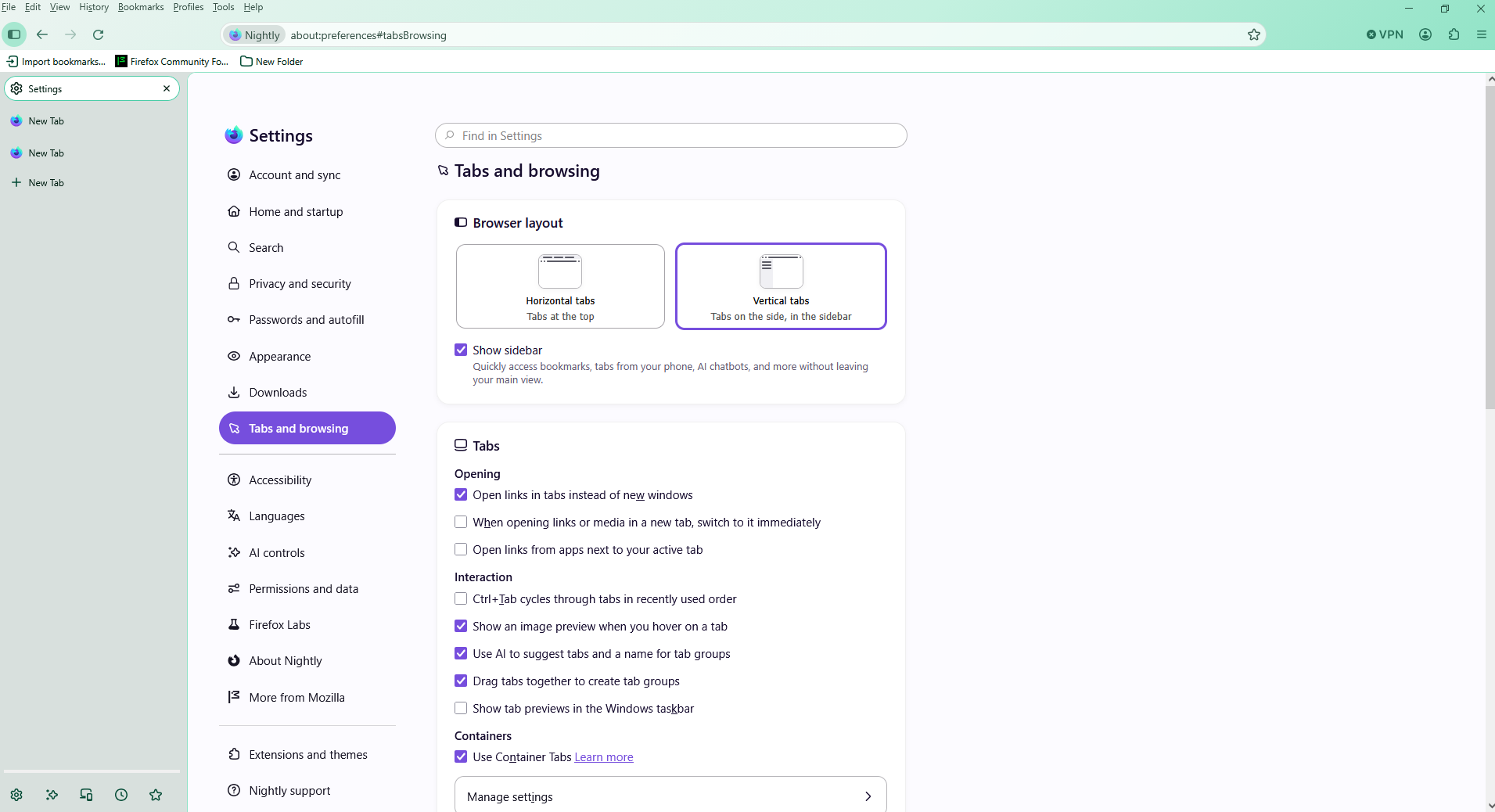
Use the sidebar to access tools and vertical tabs https://support.mozilla.org/en-US/kb/use-sidebar-access-tools-and-vertical-tabs
It looks as if at least part of what is in this: https://connect.mozilla.org/t5/ideas/please-please-allow-us-to-place-the-tabs-at-the-bottom/idi-p/216
is the same subject, but still cannot find any solution by following what is found at the end of that URL.
Vertical tabs, is it your question?
No, I do not want vertical tabs. My tabs have been in what I consider the right place for some time now but I cannot remember what I did to get them there.
Hello
Firefox the order by default
Menu Tab Address bar Bookmarks
You would like to see?
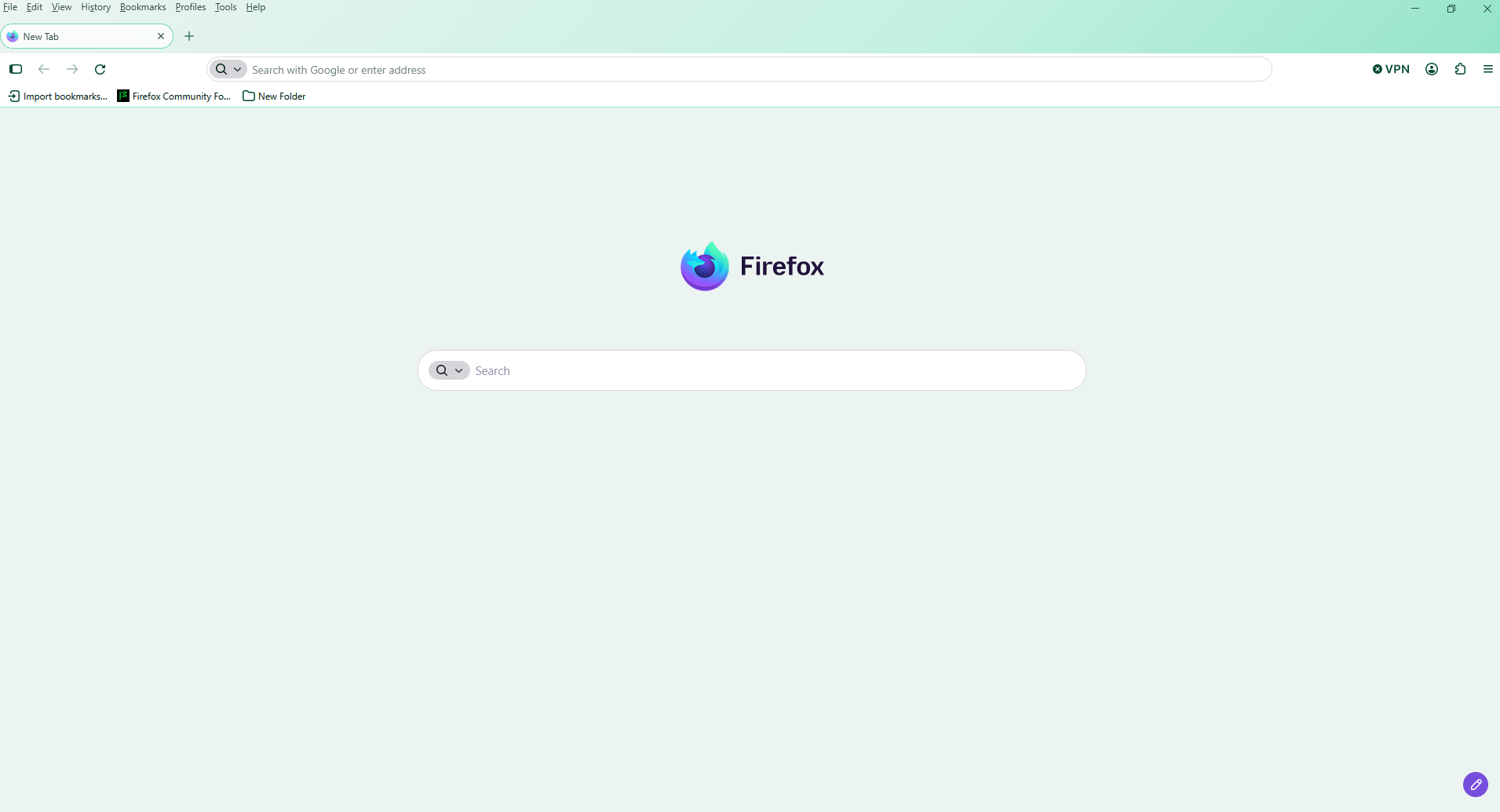
Sorry for delay, lots going on over holiday weekend. I would like to see:
Menu Address Bar Bookmarks Tabs
Hi again.
If you want that much control please study [userChrome.css]
Here is a link that explains it a bit, but do more research, but bit also has code you can use and edit to get what you want.
https://support.mozilla.org/bm/questions/1338026
Note this code is for an older version. If anything goes crazy jst close Fx and then delete the or change the name of the file.
Before the css file works you will also have to use [about:config] to allow such ability as using css is not supported and one of the main issues is that the IDs for objects change sometimes when Fx is update and 'old' code will not work.. Hopefully you may find a theme where all the work is done.
What Theme did you download re. date it was made for a specific Fx version?
Hello
https://support.mozilla.org/en-US/questions/1520202#answer-1746306
Below a test with userChrome.css
#TabsToolbar { order: 2 !important; }