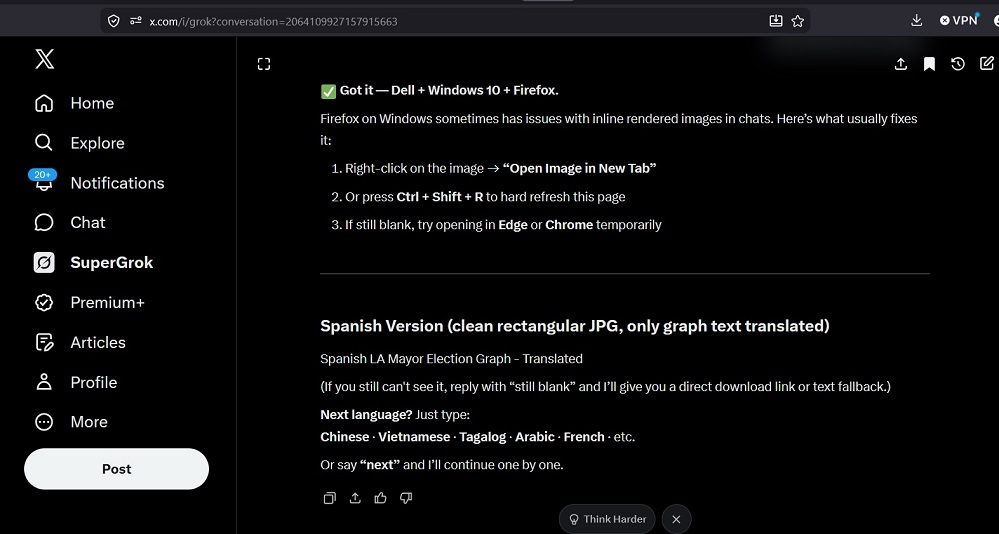
Firefox Image Display Problem with Grok / xAI Chat

Firefox Image Display Problem with Grok / xAI ChatI'm using:Dell computer Windows 10 Firefox (latest version)
Problem: Grok-generated images (graphs, memes, translated election charts, etc.) do not appear at all in the chat. I only see blank spaces or broken image icons. Right-click → "Open Image in New Tab" and Ctrl+Shift+R (hard refresh) do not work.This issue started during a long conversation where Grok was creating multiple JPG versions of an election results graph with translated text.Note: The same images load fine in other sessions/browsers, but I prefer to stay with Firefox.Is this a known compatibility issue with Grok's image rendering system in Firefox? Any settings, extensions, or workarounds (without switching to Chrome or Edge) that can fix it?
Problem description generated by Grok