


Display contents of Firefox History larger

Is there any way to enlarge the contents in History?
(CTRL++ and increasing the zoom-level don't display the contents larger)
Is there any way to enlarge the contents in History?
(CTRL++ and increasing the zoom-level don't display the contents larger)
Được chỉnh sửa bởi gcotterl vào
Tất cả các câu trả lời (2)
Hello
If you wish to test user interface, with de help of userChrome.css file, you can find tutorials on the web. And there's not propagates side effects (an example on) about:preferences, so you can play with your keyboard Zoom in Zoom out https://support.mozilla.org/en-US/kb/keyboard-shortcuts-perform-firefox-tasks-quickly#w_current-page.
userChrome.css, to test (for example 13)
/* global font */ *{font-size: 13pt !important;}
If you modify, userChrome.css, restart Firefox.
font-size: 13pt, below.
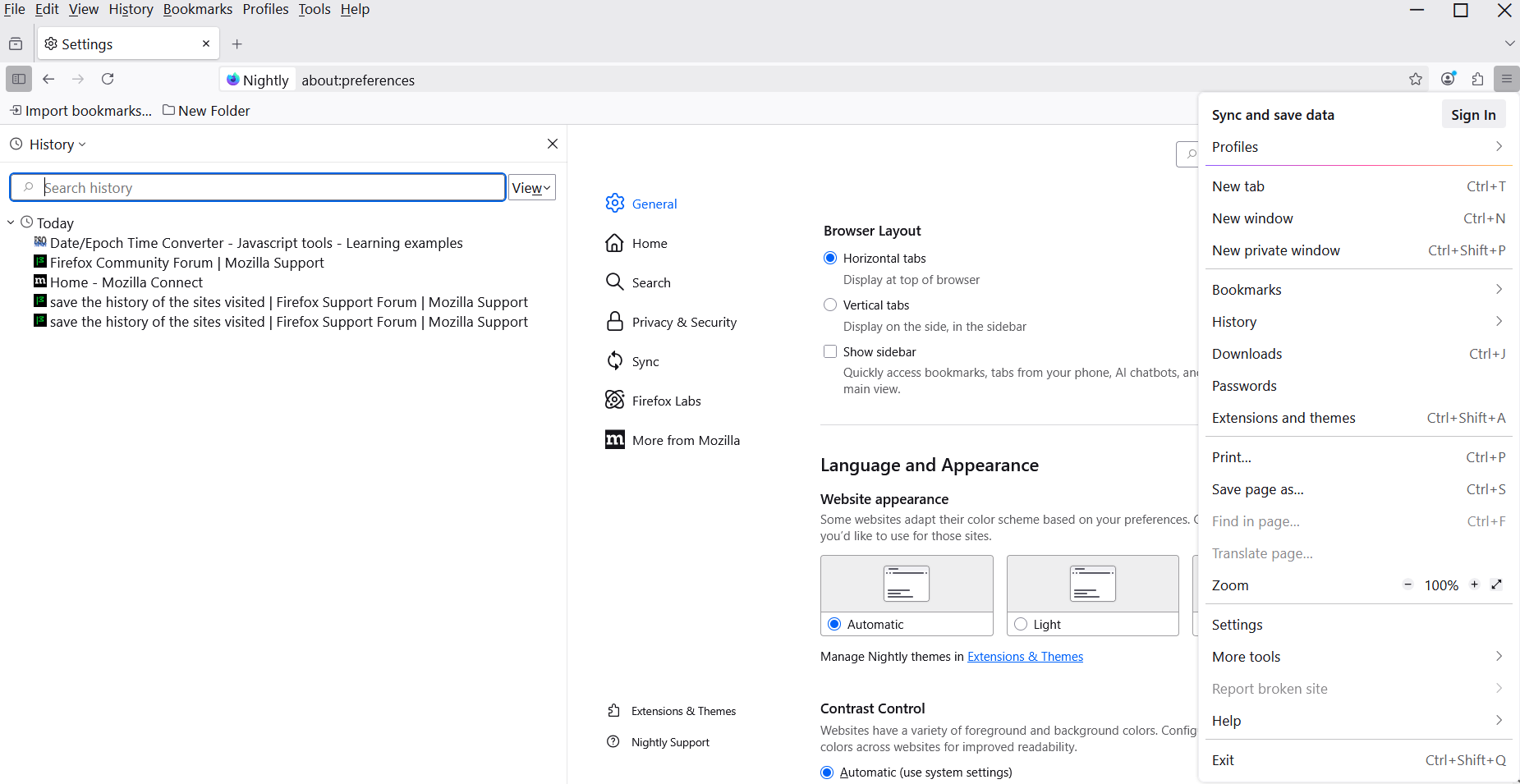
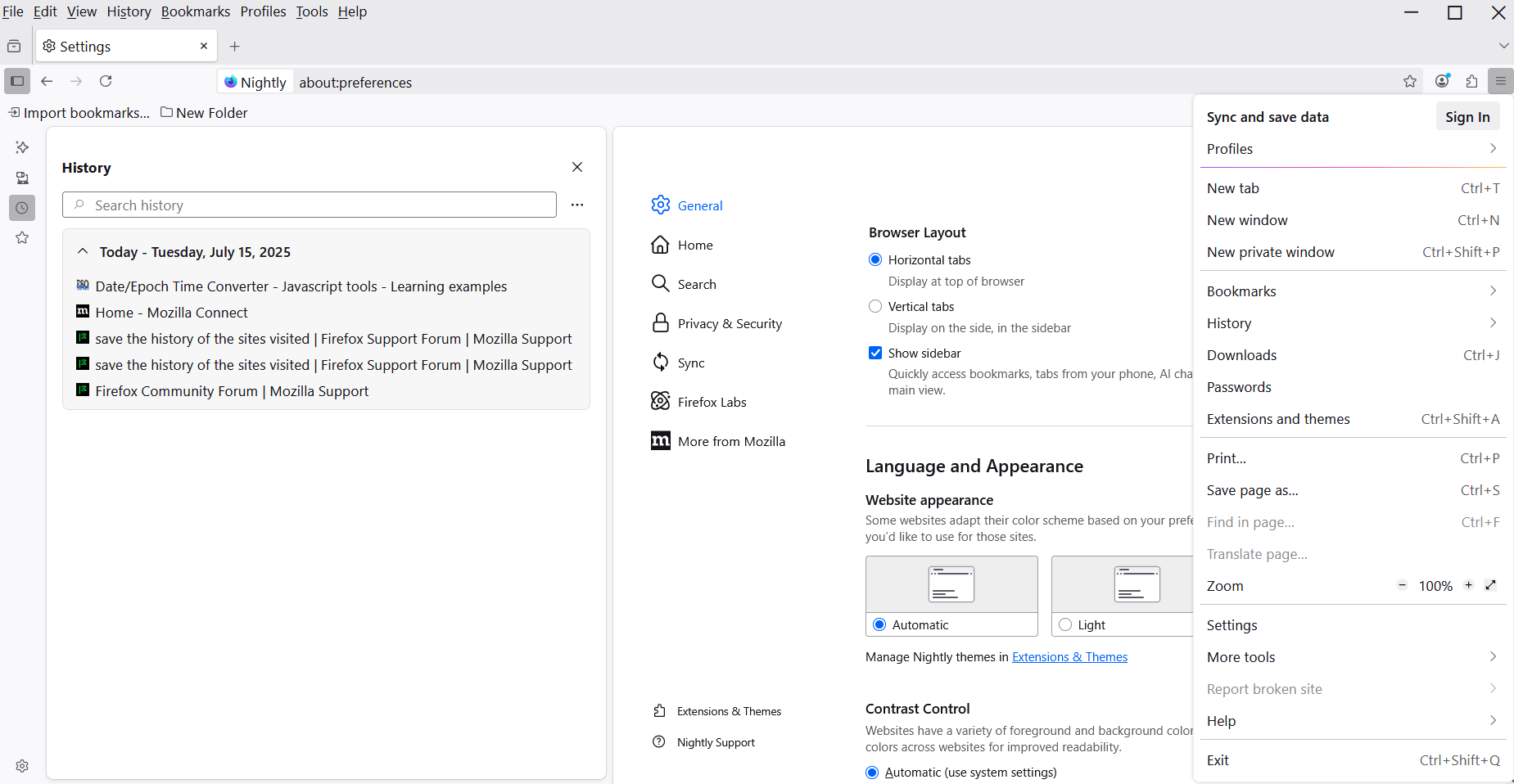
On my keyboard, pressing CTRL and the "+" or "-" keys does NOT change the size of the font in HISTORY