

Chủ đề này đã được lưu trữ.
Vui lòng hỏi một câu hỏi mới nếu bạn cần giúp đỡ.

Đã giải quyết
Đã lưu trữ
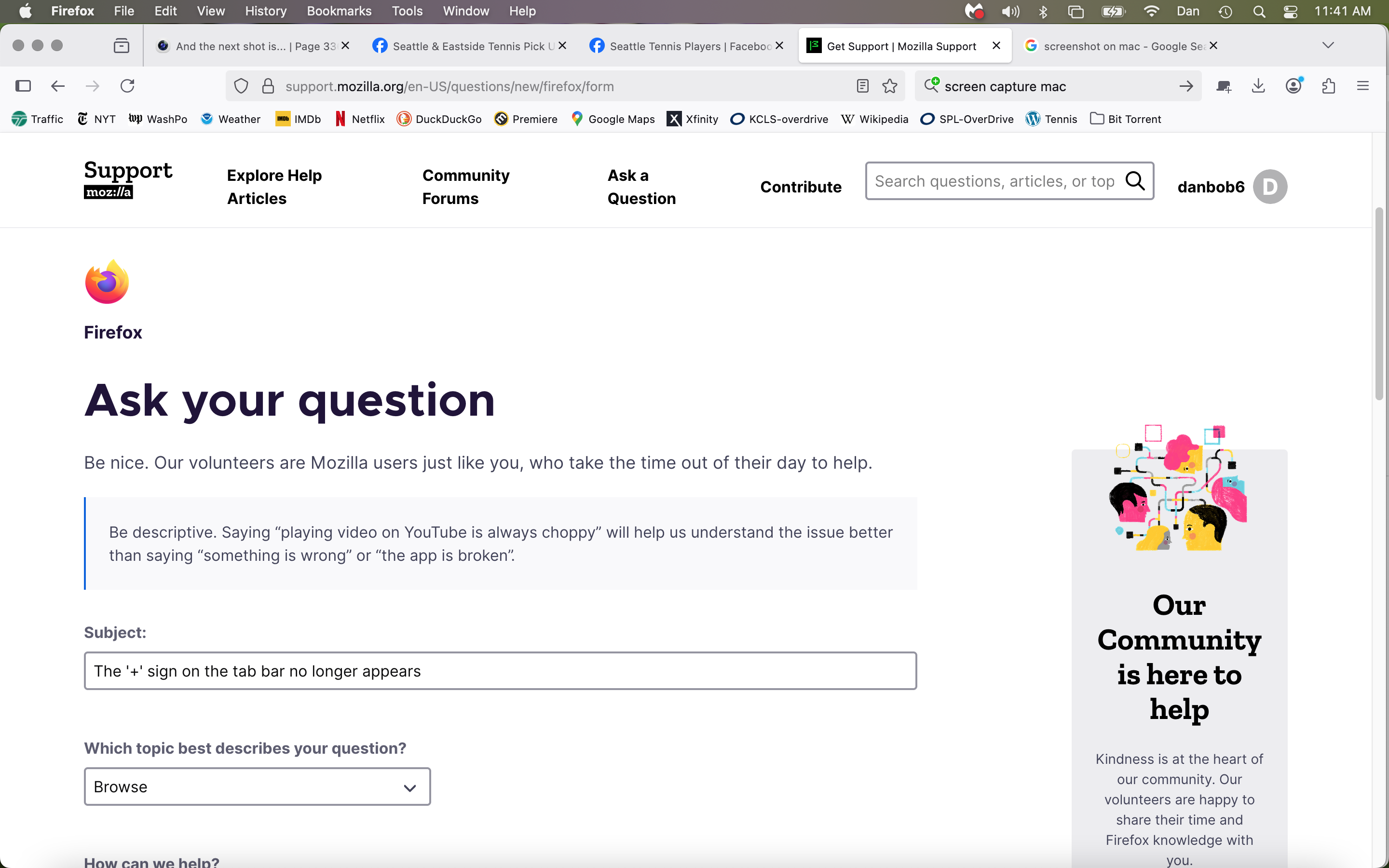
The '+' sign on the tab bar no longer appears

I updated Firefox this morning to 139.0.4 on my Mac and now the '+' sign to add a new tab no longer appears on the tab bar. I can still add new tabs with Command T however.
Any suggestions on how to restore the '+' sign?
Thanks Dan
I updated Firefox this morning to 139.0.4 on my Mac and now the '+' sign to add a new tab no longer appears on the tab bar. I can still add new tabs with Command T however.
Any suggestions on how to restore the '+' sign?
Thanks
Dan
Tất cả các câu trả lời (2)

Giải pháp được chọn
R. click the toolbar > Customize > drag the New Tag icon to the toolbar.
Works like a charm! Thanks Ed