

Chủ đề này đã được lưu trữ.
Vui lòng hỏi một câu hỏi mới nếu bạn cần giúp đỡ.

Đã lưu trữ
FB photo images not showing

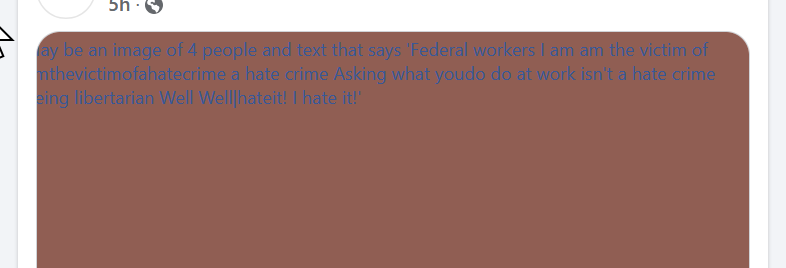
photo Images not showing in facebook posts.. placeholders show for photo images.. text type images seem to show correctly but all I get for photo images is like the attached
photo Images not showing in facebook posts.. placeholders show for photo images.. text type images seem to show correctly but all I get for photo images is like the attached

Tất cả các câu trả lời (1)
Many site issues can be caused by corrupt cookies or cache. In order to try to fix these problems, the first step is to clear both cookies and the cache. Note: This will temporarily log you out of all sites you're logged in to. To clear cache and cookies do the following:
- Click the menu button
 and choose History.
- In the History menu, choose "Clear Recent History…".
- Under "Time range to clear", select "Everything".
- Under the History section, check Cache and Cookies and uncheck everything else.
- Now click the "Clear Now" button.
Further information can be found in the Delete browsing, search and download history on Firefox article.
Hope this helps.