

Chủ đề này đã được lưu trữ.
Vui lòng hỏi một câu hỏi mới nếu bạn cần giúp đỡ.

Đã giải quyết
Đã lưu trữ
FF starts up with blank page when using Secure DNS

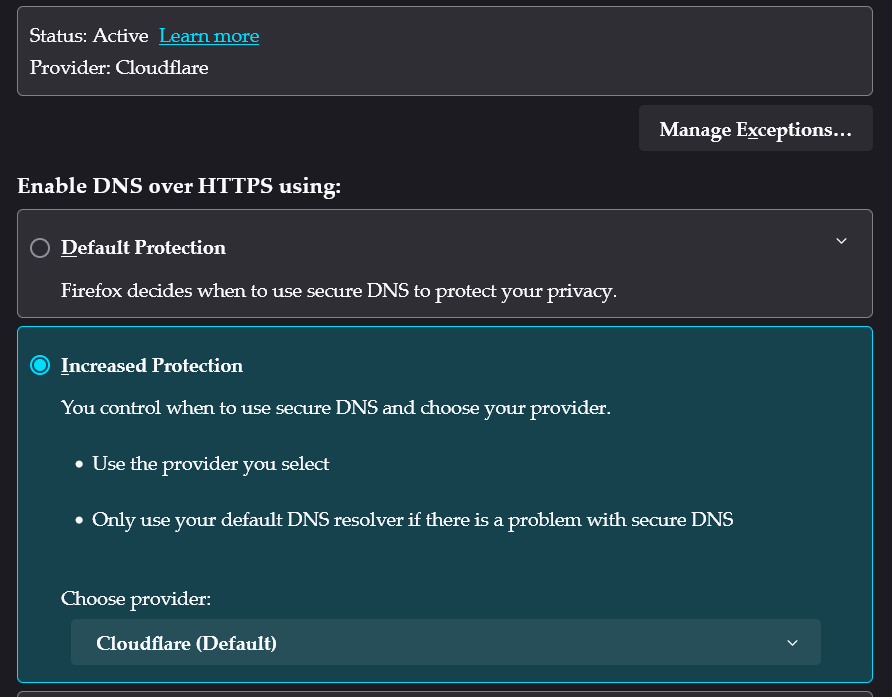
I am using VPN and have excluded FF using split tunnel, so I enabled Secure DNS in FF with Cloudflare. When I first launch FF, I get a blank page and nothing in the address bar. After that, I can open all webpages just fine. It's only that first page right when launching FF that doesn't work properly.
I am using VPN and have excluded FF using split tunnel, so I enabled Secure DNS in FF with Cloudflare. When I first launch FF, I get a blank page and nothing in the address bar. After that, I can open all webpages just fine. It's only that first page right when launching FF that doesn't work properly.
Tất cả các câu trả lời (1)
Giải pháp được chọn
Resolved after I disabled IPV6 in FF about:config
Được chỉnh sửa bởi tzr916 vào