

Chủ đề này đã được lưu trữ.
Vui lòng hỏi một câu hỏi mới nếu bạn cần giúp đỡ.

Đã giải quyết
Đã lưu trữ
Extensions not showing up in toolbar or customize menu
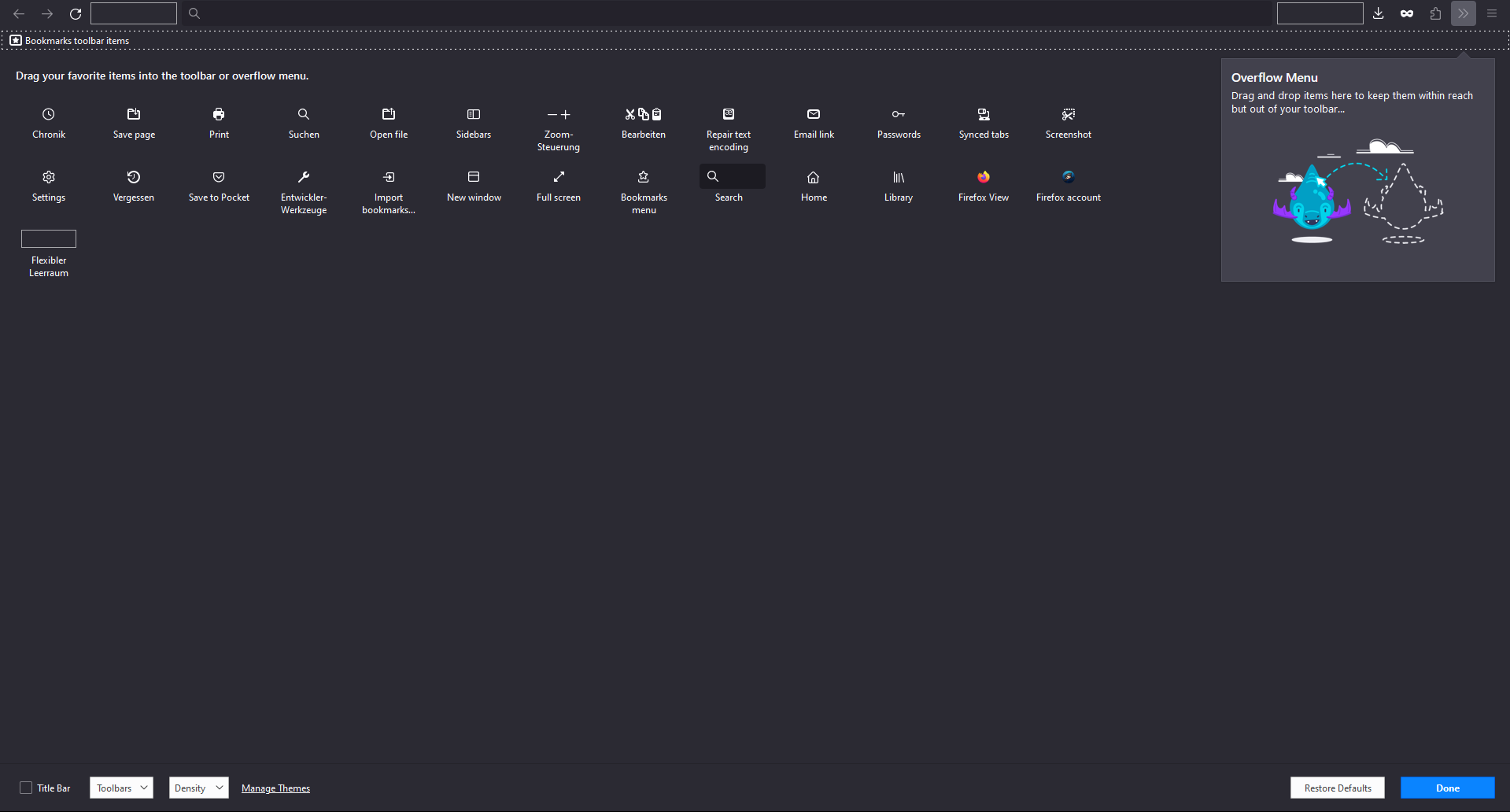
Any extensions I install suddenly don't show up in my toolbar or the customization menu anymore, so I also can't drag them there manually.
Deleting the extensions and re-installing them didn't work, neither did deleting the extensions folder itself.
Does anyone know how I can fix this? I've attached a screenshot of the customization menu and extensions menu below.
Thanks :)
Any extensions I install suddenly don't show up in my toolbar or the customization menu anymore, so I also can't drag them there manually.
Deleting the extensions and re-installing them didn't work, neither did deleting the extensions folder itself.
Does anyone know how I can fix this?
I've attached a screenshot of the customization menu and extensions menu below.
Thanks :)

Tất cả các câu trả lời (2)

Giải pháp được chọn
Use the drop-down shown in your second screenshot. Either click the cog alongside an extension or right-click the extension and select Pin to toolbar.
THANK YOU! Kinda dumb it doesn't appear on the toolbar or customization menu anymore though xD