Closed Tab Groups
All my Tabs Group have disappeared from the Tab Bar. I can see the Closed Tab Groups in the drop down but i can't find a way to re-open Closed Tab Groups. Any clues welcome. Running 146.0 and on the beta update channel.
Усі відповіді (2)

Do you have the "List all tabs" icon in your toolbar? (Screenshot 1) If you don't, go to the menu in the top right -> More tools -> Customize toolbar -> drag the "List all tabs" icon onto your toolbar.
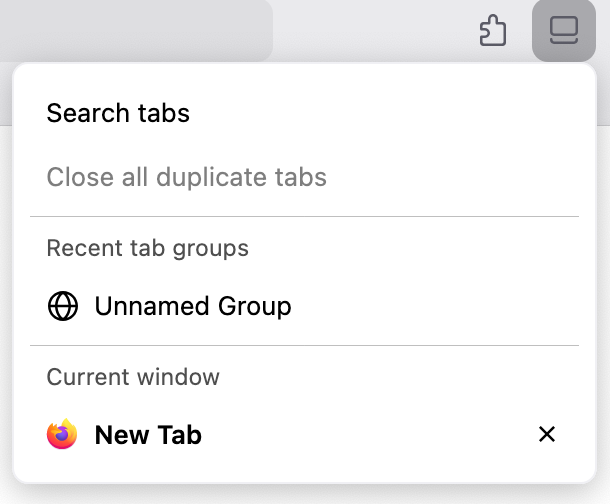
Clicking on the icon will bring up a panel that has a "Recent tab groups" section. (Screenshot 2) Click on the tab group to reopen it. If you have many tab groups such that there isn't enough space to display all of them, you can click on "Show all" to view all your closed tab groups.

Hi Mark
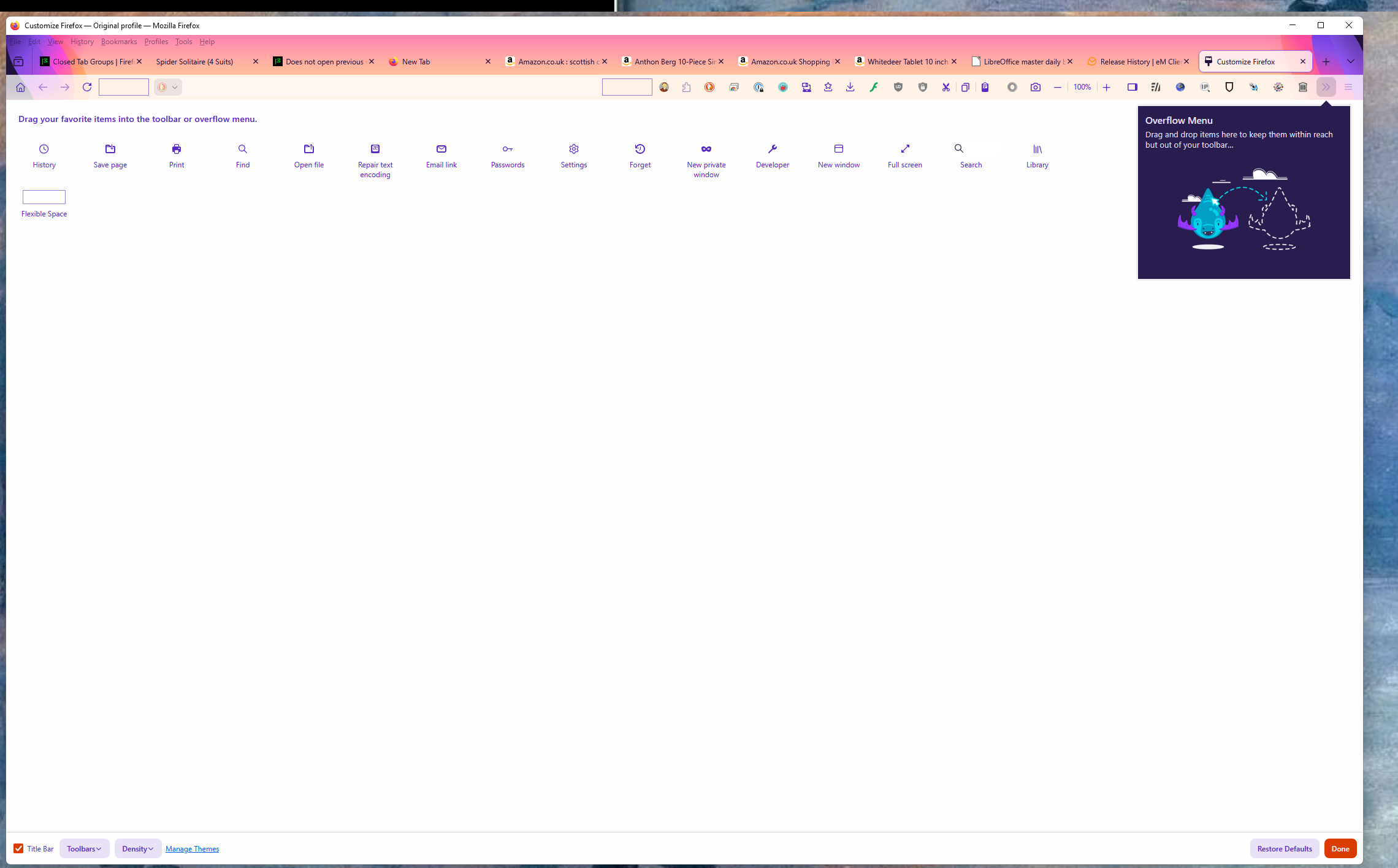
I don't have a List all Tabs option on the customize toolbar - see attached screen shot.
I tried the restore defaults options and still nothing.
How can i get that option back?