


Windows 10 reached EOS (end of support) on October 14, 2025. For more information, see this article.

Шукати в статтях підтримки

Остерігайтеся нападів зловмисників. Mozilla ніколи не просить вас зателефонувати, надіслати номер телефону у повідомленні або поділитися з кимось особистими даними. Будь ласка, повідомте про підозрілі дії за допомогою меню “Повідомити про зловживання”

Докладніше

Ця тема перенесена в архів. Якщо вам потрібна допомога, запитайте.

enabling mic usage

  • 1 відповідь
  • 4 мають цю проблему
  • 172 перегляди
  • Остання відповідь від Paul

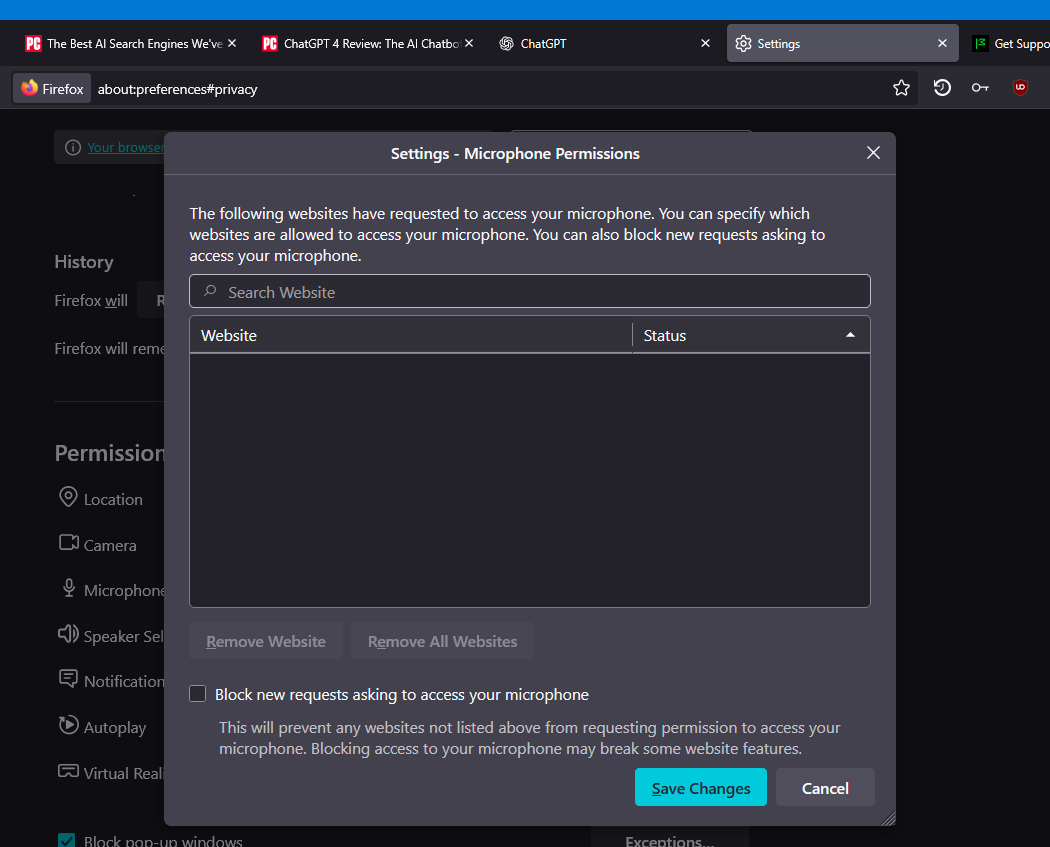
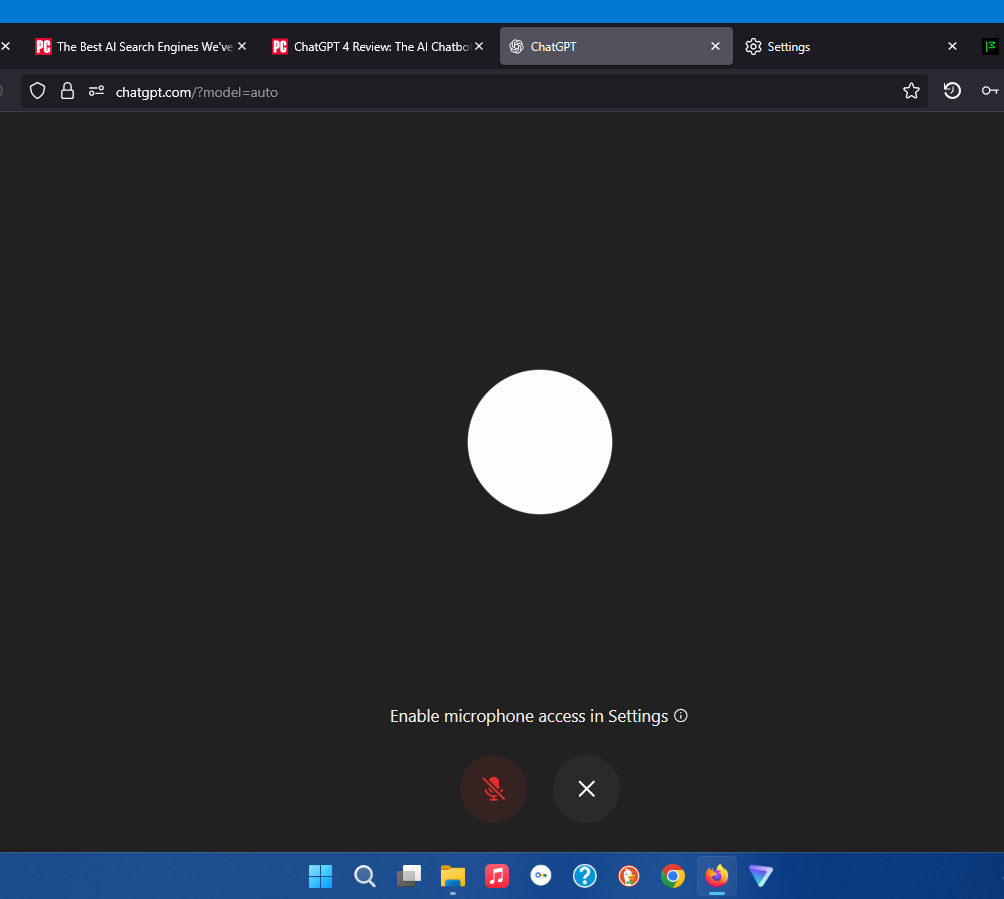
I recently added ChatGPT as a search engine option. I tried to use the voice interface to simply ask the question instead of typing it out. An error message quickly appeared that stated "To use voice mode, you'll need to enable your microphone and try again." I could not find a way to grant this permission. The only setting mentioning "permissions" was in privacy & security. When I click on "settings" I receive the following message showing websites which have asked for permission so that I could choose to grant it or not, but, what it does not provide is a way for me to grant spontaneously if I choose to. ChatGPT has not requested permission so how do I, without a request from a site, choose to grant them permission to access and use the mic on the laptop so that I can simply talk to it?
I recently added ChatGPT as a search engine option. I tried to use the voice interface to simply ask the question instead of typing it out. An error message quickly appeared that stated "To use voice mode, you'll need to enable your microphone and try again." I could not find a way to grant this permission. The only setting mentioning "permissions" was in privacy & security. When I click on "settings" I receive the following message showing websites which have asked for permission so that I could choose to grant it or not, but, what it does not provide is a way for me to grant spontaneously if I choose to. ChatGPT has not requested permission so how do I, without a request from a site, choose to grant them permission to access and use the mic on the laptop so that I can simply talk to it?
Вкладені знімки екрана

Усі відповіді (1)