Denna tråd har arkiverats.
Ställ en ny fråga om du behöver hjälp.

Arkiverad
Cannot Bookmark Websites

I have tried to bookmark websites recently and cannot. Once the star in the web address turns blue the pop up scree will appear. I hit the save button and the website does not bookmark in the file created for say 'news' bookmarks. I tried with other websites/bookmark files. Nothing seems to be happening.
I have tried to bookmark websites recently and cannot. Once the star in the web address turns blue the pop up scree will appear. I hit the save button and the website does not bookmark in the file created for say 'news' bookmarks. I tried with other websites/bookmark files. Nothing seems to be happening.
Alla svar (2)
What happens if you reload the page? Is the star still blue?
Maybe it gets saved into a different folder? Please try the following:
- Click the menu button
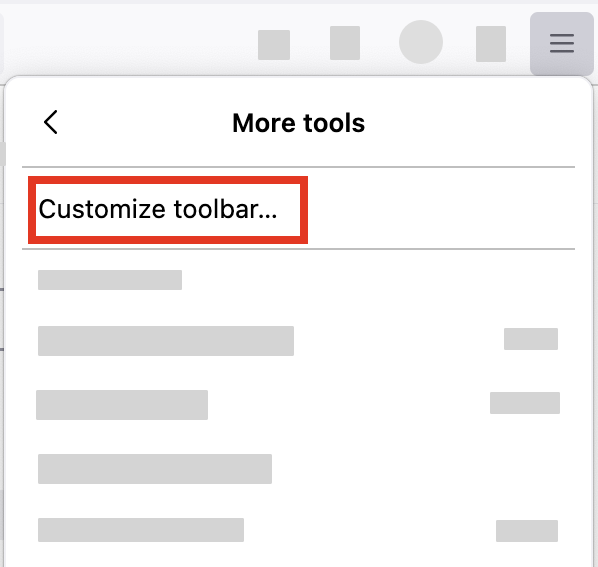
 , select "More tools" and click "Customize toolbar…"
- A special tab will open which allows you to drag and drop items in or out of the overflow menu and the toolbar.
-
- Drag the Bookmarks menu
 item to the toolbar.
- Click the Done button.