


Connecting to RedTail

Hi,
I am trying to connect my account to RedTail so I can send a broadcast email through RedTail. When I try to put in my email password, it will not save. I have confirmed the email, tried copying and pasting, typed the email and I can't figure out what else to do. RedTail is saying it's because it doesn't recognize the password and that I need to reach out to Thunderbird. Please help.
Thank you
Alla svar (5)
It usually helps to post screenshots of incoming and outgoing server settings and complete text of error message
I don't know what incoming/outgoing server settings are. The text is just saying "Failed to save preference".
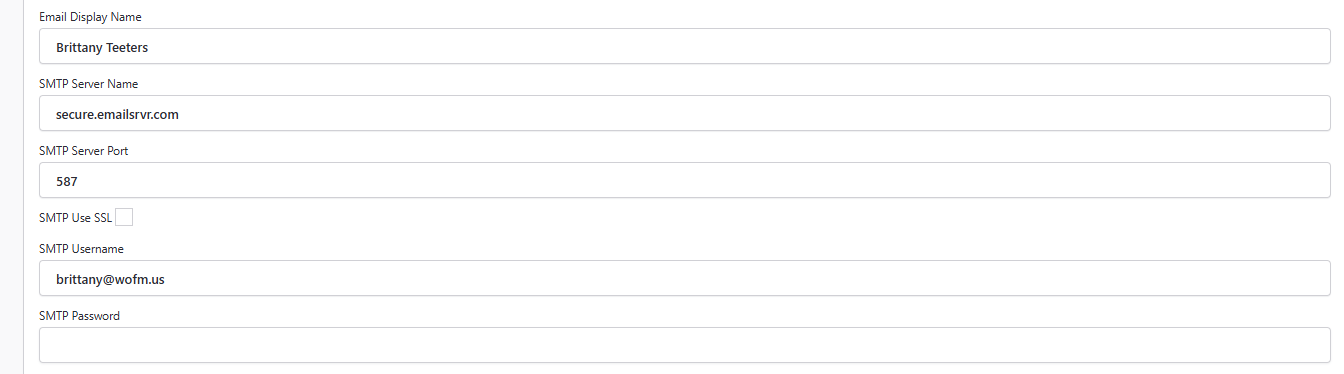
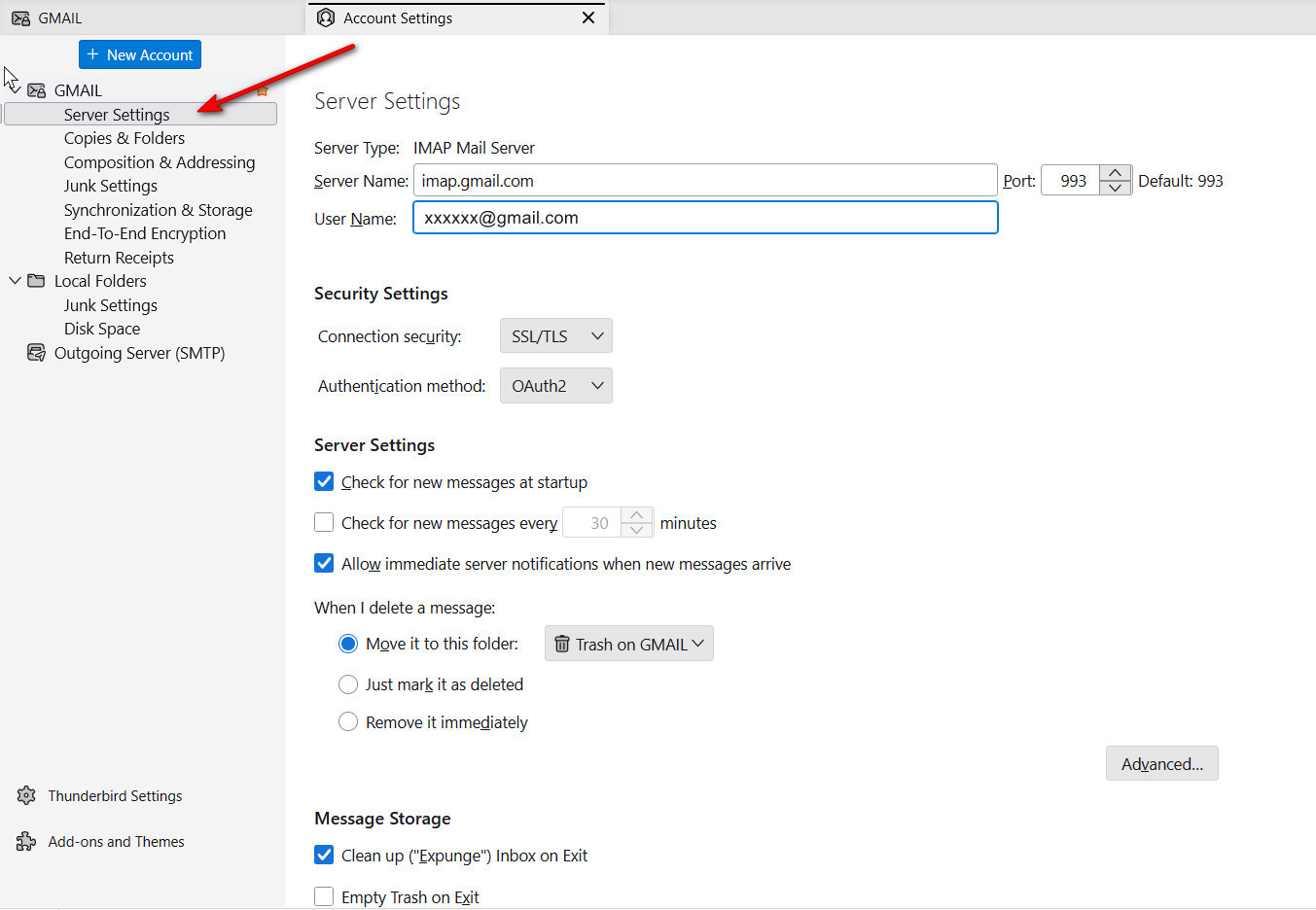
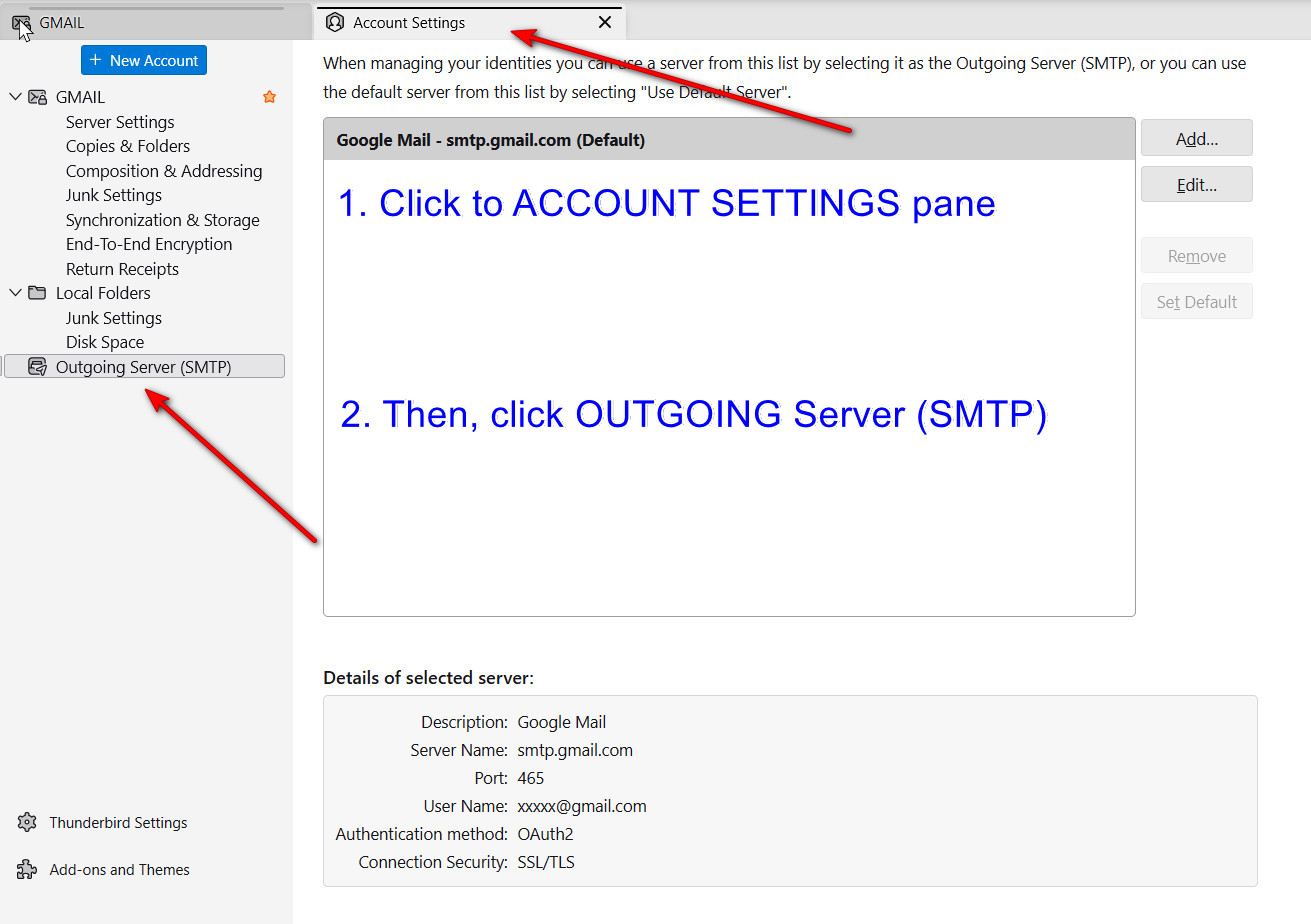
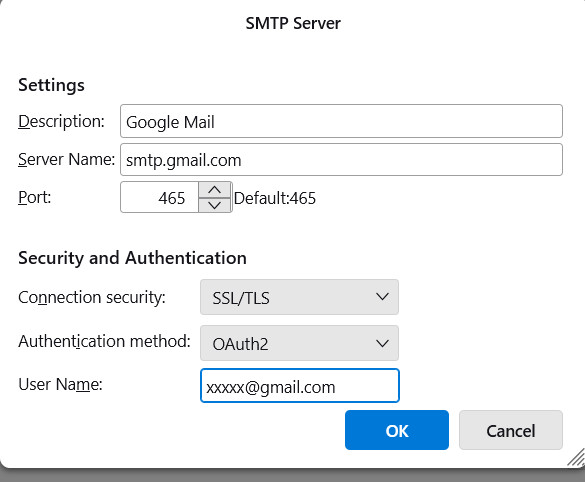
OK, I placed a few screenshots for examples. your incoming setting is at account settings>server settings pane. The SMTP server can be found at account settings>account pane and linked from bottom line in pane. I posted three samples. That is what we need in order to attempt to help.
You lost me on the last screenshot. Below is what I'm seeing. Can you provide a bit more direction?
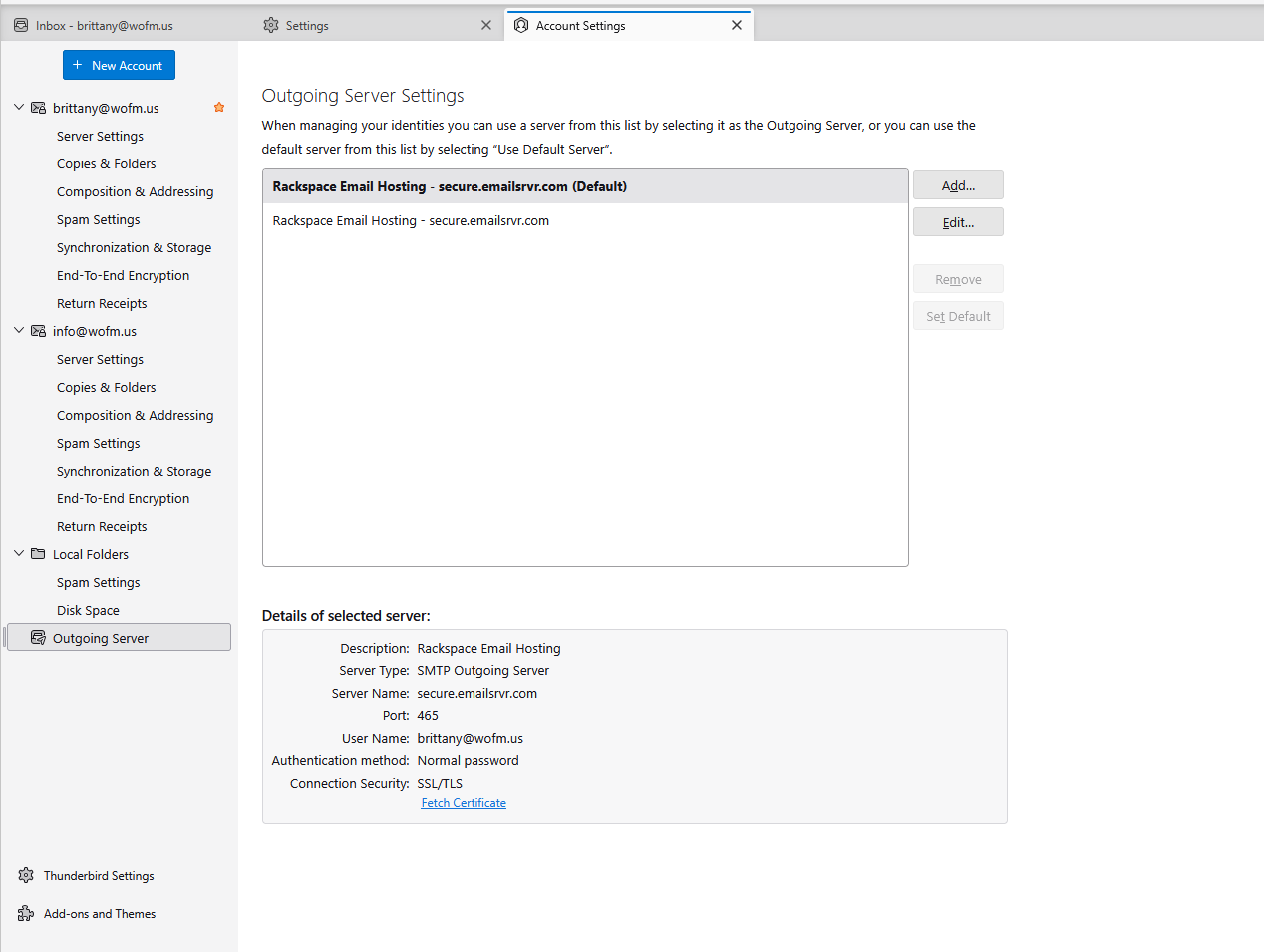
To be clear, I don't want to imply I have a solution. My attempt here is just to get the right information from you. There are two accounts and the SMTP server descriptions are the same, so there is no way for me, an observer, to know which SMTP server you are using. For example, you might be attempting to send as info, but using the brittany address. To ensure you are using the right one, I suggest this:
- click account settings
- click the name in left column of one of the accounts
- on right side, click the 'edit SMTP server' button in lower right
- edit the Description field to read INFO or BRITTANY and check that the email address is the appropriate one.
That doesn't solve the problem, unless in editing it, you noticed it was using the wrong email address. If the screenshot you posted was, indeed, the correct one, then I can offer no suggestions. I did read there are SPF and DKIM settings for redtail and other technical attributes, and maybe someone here can provide more info on redtail.