


How to hide the PiP(Pitcure-in-Picture) button on the video?
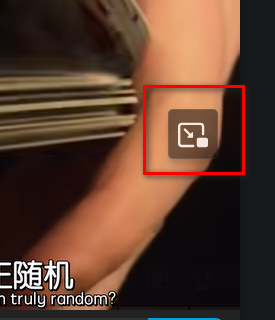
I know that after PiP(Pitcure-in-Picture) is enabled, I can use it in two ways: one is the button on the right side of the address bar, and the other is the icon button floating on the video. I'm trying to figure out how to keep the PiP button on the address bar while hiding the icon button on the video. I do not want to turn off PiP, I just want to hide the icon button on the video. I tried setting it in about:config, but it only seems to have the opposite effect. If it's not possible to achieve what I want, where can I request this feature from Firefox?
Vald lösning
Hello
If you wish to test an code userContent.css
.pip-wrapper{display:none!important;}
Copy/paste the code into Notepad Save Type: All files userContent.css
Create a chrome folder Move userContent.css to your chrome folder
Go to your profile folder https://support.mozilla.org/en-US/kb/profiles-where-firefox-stores-user-data#w_how-do-i-find-my-profile
Move your chrome folder to your profile folder
Go to Configuration Editor https://support.mozilla.org/en-US/kb/about-config-editor-firefox Enter a search term toolkit.legacyUserProfileCustomizations.stylesheets Double-click on the preference, to set its value to true
Restart Firefox
Läs svaret i sitt sammanhang 👍 1Alla svar (1)
Vald lösning
Hello
If you wish to test an code userContent.css
.pip-wrapper{display:none!important;}
Copy/paste the code into Notepad Save Type: All files userContent.css
Create a chrome folder Move userContent.css to your chrome folder
Go to your profile folder https://support.mozilla.org/en-US/kb/profiles-where-firefox-stores-user-data#w_how-do-i-find-my-profile
Move your chrome folder to your profile folder
Go to Configuration Editor https://support.mozilla.org/en-US/kb/about-config-editor-firefox Enter a search term toolkit.legacyUserProfileCustomizations.stylesheets Double-click on the preference, to set its value to true
Restart Firefox