


Welcome to Thunderbird
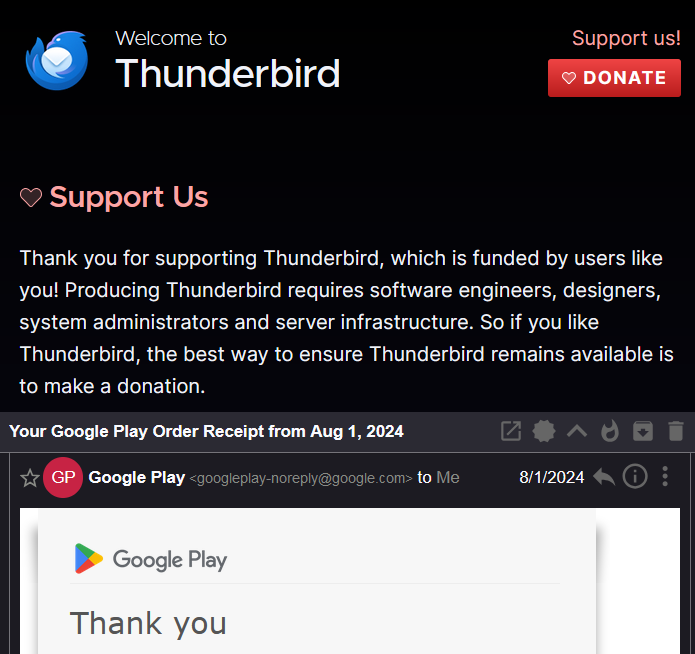
This morning the Welcome to Thunderbird splash page will not go away. This may be connected, with clicking on the trash bin icon on an email will not delete the item.
Hoping I don't to do a re-install to correct the problem
Vald lösning
I'm using Win11 Pro Thunderbird Ver. 128.8.1esr (64-bit)
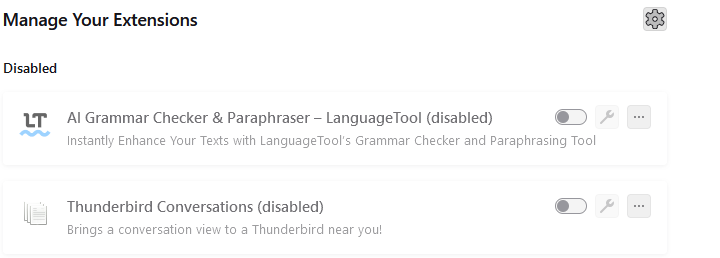
The only add-ons are AI Grammar Checker and Paraphraser and Conversations, I've disabled both
The theme is Vista Aero Glass.
I've restarted T-Bird and issue seems to be resolved.
Thanks all
Alla svar (5)
It does not look like a standard Thunderbird. It looks like you are using some addons.
What happens when you test the following: In Thunderbird Help > Troubleshooting Mode Click on 'REstart' click on 'Continue in Troubleshoot mode'
What OS are you using ? What version of Thunderbird are you using?
What theme are you using ? What addons have you got installed whether enabled or not? In Thunderbird Help > Troubleshooting Information Scroll down to 'Add-ons' section Either copy all the data and paste into forum or upload a screenshot jpg image.
https://www.reddit.com/r/Thunderbird/comments/1jtllao/comment/mlvpwwi/ hints that it is being caused by the conversations addon.
What version of Thunderbird are you using?
Vald lösning
I'm using Win11 Pro Thunderbird Ver. 128.8.1esr (64-bit)
The only add-ons are AI Grammar Checker and Paraphraser and Conversations, I've disabled both
The theme is Vista Aero Glass.
I've restarted T-Bird and issue seems to be resolved.
Thanks all
I contacted the awesome author of https://addons.thunderbird.net/en-US/thunderbird/addon/gmail-conversation-view/ - this is now fixed in a new version of the addon. This should only have been affecting users of Thunderbird 128.