


When switching networks (mobile hotspot/wifi) Firefox can't load websites but other browsers can

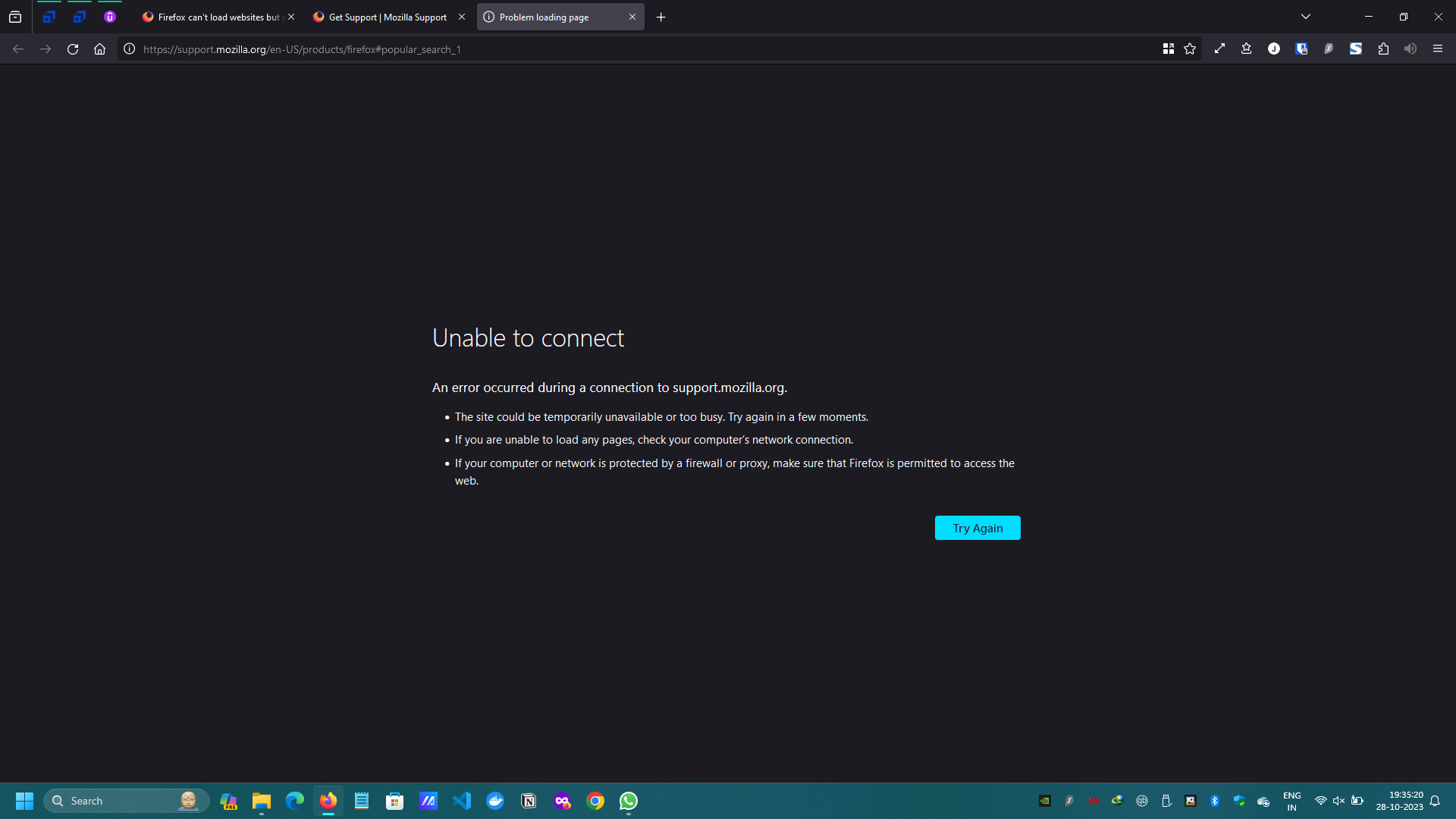
When switched to mobile hot spot from wifi [and viceversa] Firefox can't load websites but other browsers can. I am facing this issue recently like from a month or so. Before that all working fine. I have already tried the troubleshooting steps from here https://support.mozilla.org/en-US/kb/firefox-cant-load-websites-other-browsers-can, Still no luck! Edition Windows 11 Home Single Language Version 22H2 OS build 22621.2506
Note:Whenever i switch to mobile hot spot i have to restart laptop to make Firefox work.
Is there any permanent solution for this problem?
Ändrad av Jayadeep
Vald lösning
No issue as of now since the firefox version is updated to 120
Läs svaret i sitt sammanhang 👍 0Alla svar (9)
Does it still happen in a new profile? An easy way to test a new profile is to install Developer Edition and see if it happens there or refresh your existing profile.
You can test older versions with mozregression to find when it broke.
Are you using a proxy or VPN?
You can check the connection settings.
- Settings -> General -> Network: Connection -> Settings
If you do not need to use a proxy to connect to internet, select "No Proxy" if "Use the system proxy settings" or one of the others do not work properly.
See "Firefox connection settings":
cor-el said
Are you using a proxy or VPN? You can check the connection settings.If you do not need to use a proxy to connect to internet, select "No Proxy" if "Use the system proxy settings" or one of the others do not work properly. See "Firefox connection settings":
- Settings -> General -> Network: Connection -> Settings
I have tried all these no luck
Does this still happen with the latest Nightly test build?
zeroknight said
Does this still happen with the latest Nightly test build?
- No this doesn't happen in latest nightly build or latest developer edition
i have tried the following troubleshoot steps to
- Tried in new profile / refresh existing profile.
- uninstalling and then reinstalling Firefox
- clear the DNS cache
- https://support.mozilla.org/en-US/kb/firefox-cant-load-websites-other-browsers-can
Still i am facing the same problem
Ändrad av Jayadeep
It could possibly have been fixed between versions 119 and 120. You can use mozregression to find the fix responsible.
You could also test 115 ESR and the latest Beta (installs over existing release version by default).
zeroknight said
It could possibly have been fixed between versions 119 and 120. You can use mozregression to find the fix responsible. You could also test 115 ESR and the latest Beta (installs over existing release version by default).
Not able to reproduce the same issue using mozregression, tried 118, 119, 120 versions.
Ändrad av Jayadeep
Mozregression uses Nightly builds that have different default settings. New features are often introduced earlier there, try going back to version 110.
Vald lösning
No issue as of now since the firefox version is updated to 120