


Pasting a screenshot through the clipboard corrupts the image
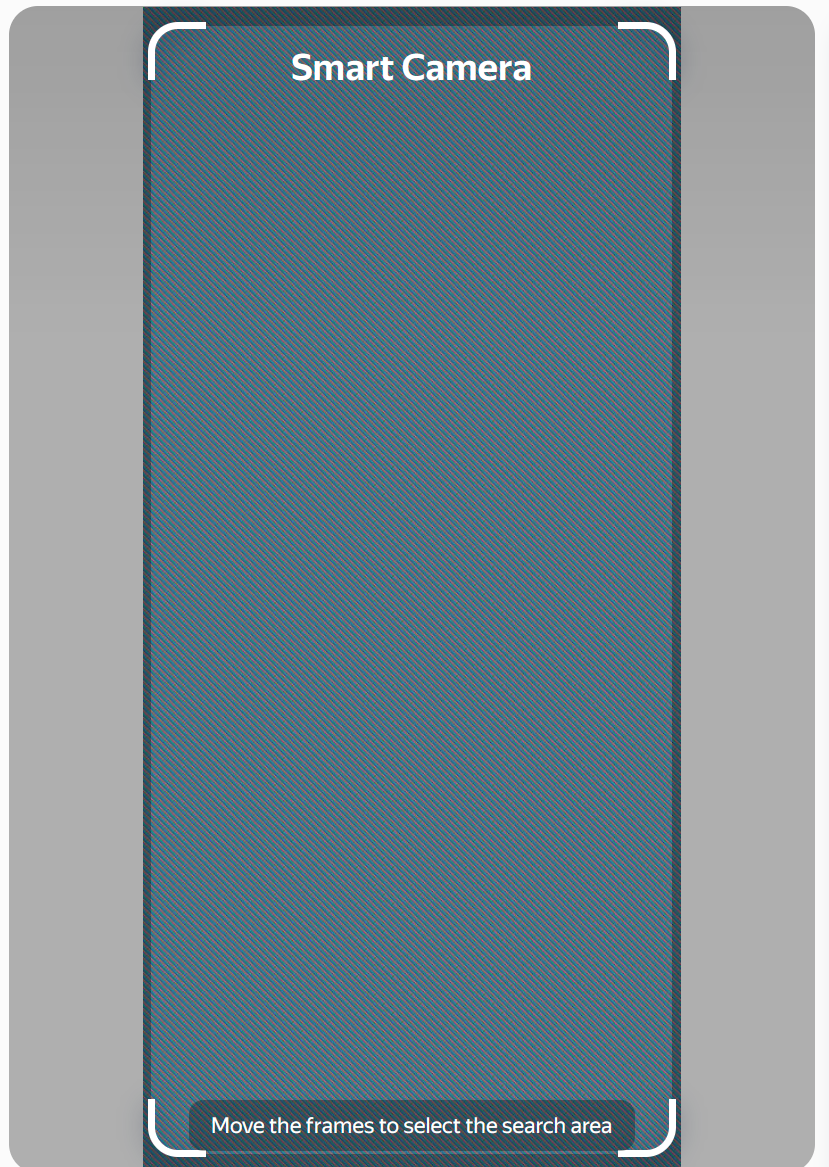
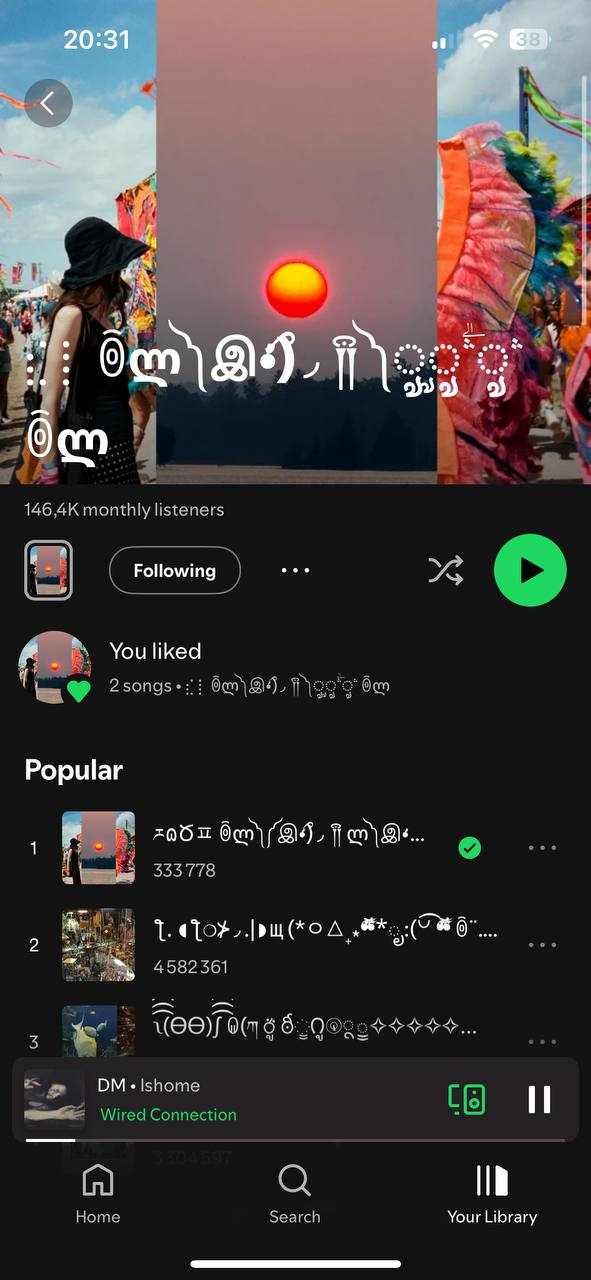
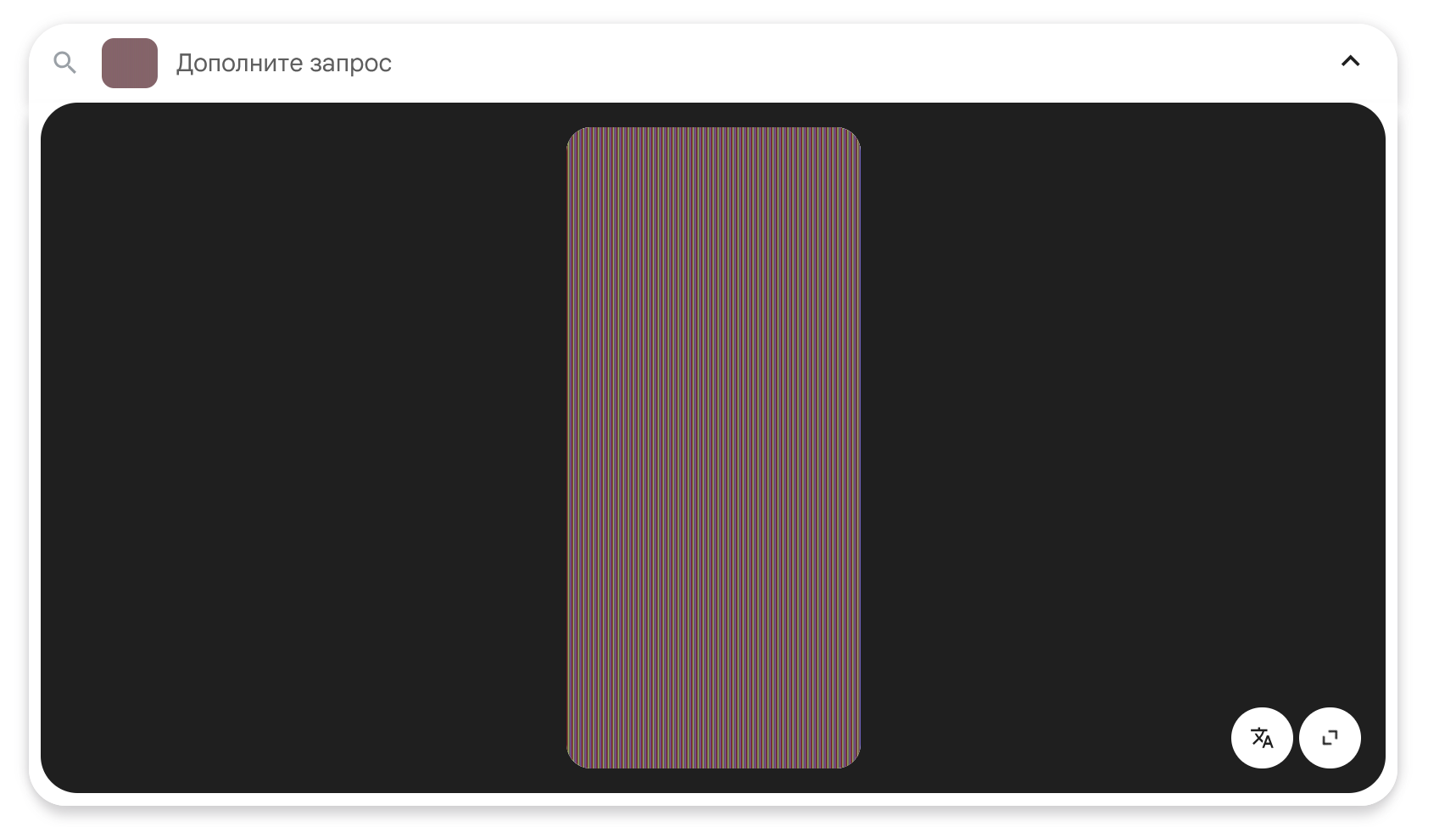
When i try to insert a screenshot through the clipboard on google or yandex image search, the original image is corrupted. Even i try to upload an image via classic upload-button the same problem reproduise. On other sites there is no similar problem, as well as trying to insert the same image but inside the application windows.
In attachement: yandex/google and default image i was trying to upload.
Zgjidhja e Zgjedhur
Do you have privacy.resistFingerprinting = true in about:config?
Krejt Përgjigjet (5)

What security software are you running besides MS Defender? Are you running pro version of Windows? If so, you should have Windows Sandbox enabled for testing. https://www.howtogeek.com/399290/how-to-use-windows-10s-new-sandbox-to-safely-test-apps/
Do you have the same issue with Firefox in Troubleshoot Mode? https://support.mozilla.org/en-US/kb/diagnose-firefox-issues-using-troubleshoot-mode#w_how-to-start-firefox-in-4troubleshoot-modesf5safe-modesf
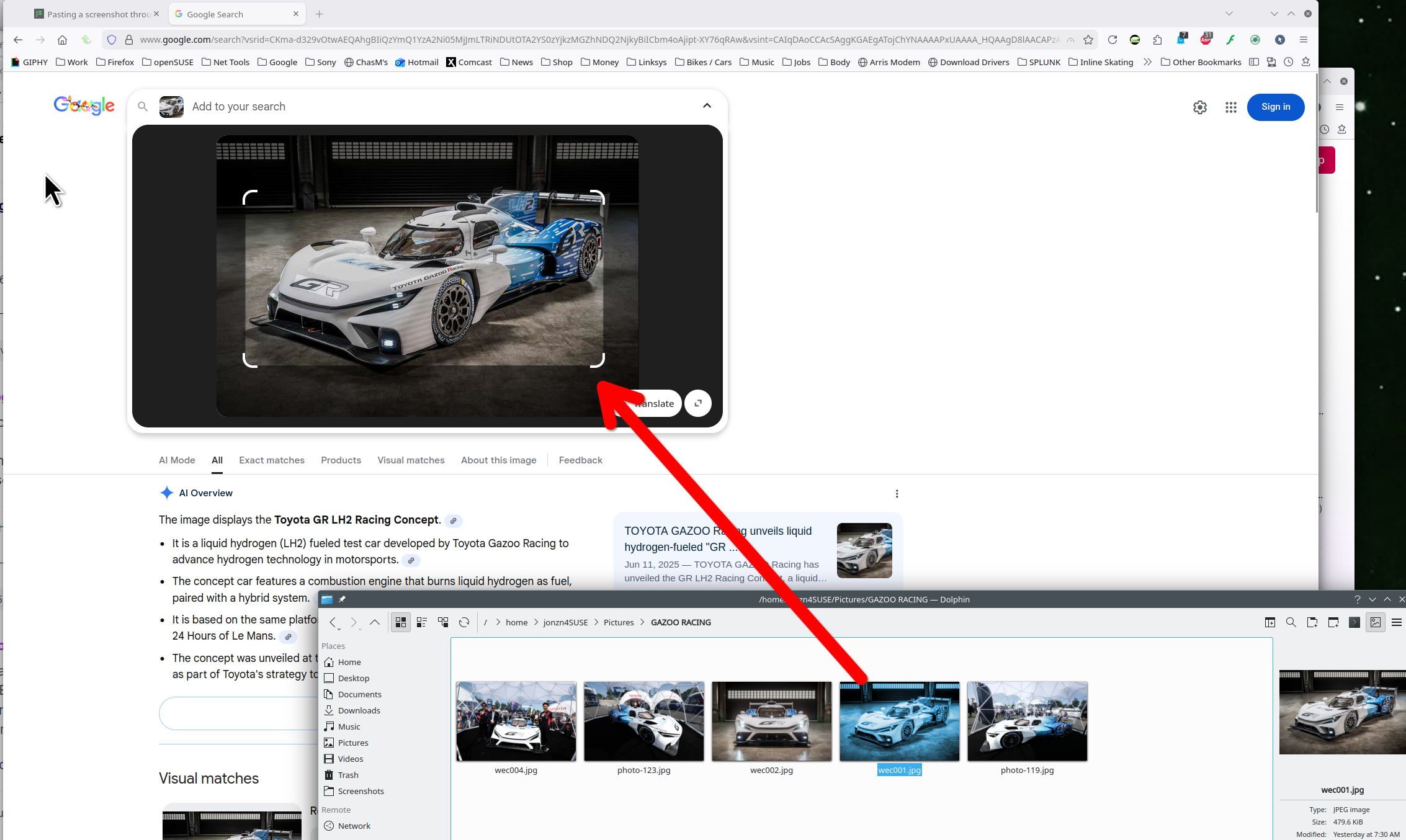
i have no issue uploading an image to the sites. see screenshot
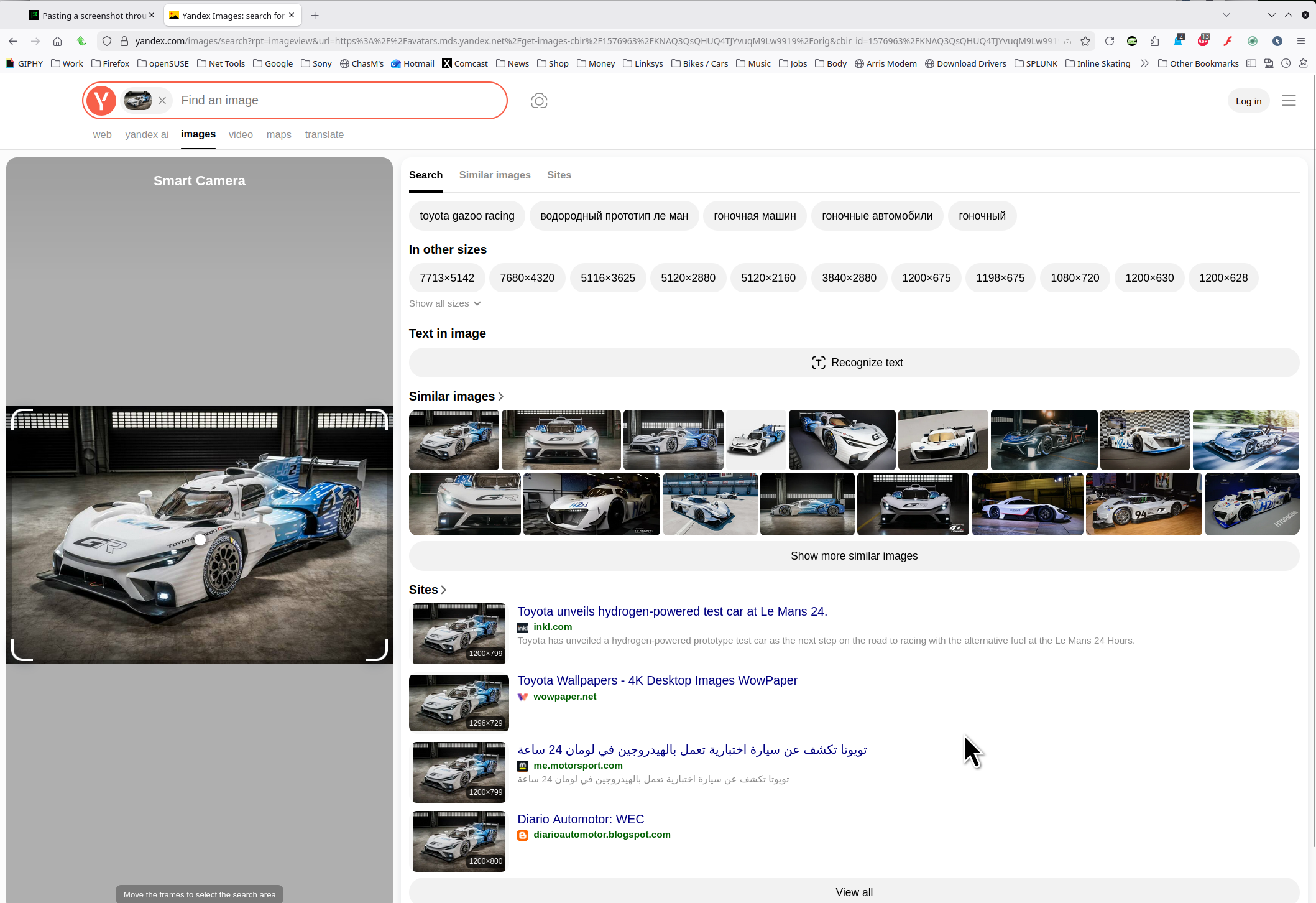
Ndryshuar nga jonzn4SUSE
I dont use any security software even MS Defender. Im on Win 11 IoT LTSC 24H2. In troubleshoot mode i have the same issue, nothing changes. I think maybe it happens via recently BIOS update for my laptop, i will try to downgrade to see the difference.
Zgjidhja e Zgjedhur
Do you have privacy.resistFingerprinting = true in about:config?
Yes, that was a point! Now it works. Could you explain please how does it makes sense?
Users enable `privacy.resistFingerprinting` and then are surprised when it adds a random noise to images to prevent canvas fingerprinting.