


what is the standard searching machine ?

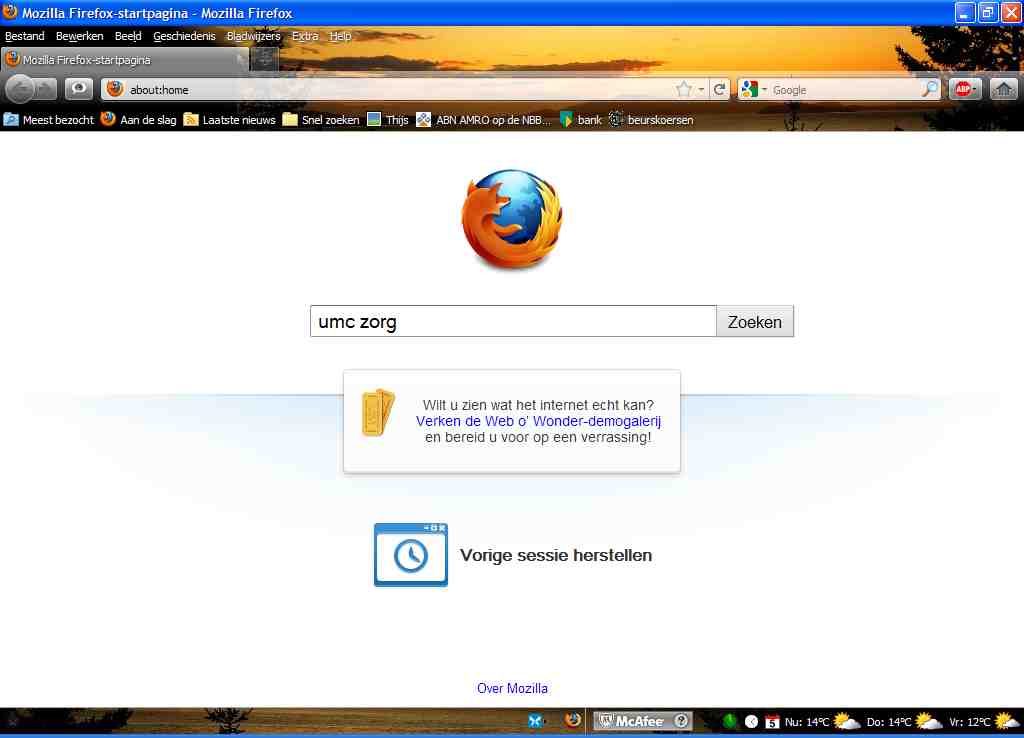
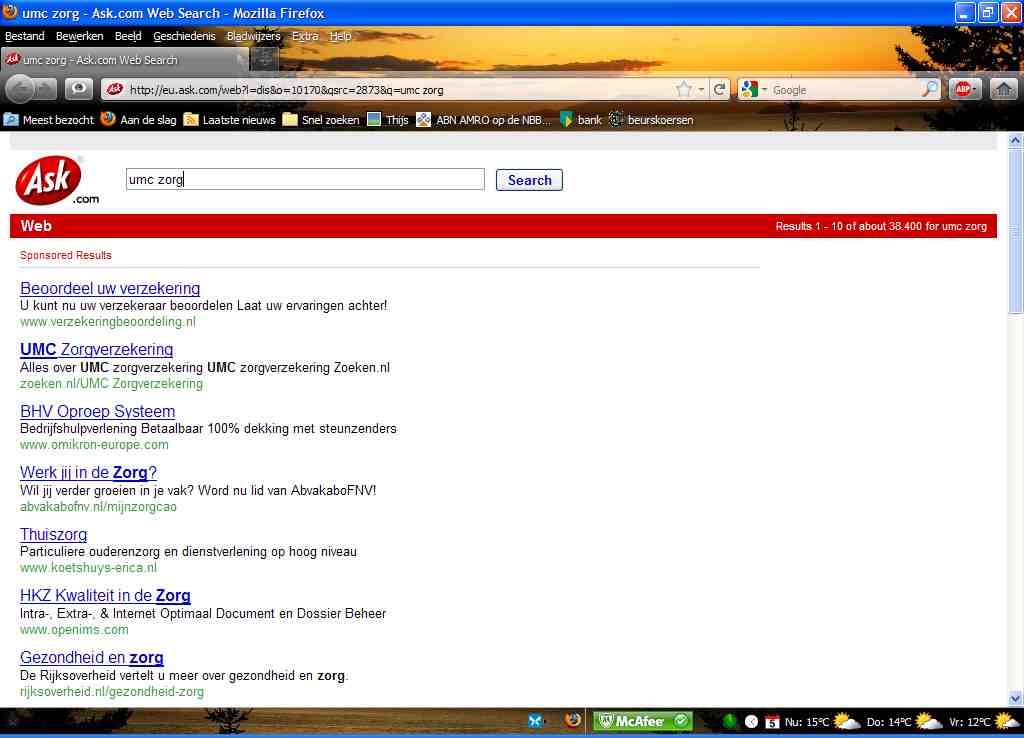
When I use the about:home page and I do a search I standard get the Ask.com page. I like to change to Google. How to do this ? Your standard IS GOOGLE YOU SAY but I ALWAYS get ASK.COM which I do not want.
Vsi odgovori (3)
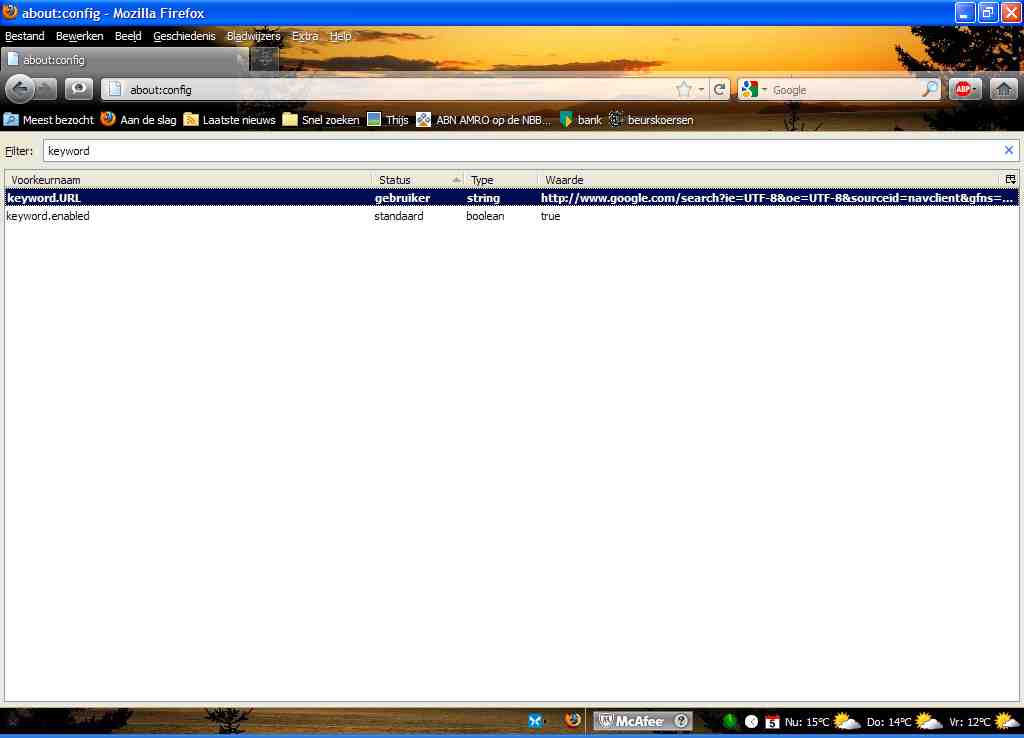
You can modify the pref keyword.URL on the about:config page to use a Google Lucky search.
To open the about:config page, type about:config in the location (address) bar and press the "Enter" key, just like you type the url of a website to open a website.
If you see a warning then you can confirm that you want to access that page.
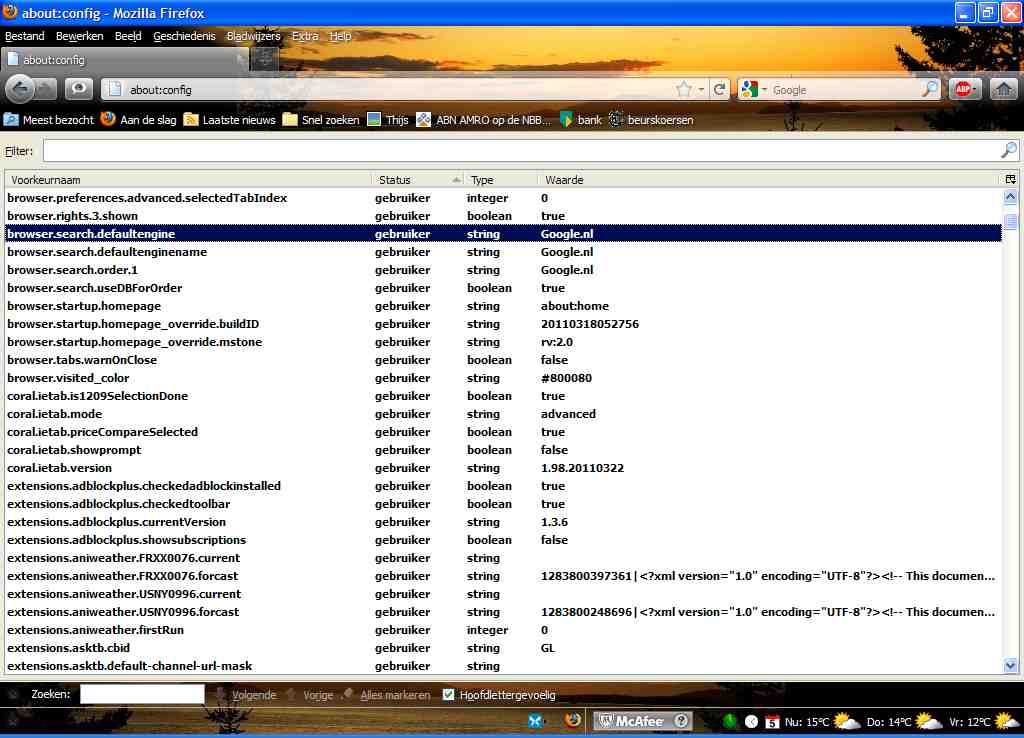
Sorry, the answer doesnot work for me. Look at the pictures. Even with filled browser.search fields filled (search4.jpg) I get STILL ASK.COM, I DO NOT LIKE TO HAVE.
Start Firefox in Use Troubleshoot Mode in Firefox to check if one of the add-ons is causing the problem (switch to the DEFAULT theme: Tools > Add-ons > Appearance/Themes).
- Don't make any changes on the Safe mode start window.
See: