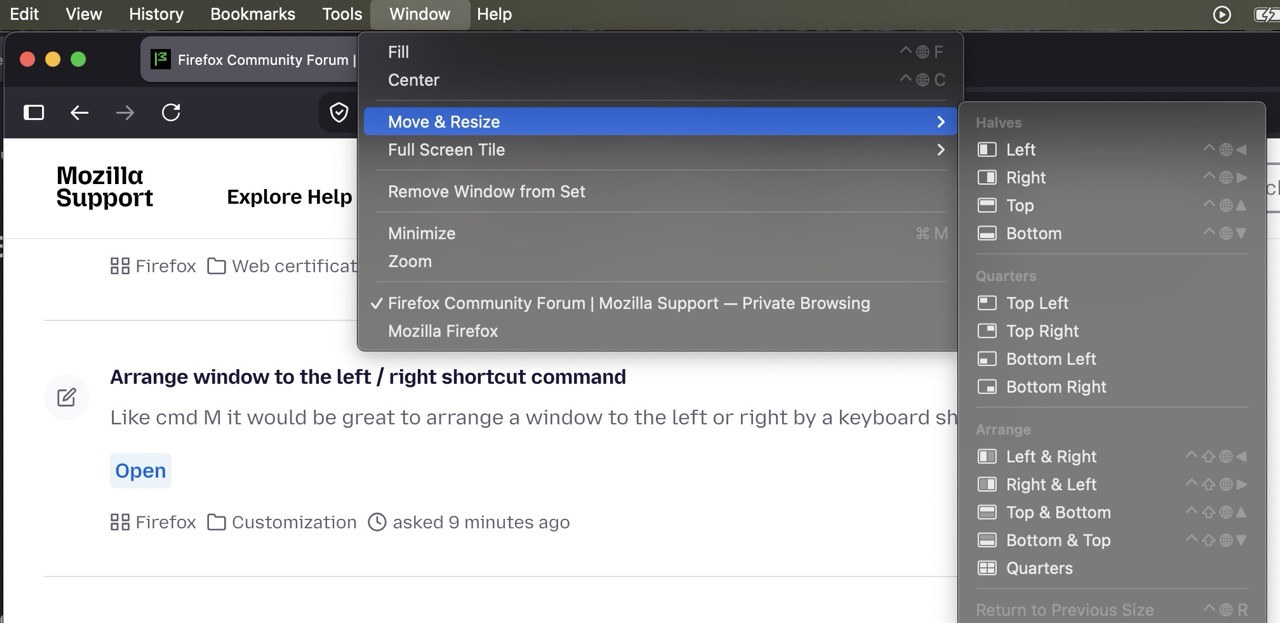
Is it possible to add the File Edit History menu to Firefox for Mac?
Is it possible to add the File Edit History menu to Firefox for Mac? For those of us who have cut our computer teeth on DOS/Winders, not having the standard File Edit Bookmarks... menu makes it hard to navigate your Firefox for Mac application. Even if many of the File Edit commands are not there because Mac does not use anything remotely like the windows commands it would be nice to know exactly where the more standard commands are located on either OS. Commands like New Tab, New Window, Open File, Close Tab, Close Window, Save Page As, Print, Offline, Exit, Cut, Copy, Paste, Recently Closed Tabs\Windows, Bookmarks and Help would be REALLY nice to have their screen location standardized across all Operating Systems that you support with a firefox browser.
BTW... I still have FirefoxSetup-0.9.exe, FirefoxSetup-0.9.1.exe, FirefoxSetup-0.9.3.exe, FirefoxSetup 1.0.exe for windows... Need a copy? :)
Všetky odpovede (3)
Ok... Just figured out that it shows up when the mouse pointer is at the top of the screen... Can it STAY on the screen?
If you mean the Menu Bar then see https://support.mozilla.org/en-US/kb/restore-menu-bar-firefox
Junk35 said
BTW... I still have for windows... Need a copy? :)All Releases of Firefox since it got its third name at release version 0.8 can still be downloaded from Mozilla at https://archive.mozilla.org/pub/firefox/releases/ along with the earlier Firebird and Phoenix versions.
This will be your macOS setting — by default the menu bar stays visible there:
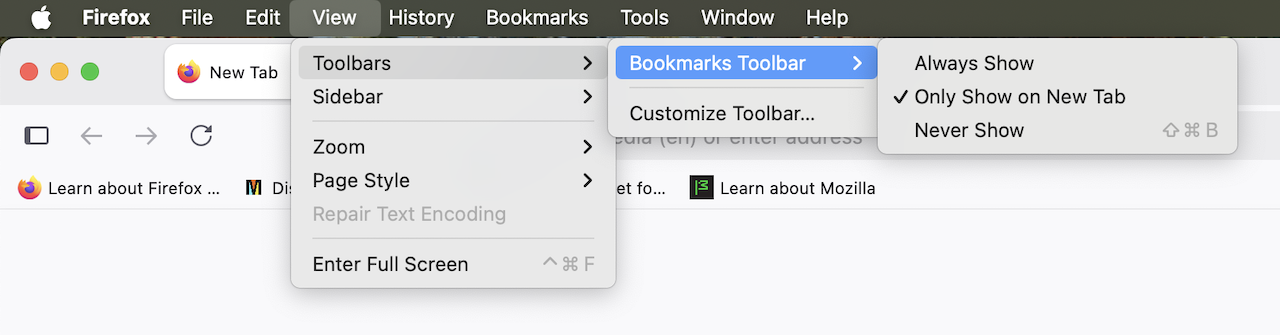
and includes both the Firefox–related File, Edit, View etc. items as well as macOS functionality like the Window menu: