


Otvorené
How to turn offbprivate browsing

how to turn off private browsing
how to turn off private browsing
Všetky odpovede (1)
Bonjour
Firefox settings, preferences and other options https://support.mozilla.org/en-US/kb/firefox-options-preferences-and-settings
Is it your question
Private Browsing - Use Firefox without saving history https://support.mozilla.org/en-US/kb/private-browsing-use-firefox-without-history
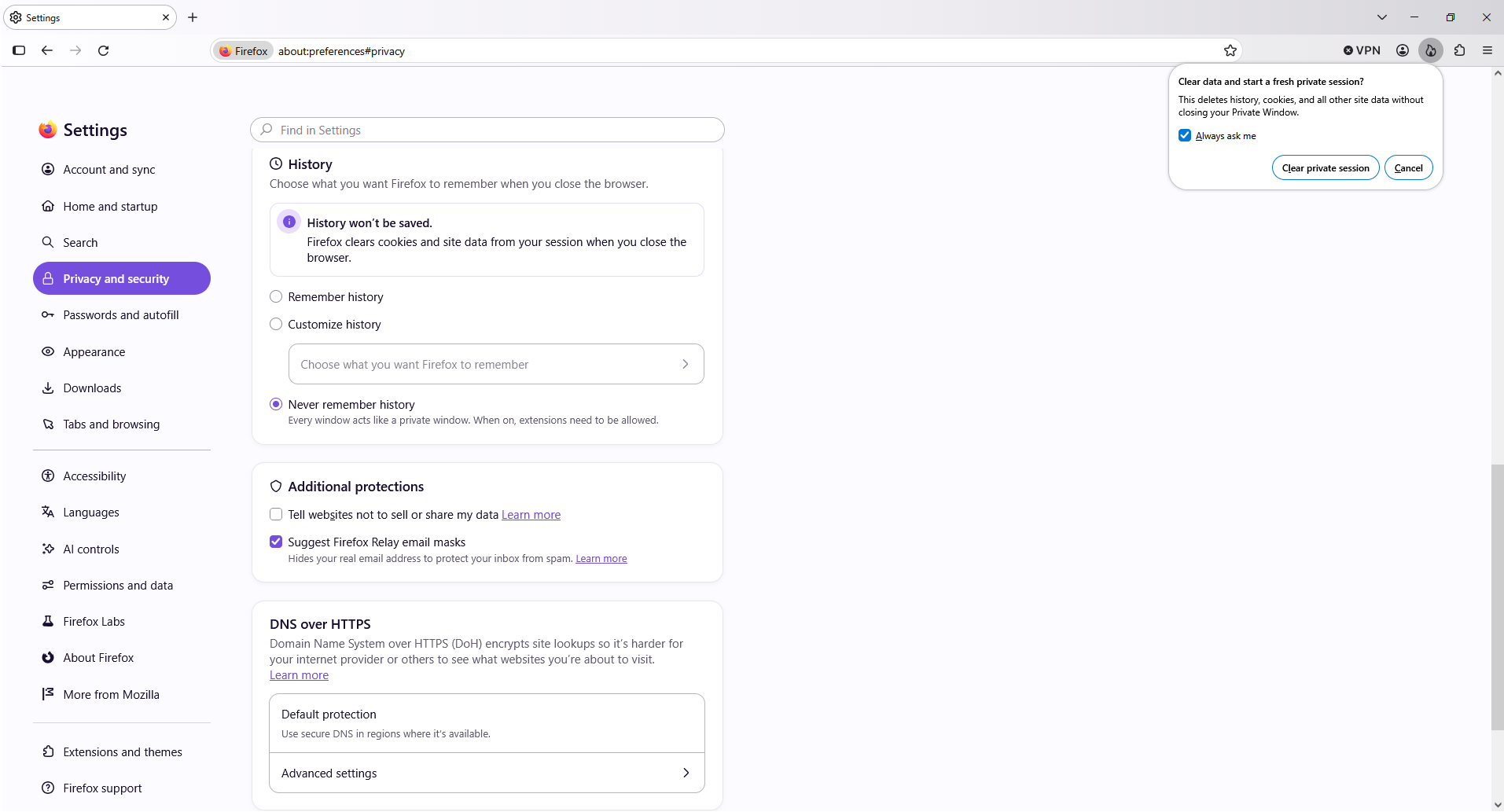
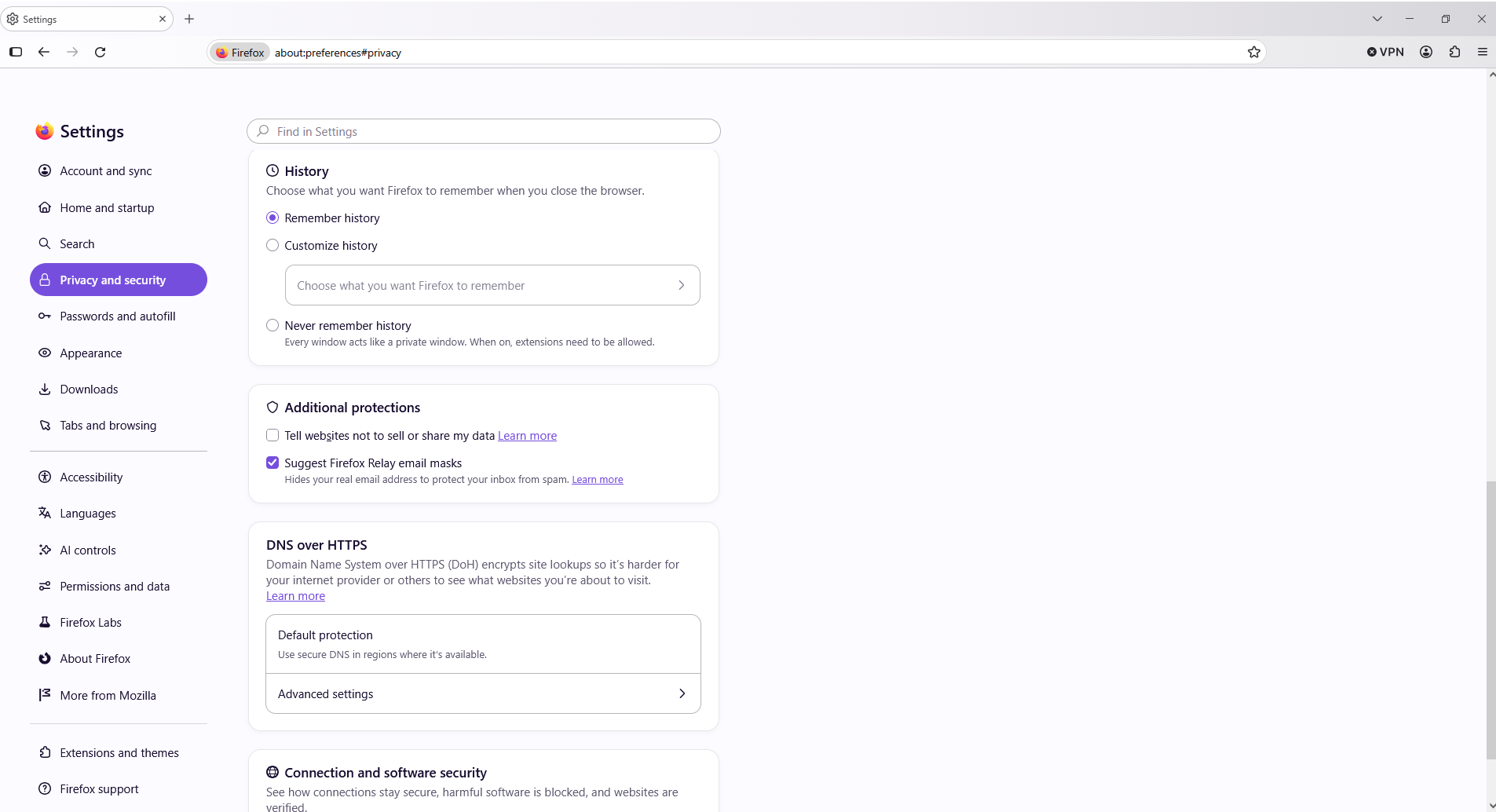
Important: When Firefox is set to Always use private browsing mode or to Never remember history, you won't see a purple mask at the top of each window, even though you are in Private Browsing mode. To restore normal browsing, go to your Privacy & Security settings for History, as explained above, and uncheck Always use private browsing mode (or select Remember history) and restart Firefox.
Upravil(a) Agent virtuel dňa