


Vyriešené
Delete Credit Card info

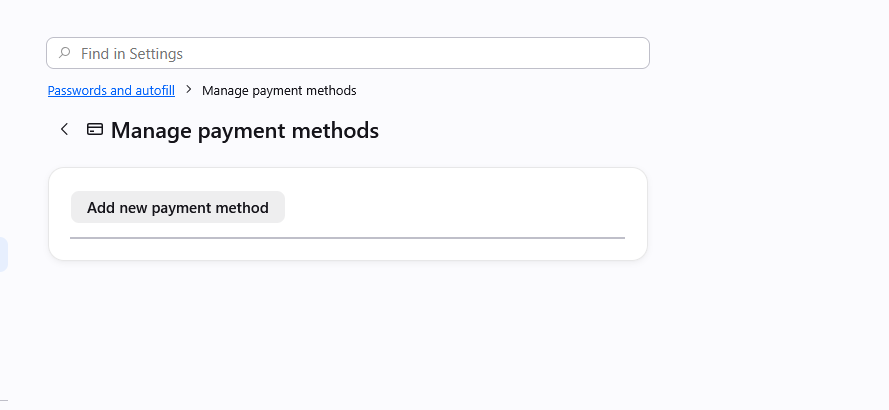
I have five old expired CC's that pop up every time for auto fill. However, when I follow the link, to Manage Payment Methods. It is completely empty. There's nothing to manage. How do I delete all the old stuff when there's nothing were it should be? Please see attached.
I have five old expired CC's that pop up every time for auto fill. However, when I follow the link, to Manage Payment Methods. It is completely empty. There's nothing to manage. How do I delete all the old stuff when there's nothing were it should be? Please see attached.
Všetky odpovede (3)
Vybrané riešenie
There's currently a bug with invalid entries completely hiding all the content:
There are some workarounds in previous thread https://support.mozilla.org/questions/1588553 if it's pressing, but a fix should ship hopefully within a few weeks.
Perfect, thank you for your help!
This is fixed in v152.0.5: firefox.com/firefox/152.0.5/releasenotes