

Táto téma bola archivovaná.
Ak potrebujete pomôcť, založte prosím novú otázku.

Archivované
side bar

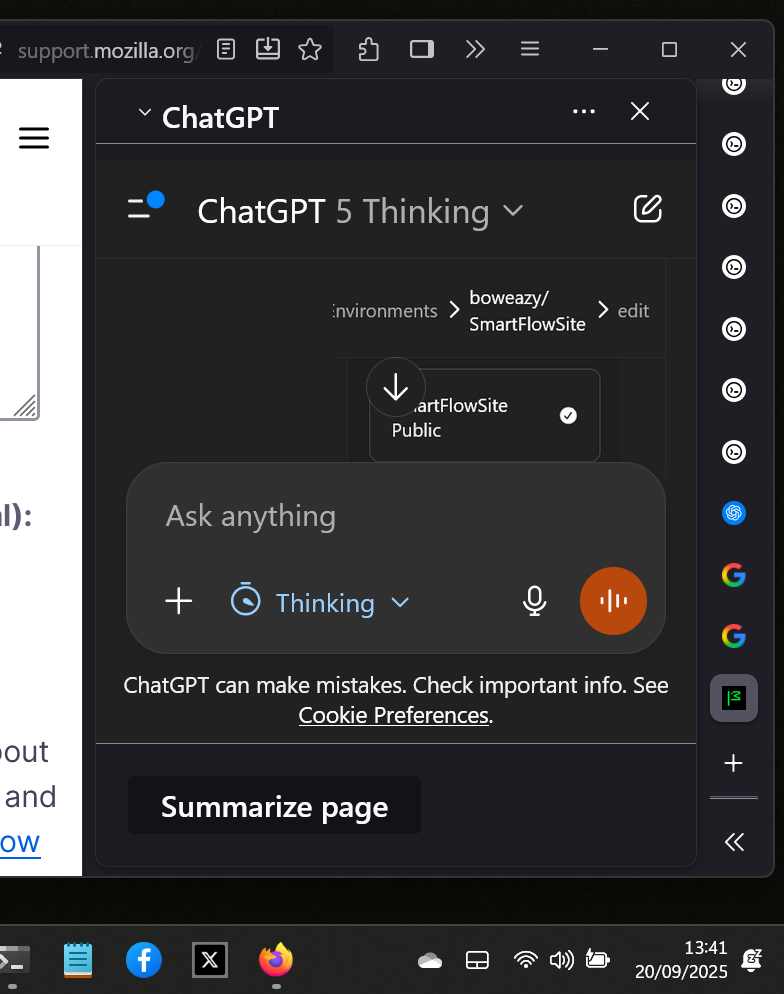
how can i make the chat gpt sidebare not take halfe the screan size down
how can i make the chat gpt sidebare not take halfe the screan size down
Všetky odpovede (1)
Hi Gary
If you hover your mouse cursor on or near the line between the chatbot and the browsing parts of the window, you should be able to move the border to a point more suitable to you.