


Cannot disable picture-in-picture starting on tab switch.

I am having issues disabling picture-in-picture mode, even though I have disabled it in my settings.
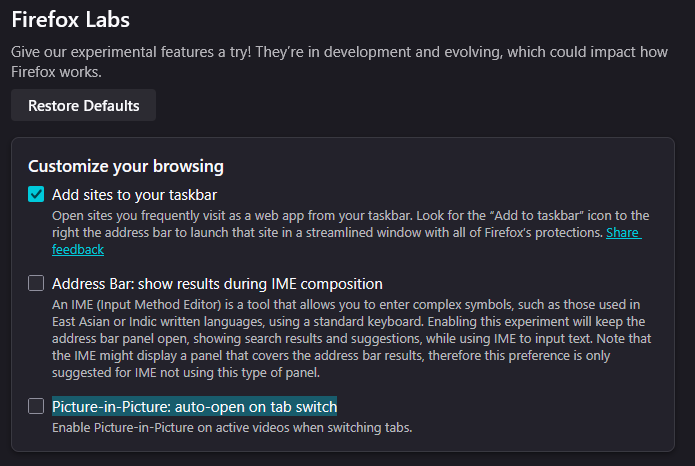
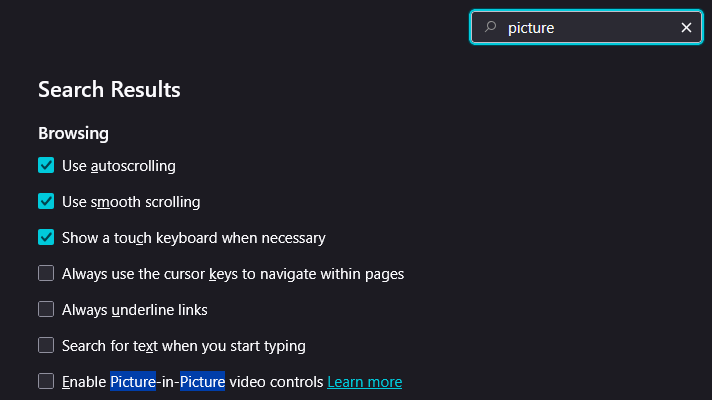
The settings regarding picture-in-picture mode (in general) and the Firefox Labs' "Picture-in-Picture: auto-open on tab switch" do not seem to work. I am disabled and re-enabled these settings multiple times, though picture-in-picture mode still auto-opens on tab switch. I have restarted my computer and Firefox multiple times.
Please advise on potential solutions. Thank you!
Všetky odpovede (1)
Hello
Is it this subject Take a look at the preference, media.videocontrols.picture-in-picture.enable-when-switching-tabs.enabled https://support.mozilla.org/en-US/questions/1530752
Edit : Sorry
Picture-in-Picture: auto-open on tab switch Enable Picture-in-Picture on active videos when switching tabs.
That's, media.videocontrols.picture-in-picture.enable-when-switching-tabs.enabled
Your question. Is it about, other floating videos, but, is not always easy, to find the required information. https://support.mozilla.org/en-US/questions/1532254
Upravil(a) Agent virtuel dňa