some websites do not open with the latest 154 update. How do i fix this?

some websites do not open with the latest 154 update. How do i fix this?
Все ответы (9)
How did the steps linked from support.mozilla.org/questions/1599265 go?
I have windows 11, article is for windows 10
Hi
Is there any error message when you try to view a webpage?
No, the websites just keep spinning around without opening.
Do you have an example of a website where this happens?
Do you have any add-ons installed in Firefox?
capital one is one of them, used to work before update 154.
Another is https://solitaired.com/ which had no problem before update 154. This one opens then always freezes, never happened before.
In addition Capital one lets me sign in after a long load tom, then after i sign in it freezes.
john23683 said
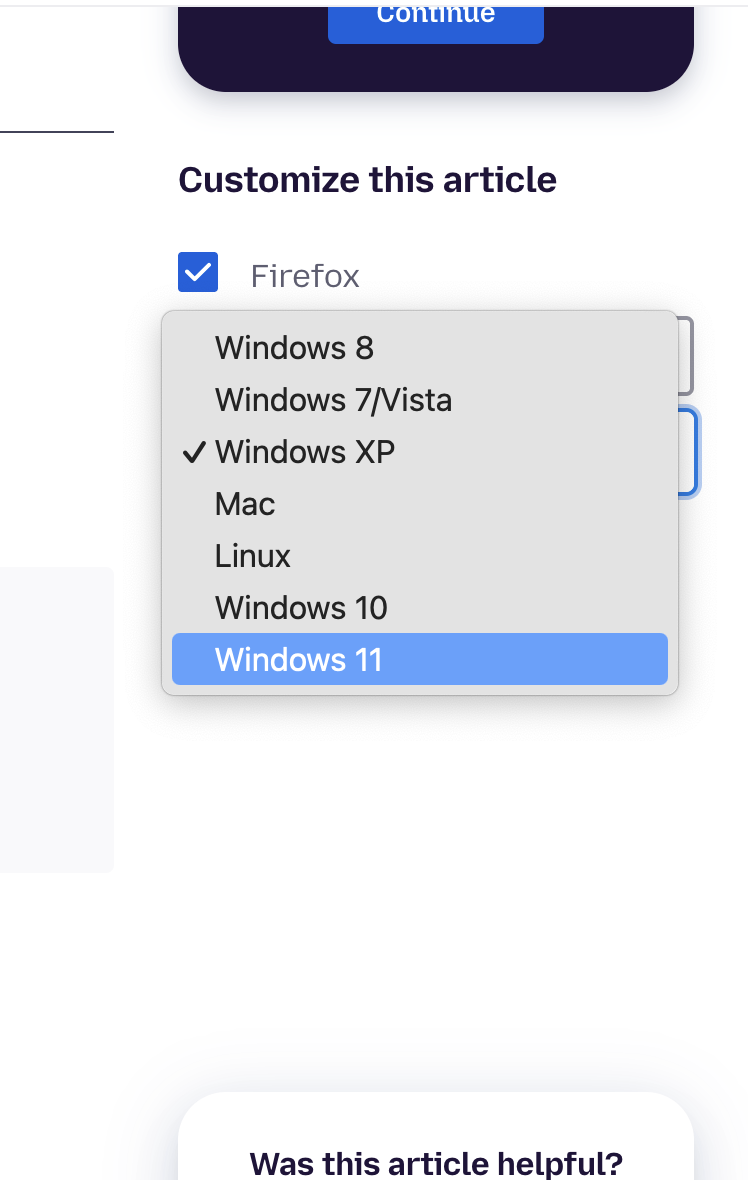
I have windows 11, article is for windows 10
Hi,
The article is not only for Windows 10. Please check it out
And do these sites work when you try in a new Private Window, or restart into Troubleshoot Mode (from Help menu)?
FYI if an article appeared to be for a different platform, there's this dropdown in the sidebar so you can select whatever's relevant to your setup: