


Открытый
How to disable all new features forever
Dear Firefox Community,
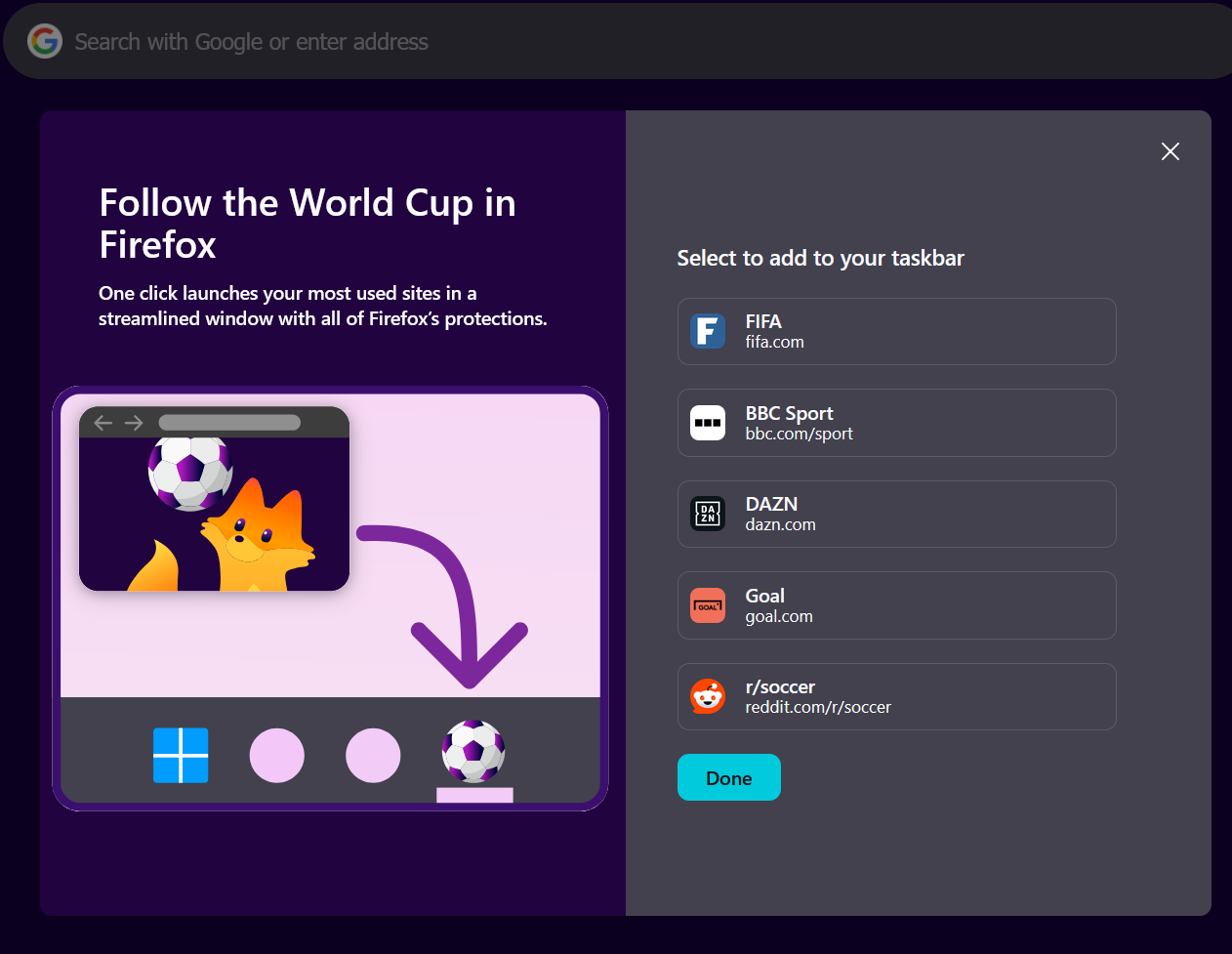
I don't want to follow football. I don't want to see world time. I don't want to download Firefox for mobile. I don't want to change my home screen background. I don't want any new widgets automatically enabled.
Kindly tell me if there are any setting/options/flags (including in about:config ) to avoid any new popups about all those very useful features for as long as possible.
Все ответы (1)
The best would be to ask the productivity folks directly in one of the threads: