Why do I get "Forbidden 403"?
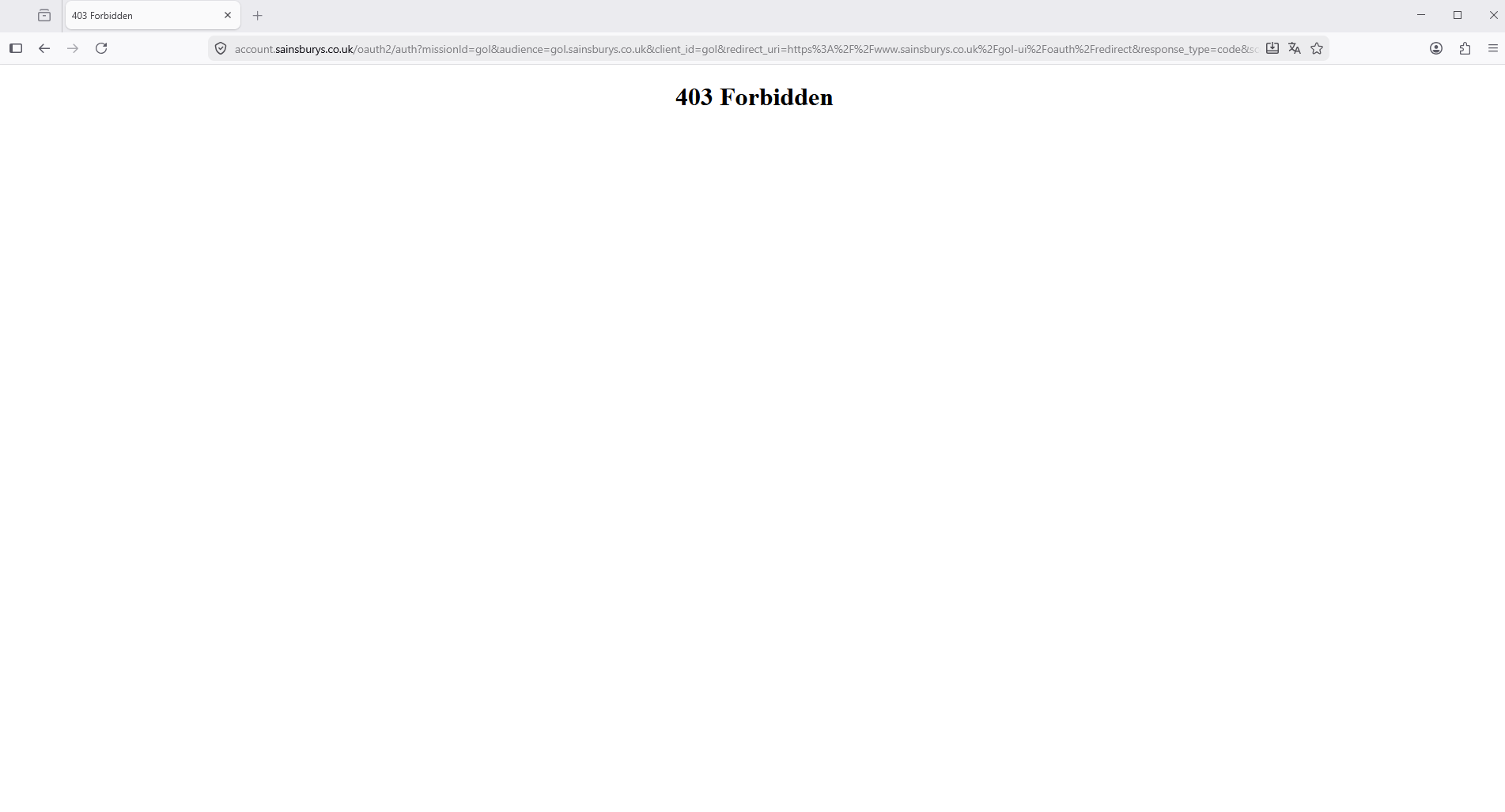
When trying to book into Sainsburies Groceries I can't login as I get a screen with Forbidden 403.
Выбранное решение
Hello
Bob Smith said
Tried that using Firefox and also with another browser!
Are you using, a vpn?
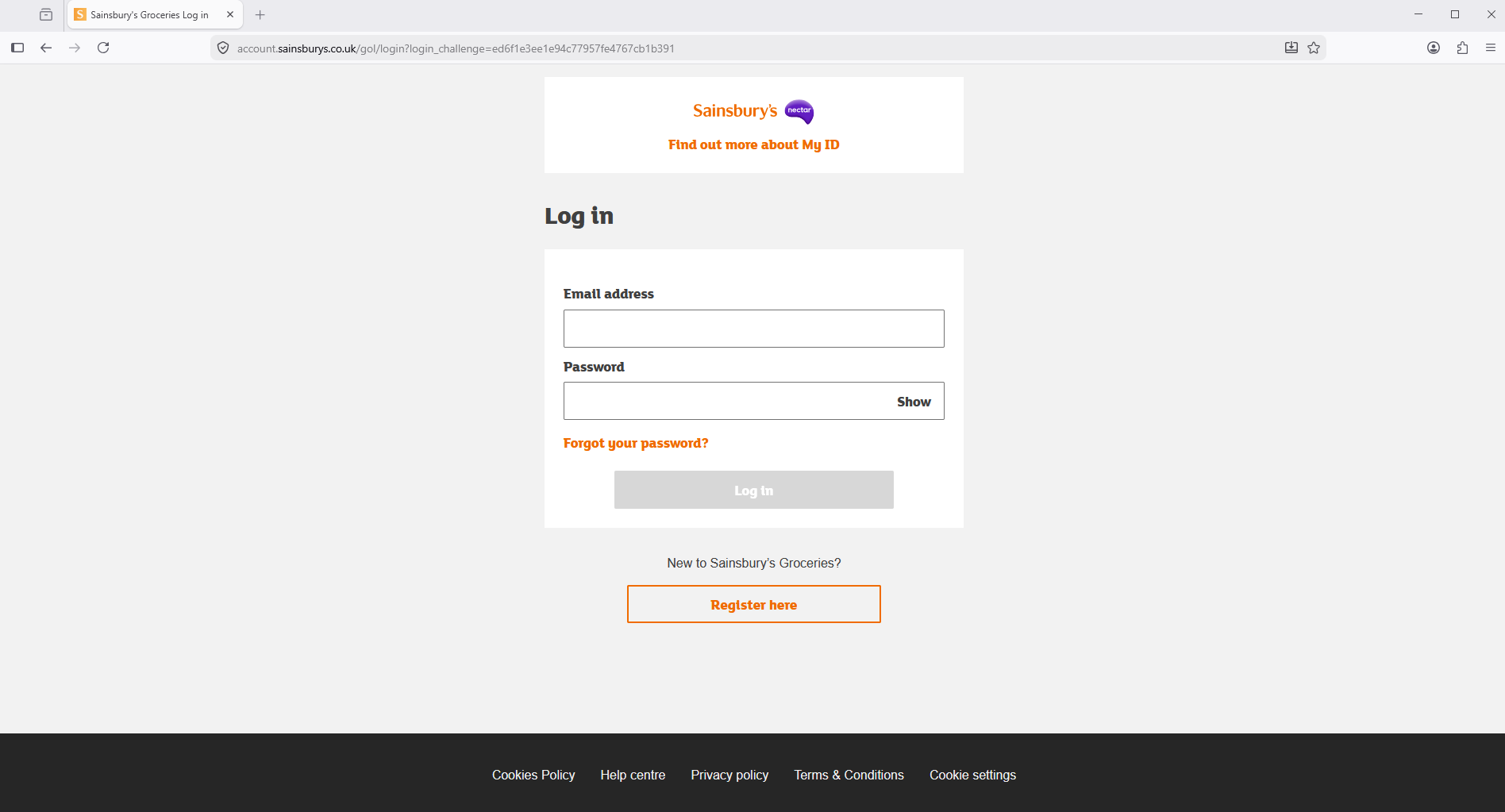
Below, a hypothesis. Screenshot 1, vpn used, location, at instant, 403 Forbidden. Screenshot 2, vpn not used.
Все ответы (9)
I get "403 Forbidden" without quotes, of course
Are you using any security software on your device?
Do you have any updates for that or your operating system due to be applied?
Do you use a bookmark or are you starting with the main (home) page of this website?
If you use a bookmark to access a specific page, instead navigate to this page starting with the main page or with the sign in page in case there is a problem with this bookmark.
Tried that using Firefox and also with another browser!
Выбранное решение
Hello
Bob Smith said
Tried that using Firefox and also with another browser!
Are you using, a vpn?
Below, a hypothesis. Screenshot 1, vpn used, location, at instant, 403 Forbidden. Screenshot 2, vpn not used.
It worked, thanks, deleted VPM for that site.

чому при відкритті сайту помилка 403 forbidden? браузер повністо скинуто до заводських налаштувань, всеодно не допомагає
Bonsoir
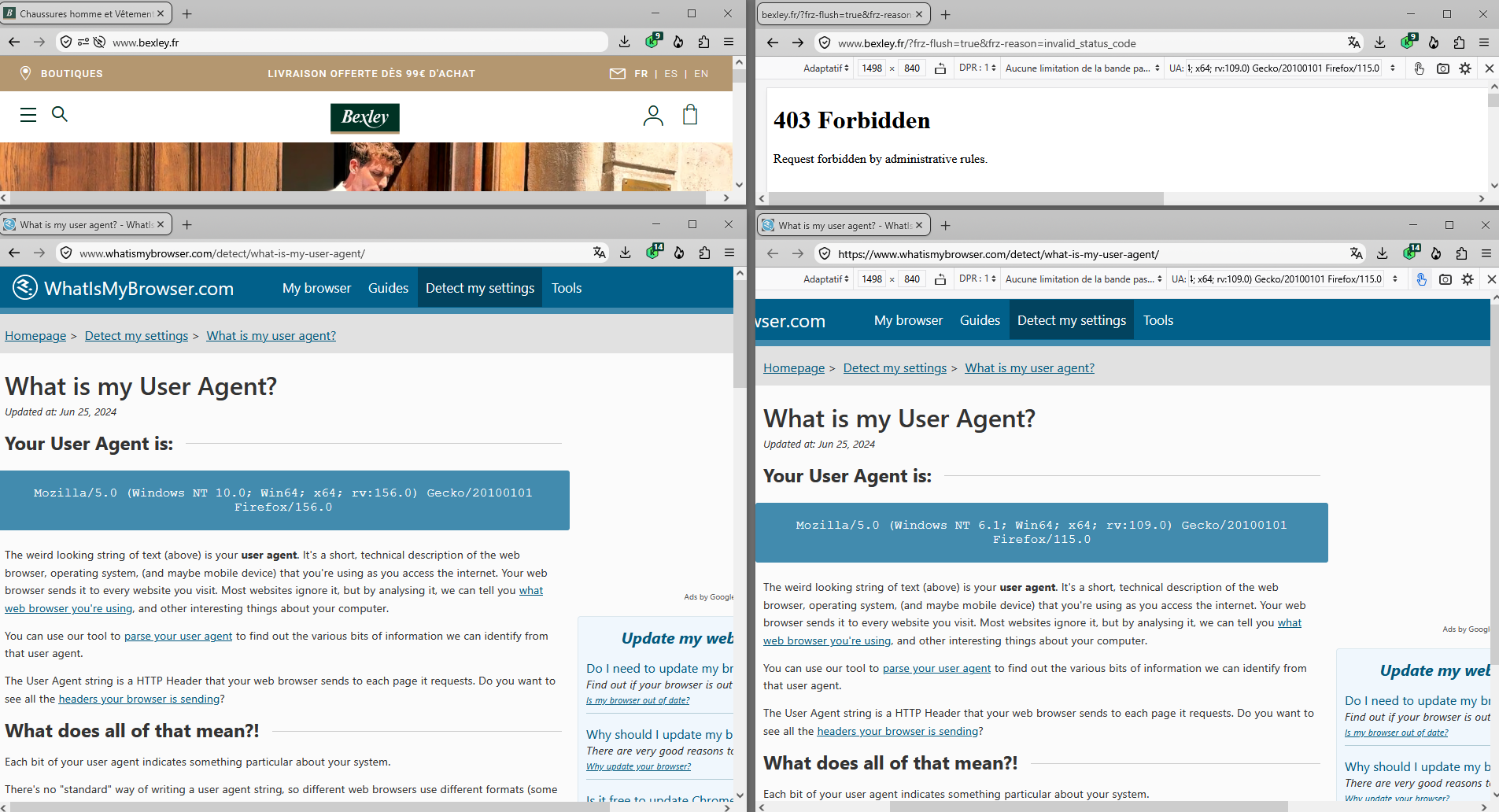
What is your user agent? https://www.whatismybrowser.com/detect/what-is-my-user-agent
Below, an experience with the help of Responsive Design Mode https://firefox-source-docs.mozilla.org/devtools-user/responsive_design_mode User Agent String on the right
Mozilla/5.0 (Windows NT 6.1; Win64; x64; rv:109.0) Gecko/20100101 Firefox/115.0