Windows 10 reached EOS (end of support) on October 14, 2025. If you are on Windows 10, see this article.

Avatar for Username

Поиск в поддержке

Избегайте мошенников, выдающих себя за службу поддержки. Мы никогда не попросим вас позвонить, отправить текстовое сообщение или поделиться личной информацией. Сообщайте о подозрительной активности, используя функцию «Пожаловаться».

Подробнее
Архивировано

Mail Compose Screen

Armadillo

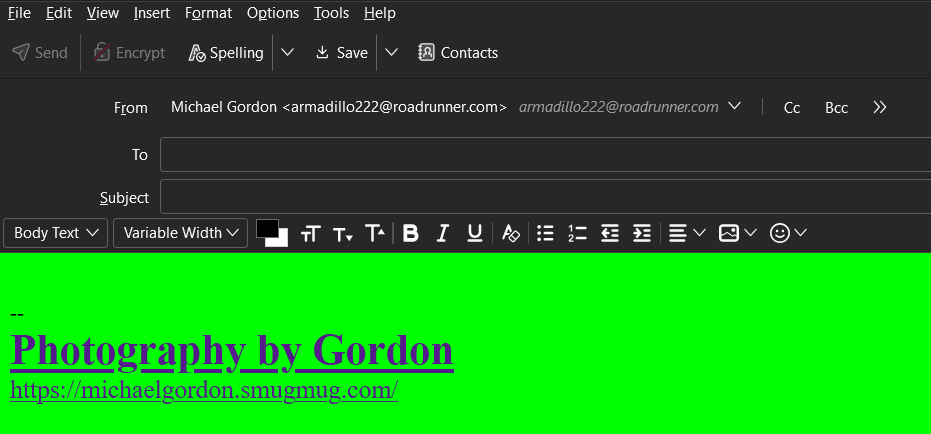
First thing this afternoon, the background color of the mail composition screen was changed to solid green. The HTML toolbar is semi-transparent, and I cannot change the screen background back to white. When I click the cursor in the compose window, the HTML toolbar appears, but it does not change the background to white. The format tool indicates a white screen with black text. In Config Editor, the compose background colors are white and black text. I have tried several theme changes, including the theme from Mozilla, but there has been no change.

Rebooting Win 11, no change.

Michael Gordon
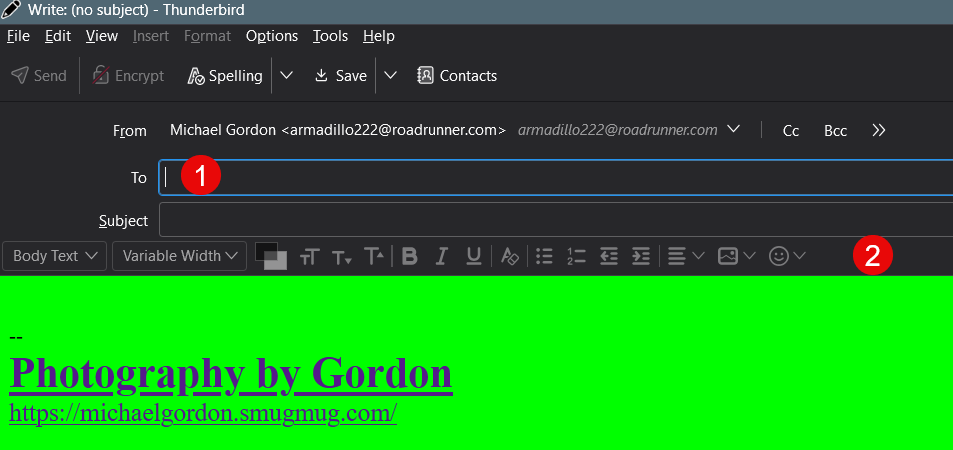
First thing this afternoon, the background color of the mail composition screen was changed to solid green. The HTML toolbar is semi-transparent, and I cannot change the screen background back to white. When I click the cursor in the compose window, the HTML toolbar appears, but it does not change the background to white. The format tool indicates a white screen with black text. In Config Editor, the compose background colors are white and black text. I have tried several theme changes, including the theme from Mozilla, but there has been no change. Rebooting Win 11, no change. Michael Gordon
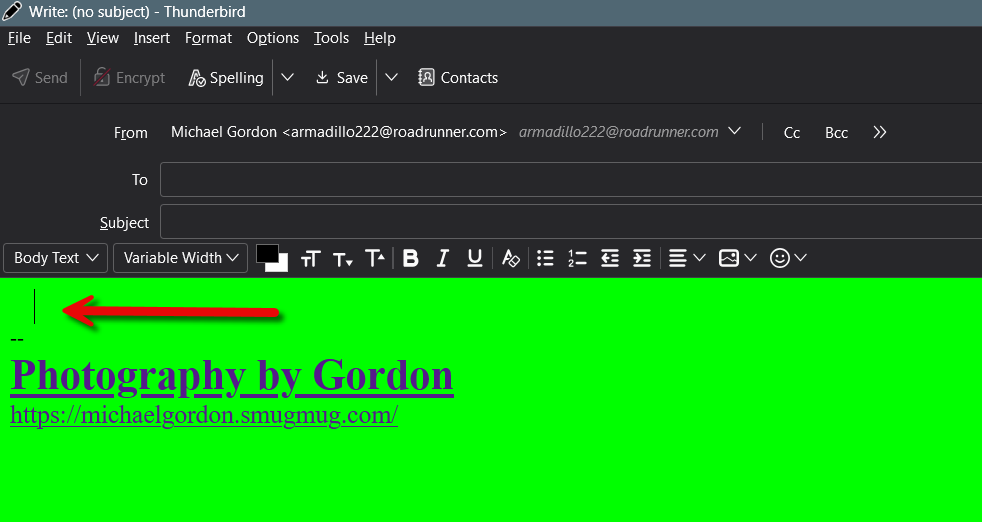
Приложенные скриншоты

Все ответы (1)

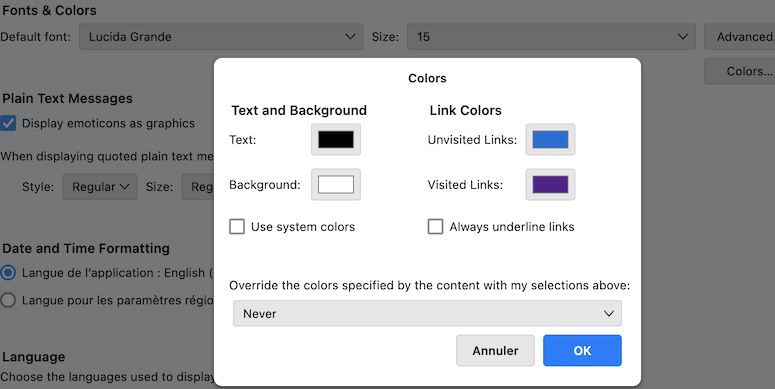
Test Thunderbird in "Troubleshoot Mode" to know whether the issue still is the same https://mzl.la/3AbU5jz Hold the shift ⇧ key and launch Thunderbird. Which are your colour settings in Settings > General > Language & Appearance ... ?