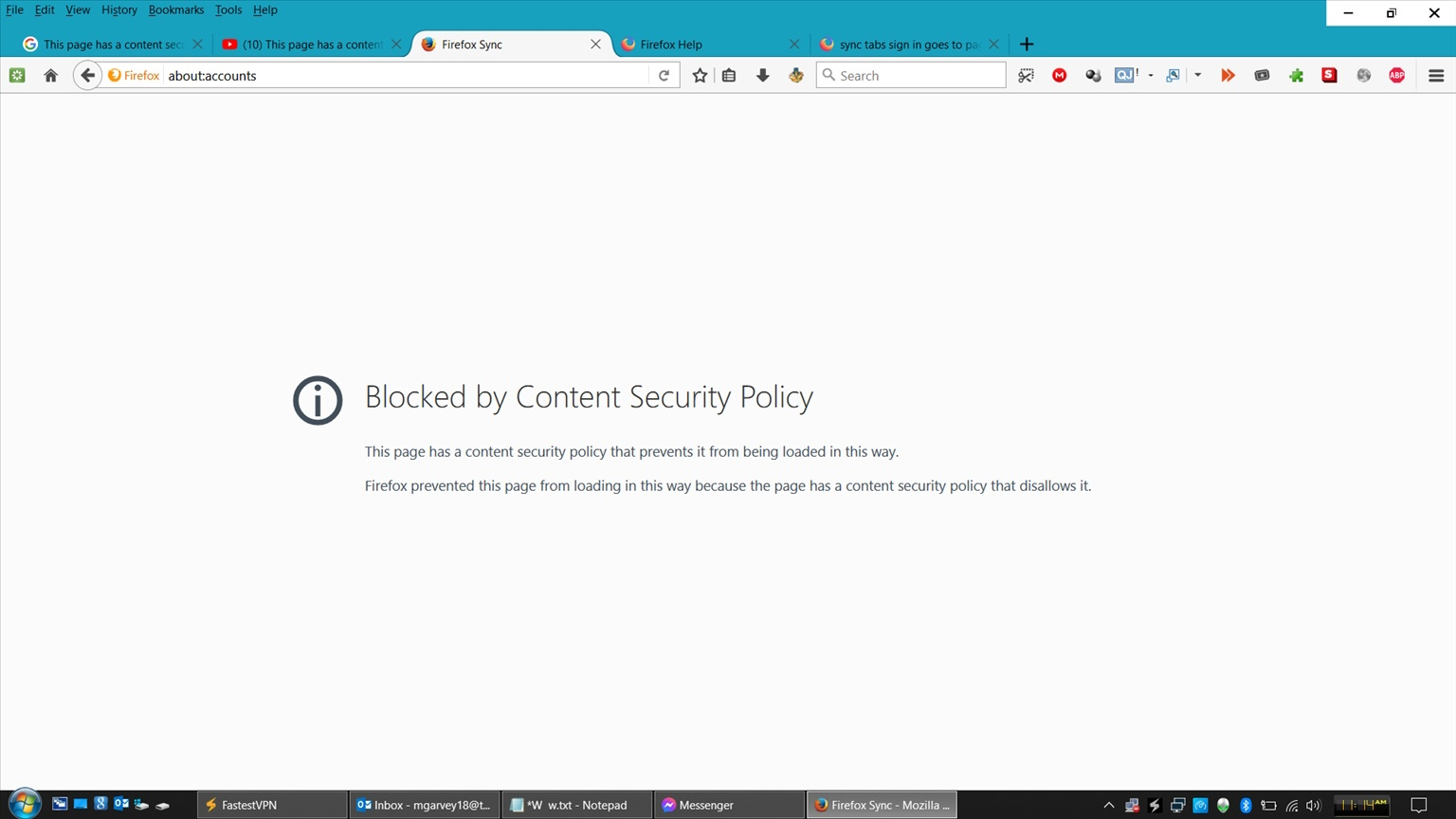
sync tabs sign in goes to page: " Blocked by Content Security Policy This page has a content security policy that prevents it from being loaded in this way."

Even though I am signed in to the main support page, attempting to sync tabs leads to the page
"Blocked by Content Security Policy
This page has a content security policy that prevents it from being loaded in this way.
Firefox prevented this page from loading in this way because the page has a content security policy that disallows it." at the address: about:accounts?action=signin&entrypoint=preferences
what other ways are availabe to sync?
Even though I am signed in to the main support page, attempting to sync tabs leads to the page
"Blocked by Content Security Policy
This page has a content security policy that prevents it from being loaded in this way.
Firefox prevented this page from loading in this way because the page has a content security policy that disallows it." at the address:
about:accounts?action=signin&entrypoint=preferences
what other ways are availabe to sync?
Все ответы (1)
Yes!! Same poblem for me!!
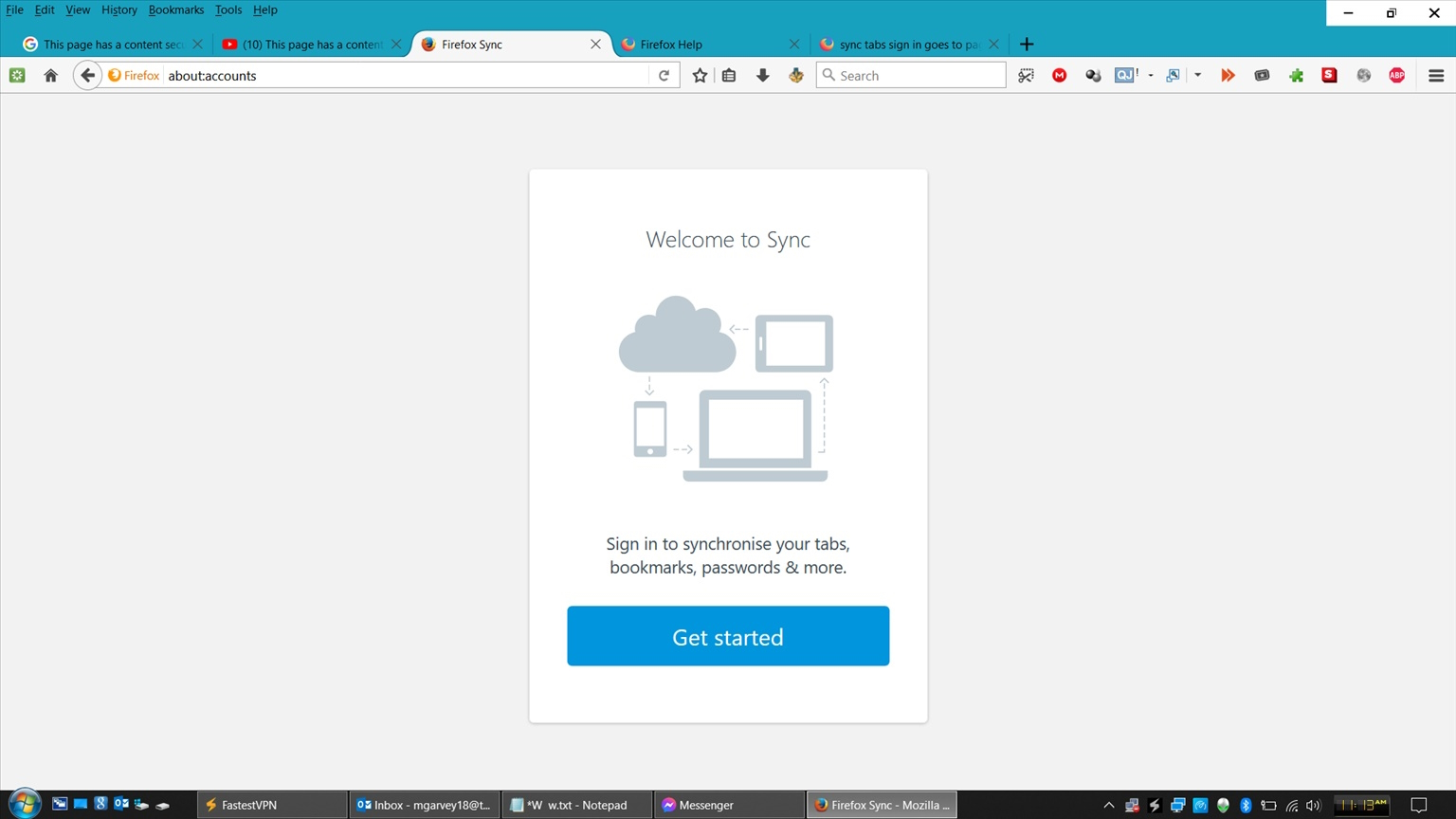
I'm trying to log in to Firefox Sync and get this error!! Take a look at the two screenshots attached.
This error shouldn't be happening in Firefox because it's their software!! You can see that by the URLs at the top of each page shown,
I need a solution FAST please!!