


Website not opening

I am trying to open a website but I keep getting error code 522. I've tried using Chrome and it connects to the website with no problem. I've checked my privacy settings and I do not have that website blocked. What else can I check? I don't think it's an issue from the website side. If you want to check then check here : https://jewelcars.co.uk/
Soluție aleasă
Did you try Firefox in Troubleshoot Mode? https://support.mozilla.org/en-US/kb/diagnose-firefox-issues-using-troubleshoot-mode#search104
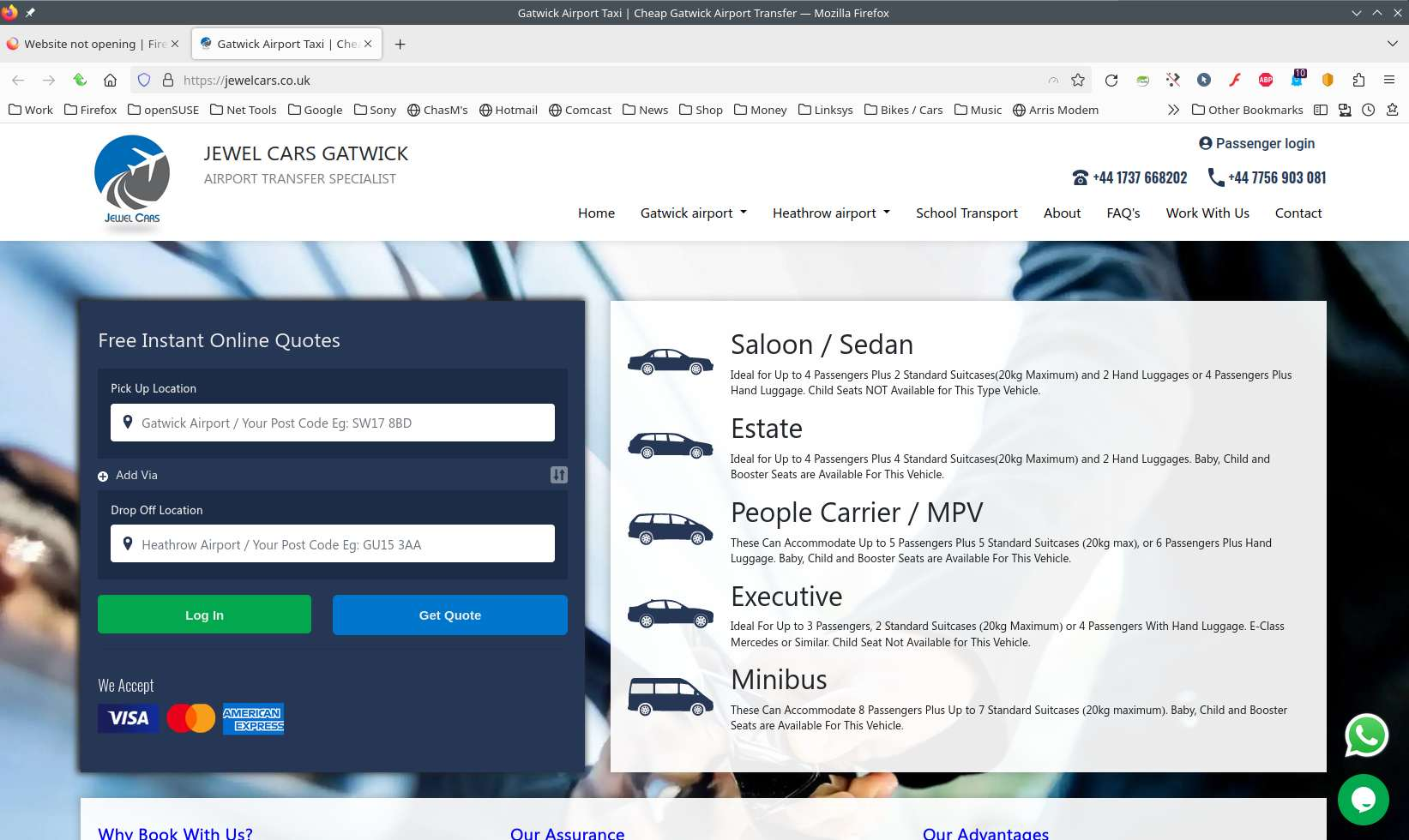
Site works for me. see screenshot
Did you clear your browser cache? https://support.mozilla.org/en-US/kb/clear-cookies-and-site-data-firefox
Also try Clear all items for a single site https://support.mozilla.org/en-US/kb/remove-websites-address-bar-suggestions
You can also Refresh Firefox. https://support.mozilla.org/en-US/kb/refresh-firefox-reset-add-ons-and-settings
Citește răspunsul în context 👍 0Toate răspunsurile (3)

Soluție aleasă
Did you try Firefox in Troubleshoot Mode? https://support.mozilla.org/en-US/kb/diagnose-firefox-issues-using-troubleshoot-mode#search104
Site works for me. see screenshot
Did you clear your browser cache? https://support.mozilla.org/en-US/kb/clear-cookies-and-site-data-firefox
Also try Clear all items for a single site https://support.mozilla.org/en-US/kb/remove-websites-address-bar-suggestions
You can also Refresh Firefox. https://support.mozilla.org/en-US/kb/refresh-firefox-reset-add-ons-and-settings
I tried all 4 things. Thank you so much. I used the Troubleshoot Mode, cleared cache, Cleared all items for website, and refreshed firefox as well. When I cleared the cache, it started opening. Looks like it was an issue with website cache may be.
Hello,
I am glad to hear that your problem has been resolved. If you haven't already, please select the answer that solves the problem. This will help other users with similar problems find the solution.
Thank you for contacting Mozilla Support.