


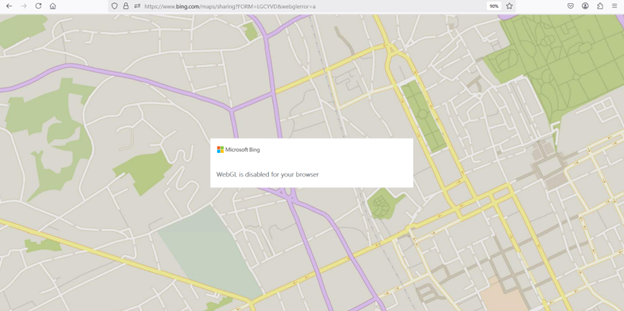
Bingmaps will not load - WebGL is disabled for my browser

When I try to use bingmaps, I get the message "WebGL is disabled for your browser". How do I fix this?
Solução escolhida
Enter about:config in the address bar and confirm that webgl.disabled = false. You can try to switch webgl.force-enabled to true.
Todas as respostas (3)

Do you have the same issue with Firefox in Troubleshoot Mode? https://support.mozilla.org/en-US/kb/diagnose-firefox-issues-using-troubleshoot-mode#w_how-to-start-firefox-in-4troubleshoot-modesf5safe-modesf
Did you try clearing the browser cache? https://support.mozilla.org/en-US/kb/how-clear-firefox-cache#
What security software are you running beside MS Defender?
Are you running pro version of Windows? If so, you should have Windows Sandbox enabled for testing. https://www.howtogeek.com/399290/how-to-use-windows-10s-new-sandbox-to-safely-test-apps/
Post a screenshot showing the issue.
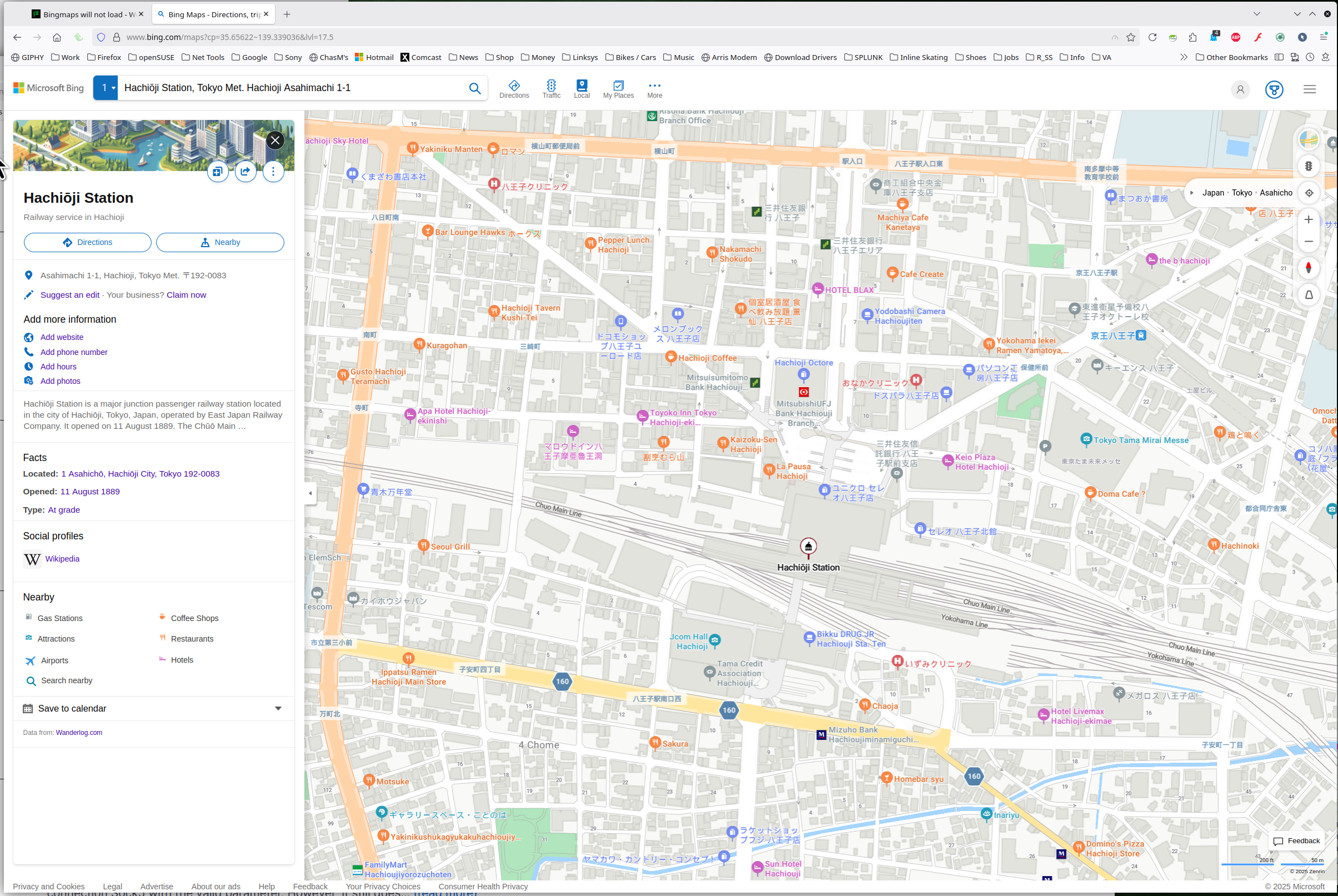
Works for me. see screenshot
I started Firefox in Troubleshoot mode by holding the shift key down while starting Firefox. Same problem with bingmaps. I cleared the browser cache - same problem. I only have MS Defender. I am using Windows 11, and could not find the sandbox feature.
Solução escolhida
Enter about:config in the address bar and confirm that webgl.disabled = false. You can try to switch webgl.force-enabled to true.