


Google calendar not showing any colors

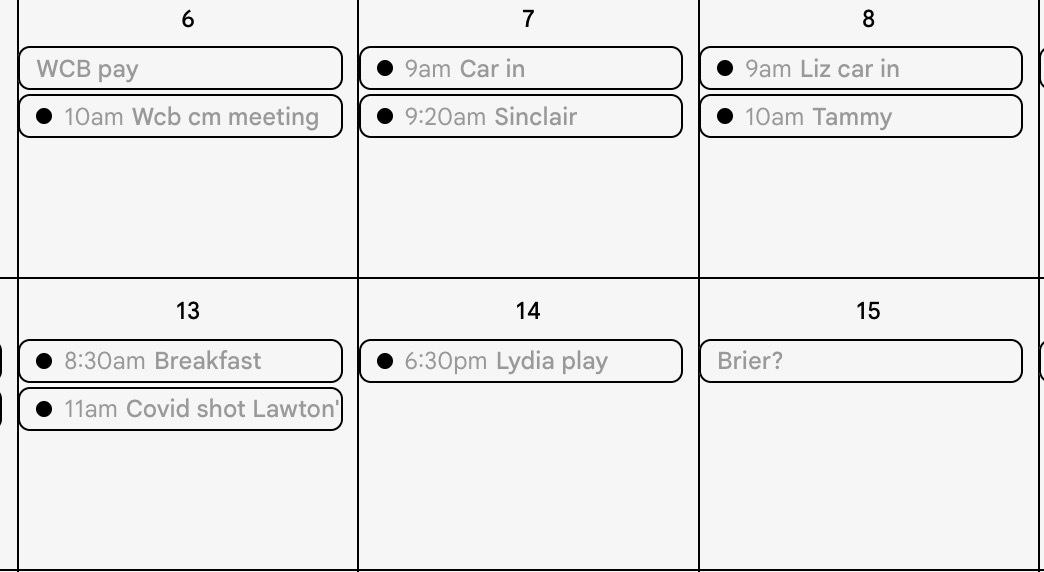
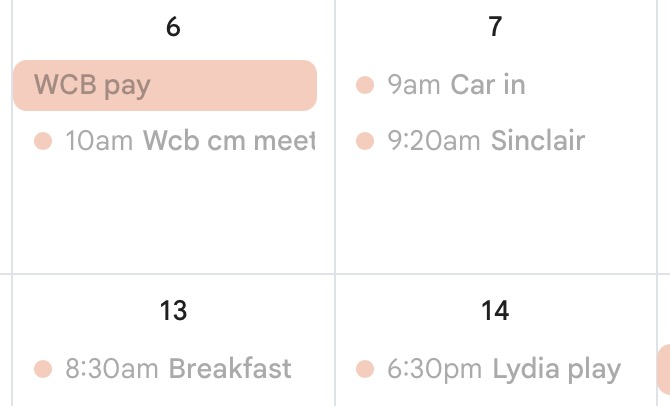
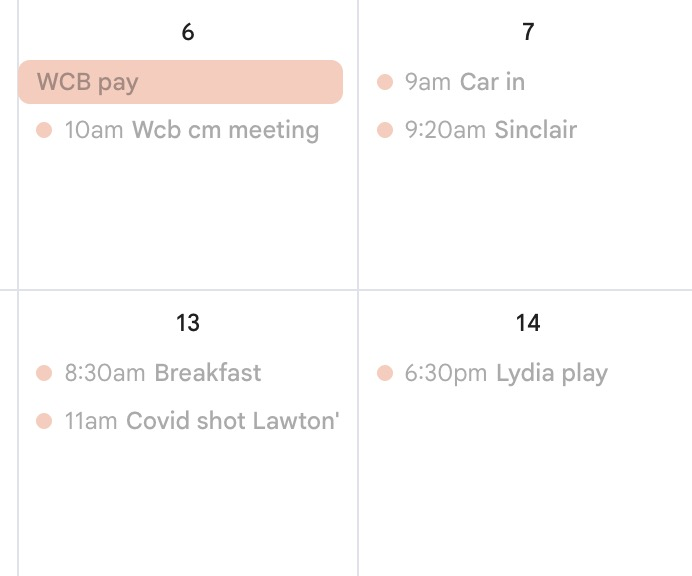
I recently downloaded Firefox and would like to use it as my primary web browser (M1 14" Macbook Pro). But my Google calendar web site is not showing any colors, making it hard to use. On my other browsers (Brave, Safari, Edge) it works fine . See screen shots below from Firefox, Safari, Brave. I have tried re-booting Firefox, the computer, reverting the Firefox theme back to basics etc., and searching on line for a solution, but I can't find anything. So far all other websites are working OK, except for 1 other that has partially the same problem. If it can't be fixed I'll stop using Firefox, which I otherwise like.
Thanks for any help.
Todas as respostas (2)

Solução escolhida
Could you please check if contrast control is causing this issue? Go to Firefox settings and type in "contrast control" in the settings searchbar. Try changing it to "Off" and tell me if Google Calendar shows colors afterwards.
Yes that has solved i. Thank you! If it's common problem, why isn't in the Firefox faqs? I couldn't find it by searching anywhere on line.