


How do I delete a synced account from a different computer?

I no longer have access to a computer which I added on to my synced account. It wasn't very smart of me, but there is no way I can get to that computer. How do I delete/deauthorize that synced computer without deleting my entire Sync account?
I no longer have access to a computer which I added on to my synced account. It wasn't very smart of me, but there is no way I can get to that computer. How do I delete/deauthorize that synced computer without deleting my entire Sync account?
എല്ലാ മറുപടികളും (1)
How do I access my Sync account from any computer?
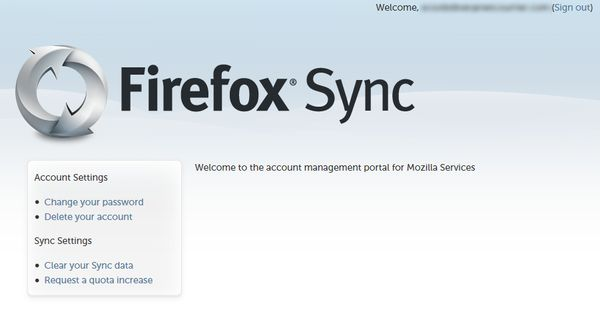
- Open a browser.
- Go to https://account.services.mozilla.com.
- Enter your username and password.
- Click Login. Your Firefox Sync account management portal will load.
For more you can refer to this support article
Modified by Aman Routh