


Windows 10 reached EOS (end of support) on October 14, 2025. If you are on Windows 10, see this article.

Search Support

Avoid support scams. We will never ask you to call or text a phone number or share personal information. Please report suspicious activity using the “Report Abuse” option.

Learn More

Firefox VPN not turning on

  • 1 valiny
  • 0 manana an'ity olana ity
  • Valiny farany nomen'i AliceWyman
  • Open

Hello Everyone,

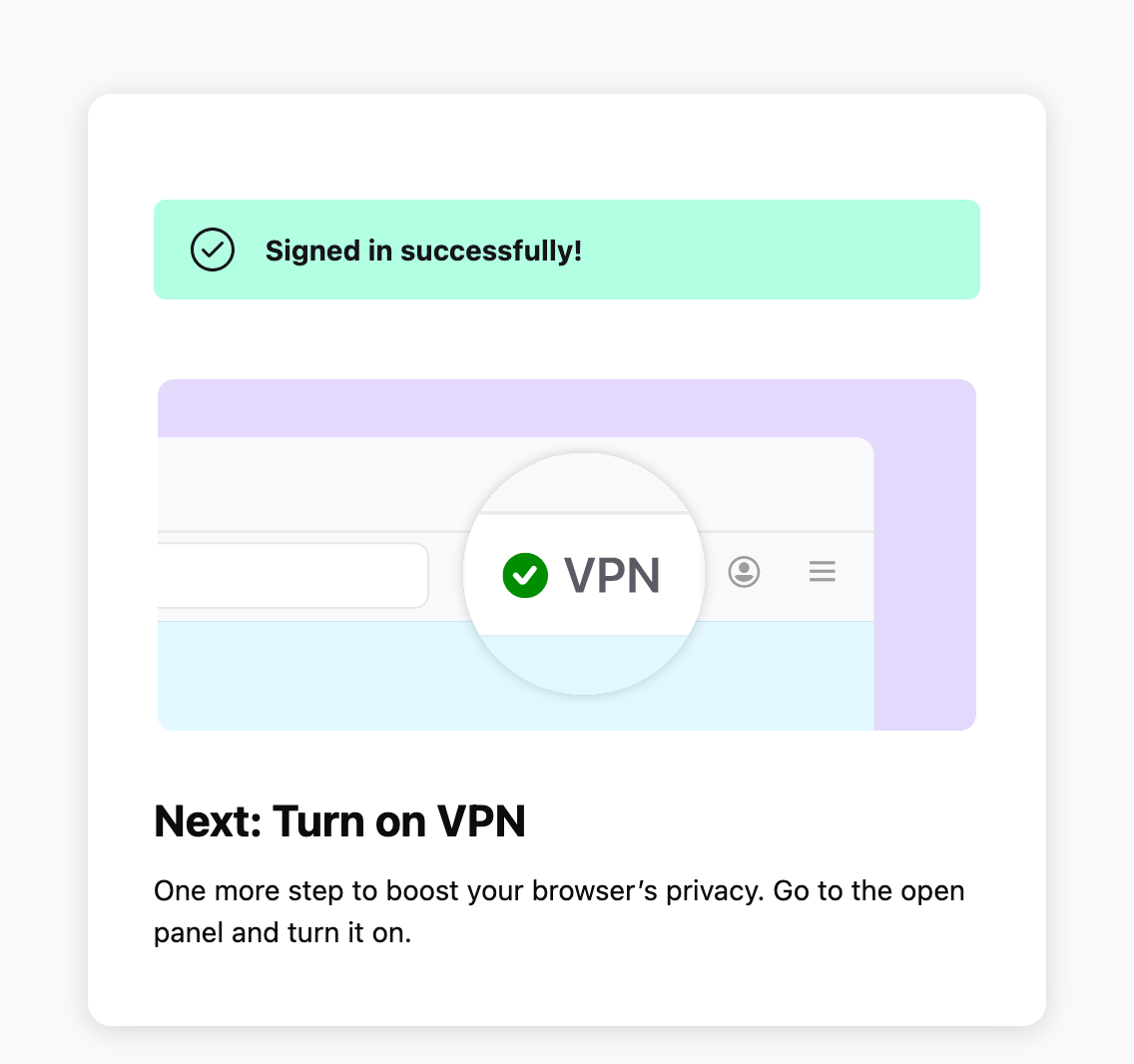
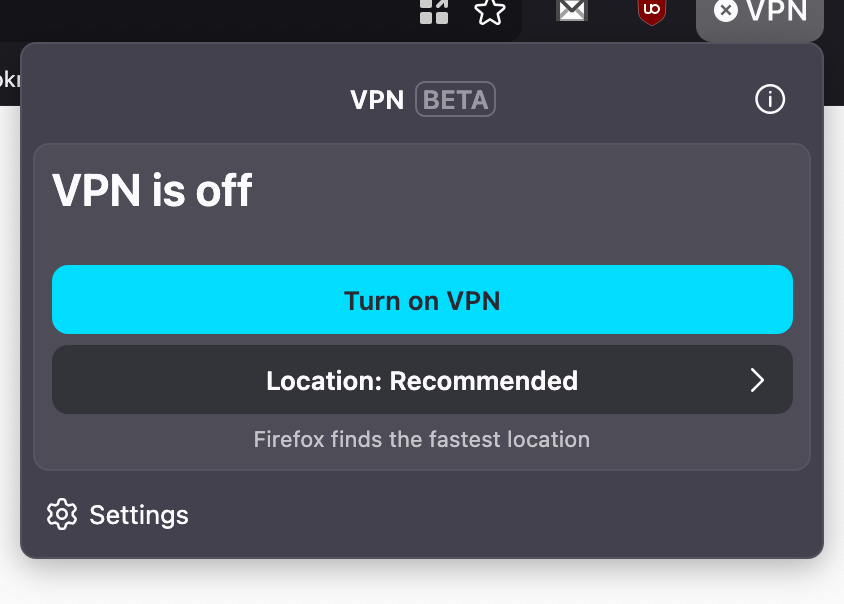
I now do have the VPN button on my toolbar but when I click on "Turn On VPN" nothing happens. I am logged in in my Firefox profile through the VPN settings under Privacy and Security.

I am on Mac OS 15.7.7, Firefox 151.0.1.

Why am I not able to turn on the VPN?

Thank you.
Hello Everyone, I now do have the VPN button on my toolbar but when I click on "Turn On VPN" nothing happens. I am logged in in my Firefox profile through the VPN settings under Privacy and Security. I am on Mac OS 15.7.7, Firefox 151.0.1. Why am I not able to turn on the VPN? Thank you.
Sarin'efijery napaingotra

All Replies (1)

The built-in VPN may be unavailable if Enterprise policies are blocking it. You can check this by going to about:policies in Firefox.

Signing out of your Mozilla account and signing back in may also help. Before signing out, make sure you know your password and that Sync is enabled so you don’t risk losing or overwriting browser data.

For more information, see the Use built-in VPN in Firefox article. If you wish, you can post your feedback about the Firefox built-in VPN to the Mozilla Connect thread.

Mametraha fanontaniana

You must log in to your account to reply to posts. Please start a new question, if you do not have an account yet.