INBOX deleted how can I retrieve or put a new one in?

Hello.. I was deleteing some mail in my inbox and then the program burped and said there is no more space. I tried to download new mail and got the no space message when I noticed that the whole inbox was gone.
I managed to recover the inbox folder and now I'm trying to put it back into the email program through windows explorer but when I try to paste it into the folder with the index.msf file I get the error that I don't have permission and must have administrative permission to copy the folder. I went through the properties and security tab and gave "everyone" full permission for the inbox, but it still won't let me past the folder back where it belongs.
How can I get the Inbox with it's mail back into my Thunderbird program?....
I'm using a Lenovo laptop with Windows 11.
thanks, David
모든 댓글 (3)
Is this an IMAP or a POP account? Where did you recover the Inbox "folder" or was it the Inbox file in the Thunderbird profile ?
Bluegtc said
I managed to recover the inbox folder and now I'm trying to put it back into the email program through windows explorer but when I try to paste it into the folder with the index.msf file I get the error .....
Can you do a screen shot of the location in the Windows Explorer where you found the Inbox.msf file probably together with an Inbox file?
Hello Mapenzi, I actually didn't recover the Inbox folder, that was an old one that had been recovered but since then Thunderbird regenerated a new inbox and I was able to put all my old mail in the box but the new mail is gone... I used three different programs to try to recover the missing folder(as well as searching for lost emails) and did all kinds of searches but nothing... it's a relatively new computer and not a lot has been deleted, but there is no sign of the inbox folder.... One of the recovery programs should have brought it up to recover or at least identified it but there is no sign of it... so I have a whole different problem than getting recovered emails back into the folder but I think I'm resigned to accepting that the mail is gone...
Windows has done this a few times over the years where a folder just disappears and there is no sign of it... very strange because it should be on the hard drive- this was a strange delete though because I had only deleted about 12 emails from the file but then there was a hiccup and the whole folder disappeared! David
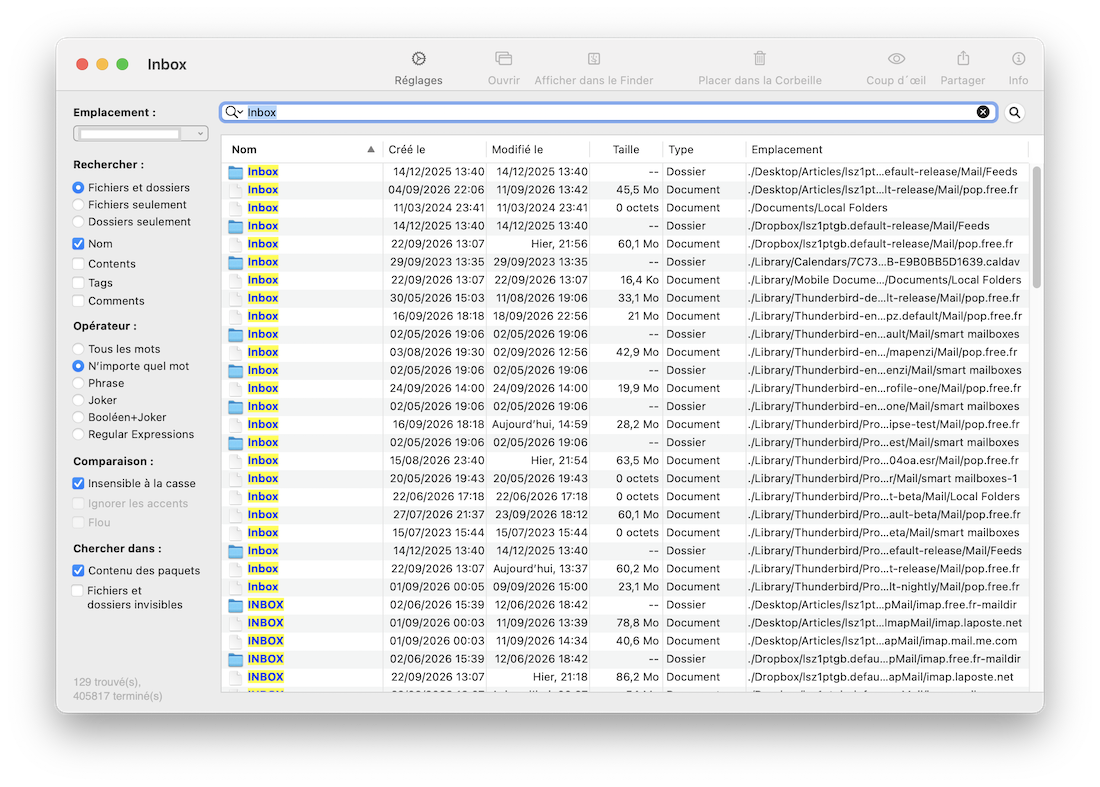
I have no idea about the cause of the disappearance of your Inbox folder. Human errors are frequent causes of data loss. That's why one should make frequent backups of important data on external hard disks. Antivirus software can put a folder in quarantaine but in this case you should have a notification. Windows certainly has a search feature which allows to search for folders and files. As an example I just made a search for "Inbox" on my Mac, so I think that something similar must exist on a Win PC