How to restore a backup version from the previous day

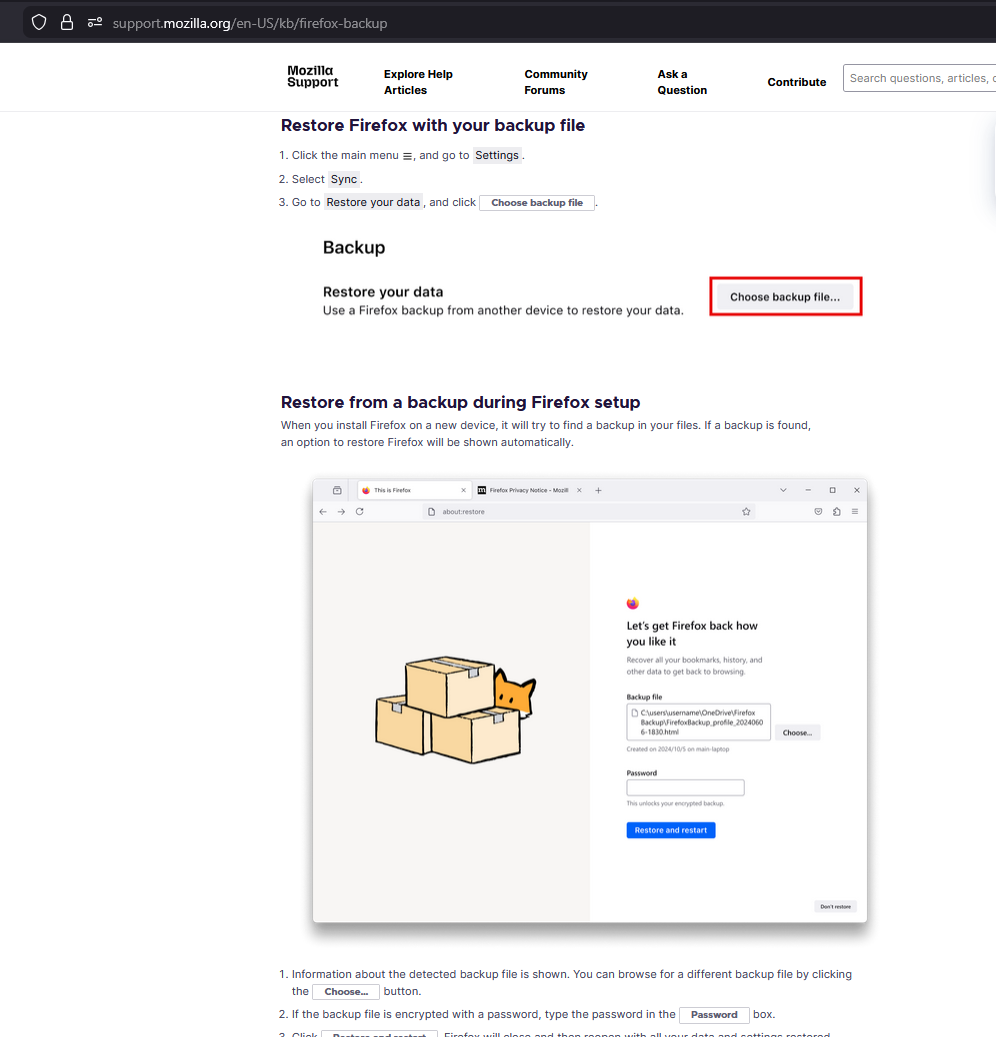
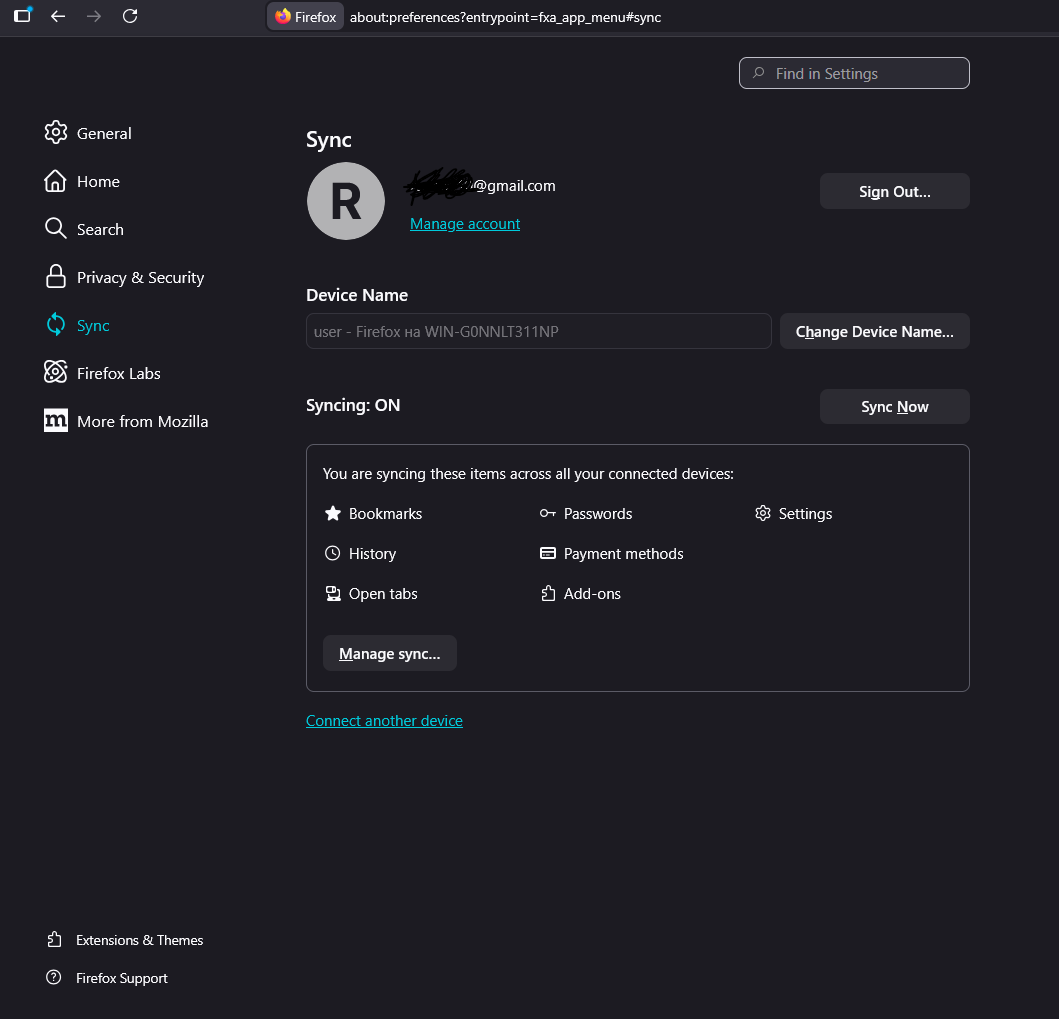
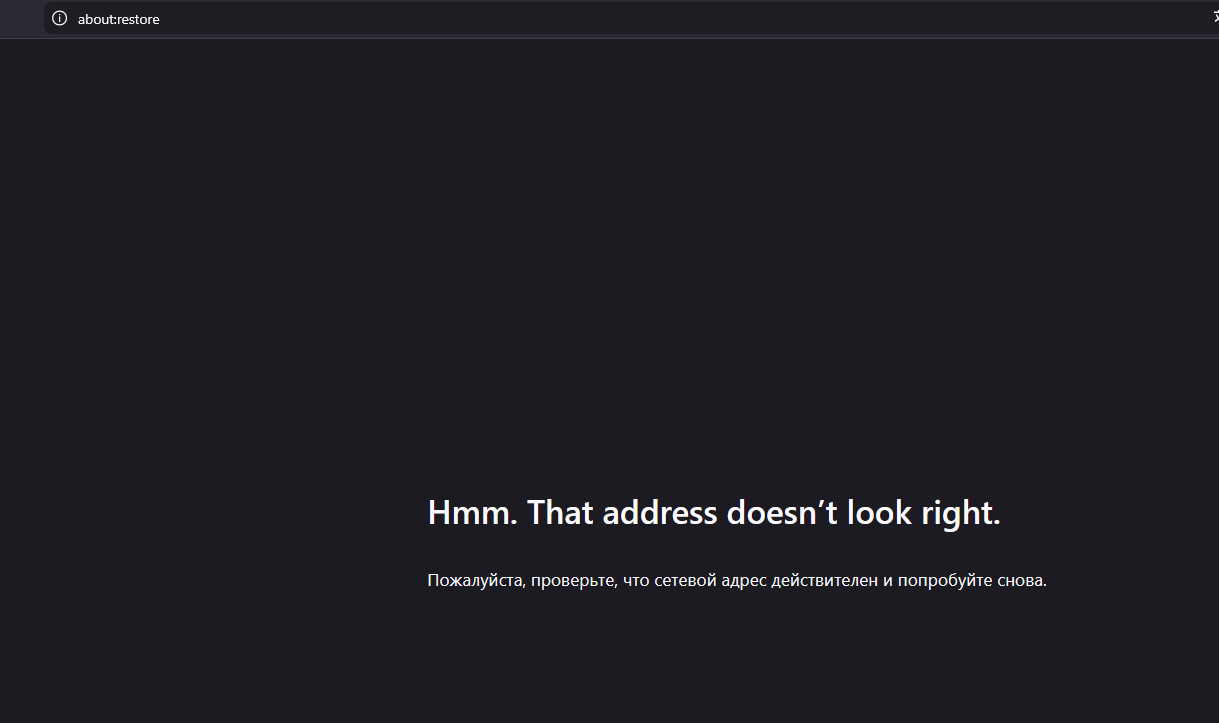
I accidentally deleted all cookies in my browser using an extension and want to restore them to how they were one day ago, but I can't find the restore button anywhere. I found an article on https://support.mozilla.org/en-US/kb/firefox-backup , but I don't have the buttons mentioned in the article. I don't have a “Restore your data” section or a “Choose backup file” button, and when I click on the link about:restore, I get the response “Hmm. That address doesn't look right.”
PLEASE HELP
I accidentally deleted all cookies in my browser using an extension and want to restore them to how they were one day ago, but I can't find the restore button anywhere.
I found an article on https://support.mozilla.org/en-US/kb/firefox-backup , but I don't have the buttons mentioned in the article. I don't have a “Restore your data” section or a “Choose backup file” button, and when I click on the link about:restore, I get the response “Hmm. That address doesn't look right.”
PLEASE HELP