

이 쓰레드는 보존되었습니다.
만약 도움이 필요하시면 새로운 질문을 올려주세요.

해결됨
보존
The screenshot doesn't work.

Hello,
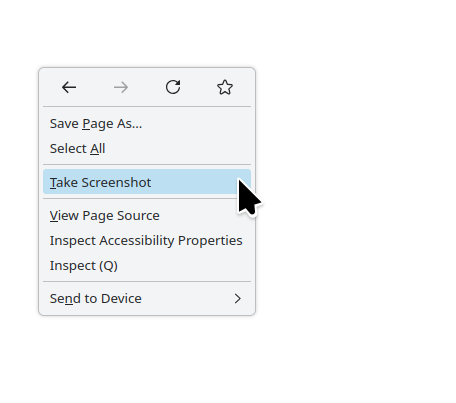
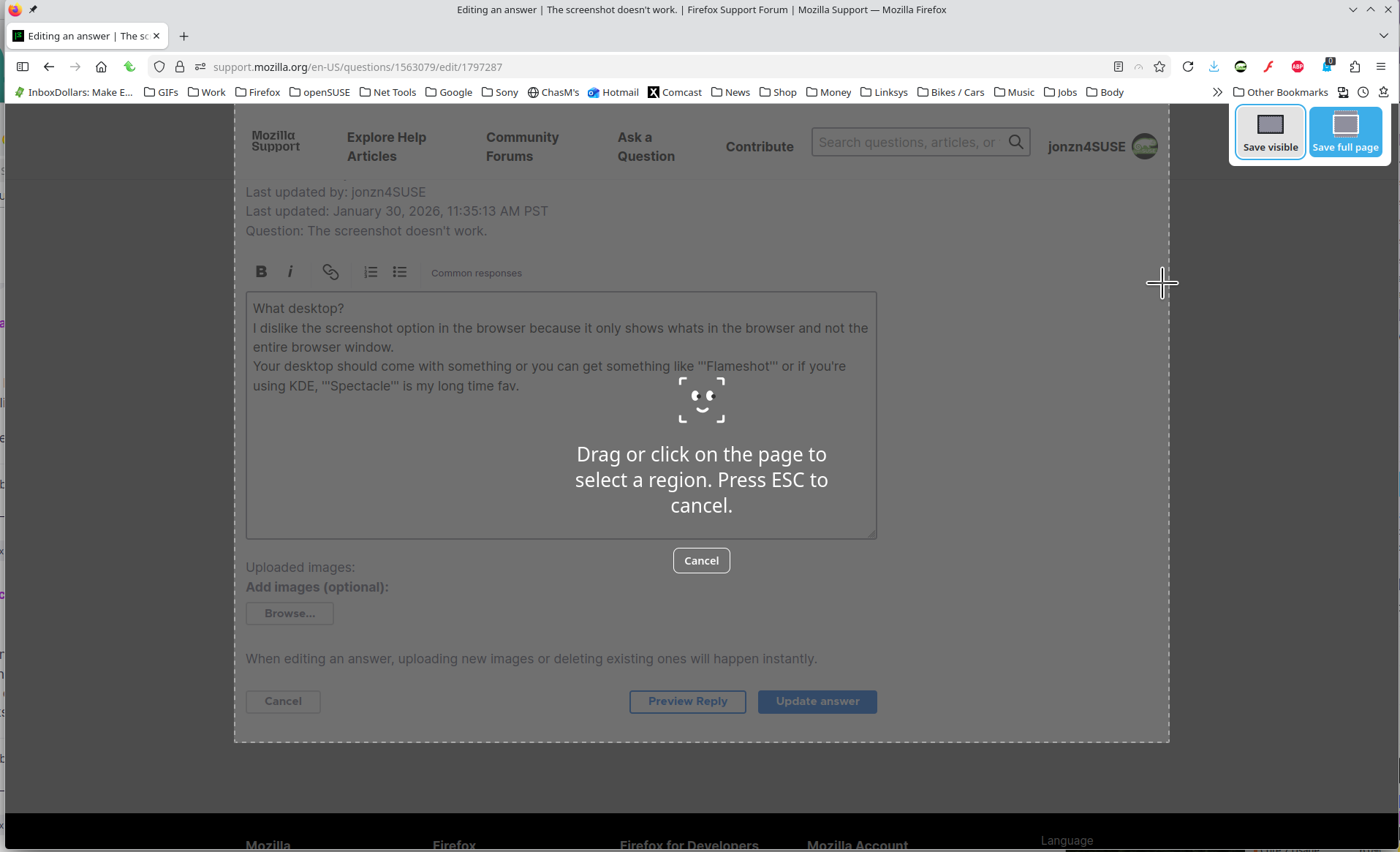
I just installed a new version of Linux Mint (Zara) and all is right with Firefox, except the screenshot who doesn't work. The buttons "Capture the visible area" and "Capture the entire page" don't work. The additional tool in the toolbar doesn't work. What can i do, please? Thanks for your answer. Pierre
Hello,
I just installed a new version of Linux Mint (Zara) and all is right with Firefox, except the screenshot who doesn't work. The buttons "Capture the visible area" and "Capture the entire page" don't work. The additional tool in the toolbar doesn't work. What can i do, please?
Thanks for your answer.
Pierre
모든 댓글 (1)

선택된 해결법
What desktop? I dislike the screenshot option in the browser because it only shows whats in the browser and not the entire browser window. Your desktop should come with something or you can get something like Flameshot or if you're using KDE, Spectacle is my long time fav.
글쓴이 jonzn4SUSE 수정일시