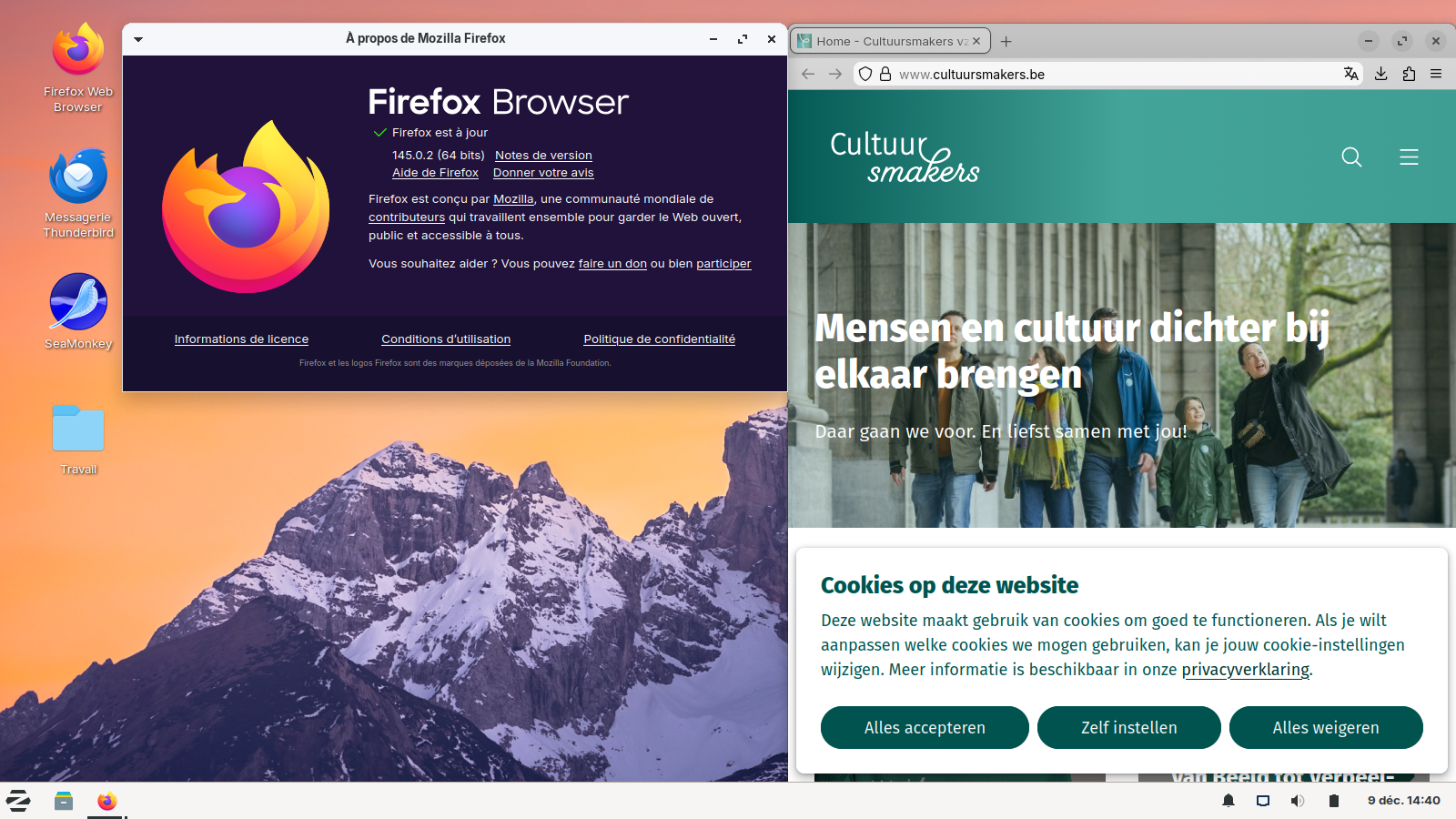
Difference ESR 115 and 141 with position: fixed

Hi, I have an old PC with Win7 and Firefox 115.30.0esr (64-bit) (latest version from 11 november 25) and this website cultuursmakers.be has problems aka differences with Firefox 141.0.3 (of my Android tablet) and other browsers such as Chrome. The green heading block overlaps and hide the upper part of the content block. For example, if you select inloggen (log in), then you see that the user name (naam) is not visible and only the box for the password is shown. Work around: Right click on the header and select Inspect. In the Inspector (html column) select the header tag. In the Inspector (css column) uncheck in the '.header.--fixed' selector the line 'position: fixed;' Now the content block shifts down and all content is visible. Can you verify / fix that? Greetings and TIA, Gerard
All Replies (3)
Hello
https://support.mozilla.org/en-US/kb/file-bug-report-or-feature-request-mozilla If you wish, you can file a bug report.
Firefox. https://bugzilla.mozilla.org/describecomponents.cgi?product=Firefox
For information purposes. https://whattrainisitnow.com/calendar https://whattrainisitnow.com/release/?version=esr
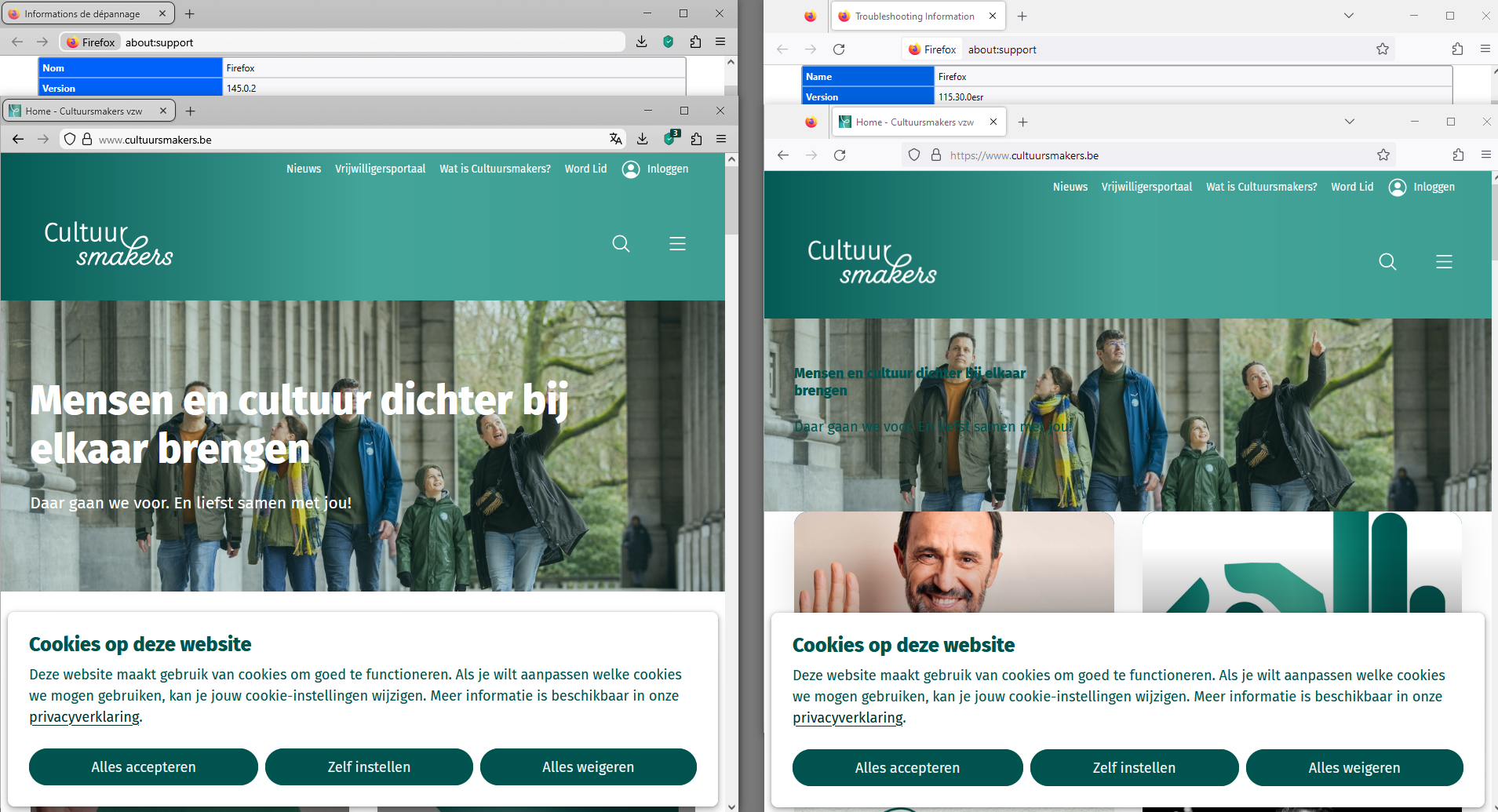
About, old PC with Win7.
I installed, Linux, in dual-boot with Windows7. https://support.mozilla.org/en-US/questions/1551247#answer-1782895
Below, Linux.