


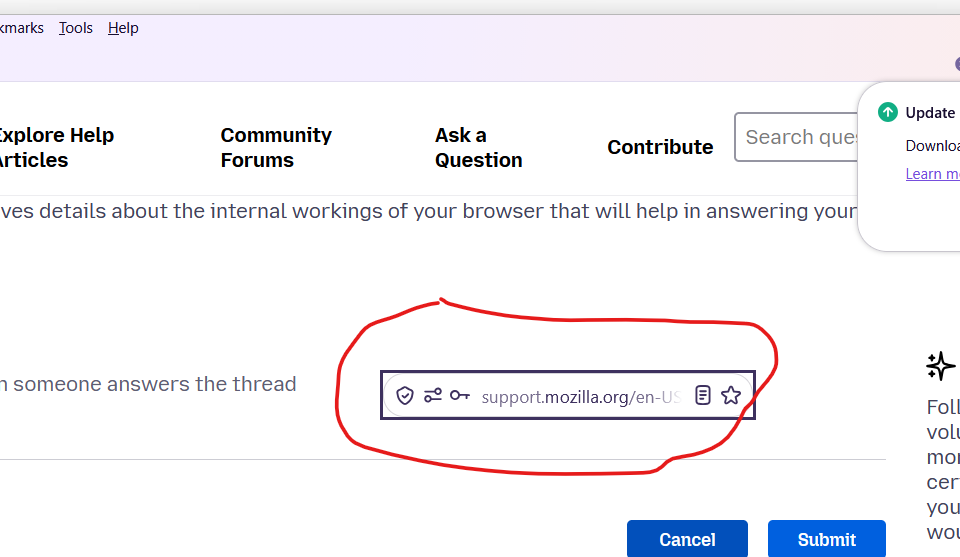
search bar is displayed in the middle of each page (in all tabs)

I installed portable Version 156.0.1 (64-bit). Since then, the search bar is displayed in the middle of each page instead of the menu bar. Is this a known bug? see image thanks
ყველა პასუხი (8)
შერჩეული გადაწყვეტა
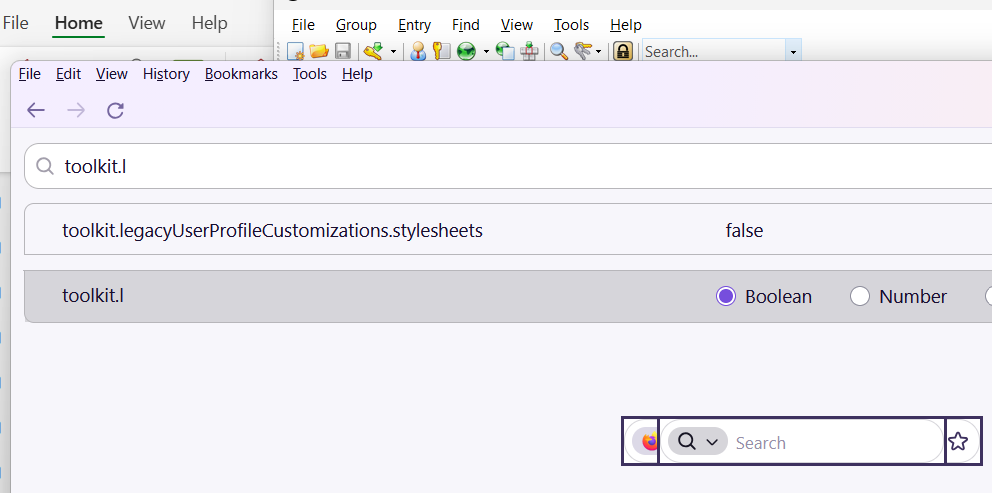
Can you go to about:config and switch toolkit.legacyUserProfileCustomizations.stylesheets to false, then restart the browser? Thanks.
ჩასწორების თარიღი: , ავტორი: TyDraniu
thanks for your feedback. Unfortunately it is not fixing the problem. To be sure I switch it on and restarted: no change Then I switched back to false: no change. I still have this search bar in the middle (see attachment) Thanks
- Please don't mark an answer as a Chosen solution until it's resolved.
- Try to select View -> Toolbars -> Customize toolbar and click the Restore defaults button.
thanks i did as asked, but no progress. Maybe I should deinstall and reinstall
About: mark an answer as a Chosen solution, I didn't mark this as I didn't even find where I could mark (or not mark) it. I'm just using post a reply. Sorry if I oversaw something
Thanks

So it's not a bug of Firefox nor of its configuration. It must be your portable build then.
Do you see the same in troubleshoot mode?
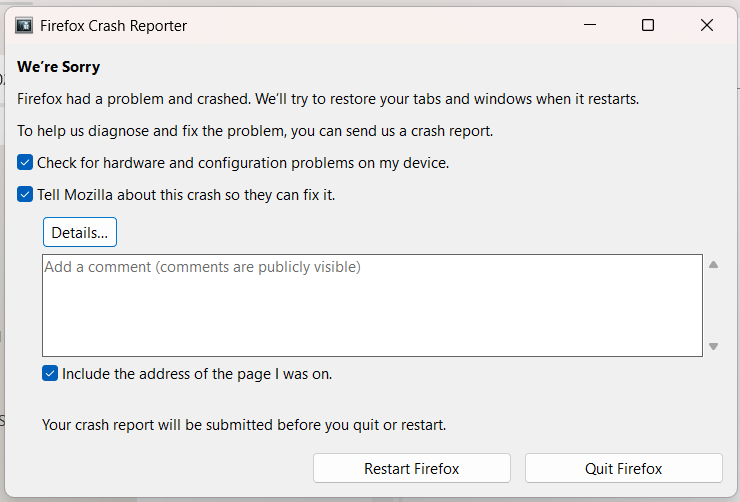
Hi all, I switched troubleshoot mode on and restarted. FF restarted but crash immediately. Then i entered in an endless loop and no way to restart FF. So finally I decided to reinstall FF portable from scratch. And actually the problem has been fixed! So it looks like it was an upgrade issue. Anyway thanks for your support!
FYI: by the way, the new version installed through portable version is 157.0.1. Means potentially fixed with this version not only by reinstall Tx