


RBC - Problems downloading, now can't even signin! Firefox 94.0.1 (Nov. 2021) Mac

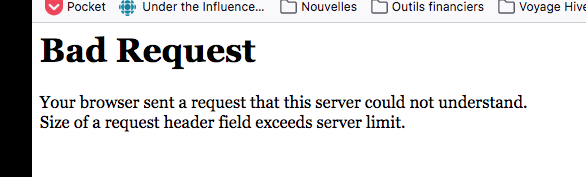
Hi. Since a few days ago, whenever I tried to download a statement, I would get the error msg "Bad Request - Your browser sent a request that this server could not understand. Size of a request header field exceeds server limit".
Now, I can't even access the login page for RBC!!!
With Safari, I have no problems at all accessing the site or downloading statements!
What's wrong???
Thanks.
ყველა პასუხი (1)

Many site issues can be caused by corrupt cookies or cache.
Warning ! ! This will log you out of sites you're logged in to. You may also lose any settings for that website.
- How to clear the Firefox cache {web link}
If there is still a problem,
Start Firefox using Troubleshoot(Safe) Mode {web link}
A small dialog should appear. Click Start In Troubleshoot(Safe) Mode (not Refresh). Is the problem still there?
While you are in Troubleshoot(Safe) mode;
Try disabling graphics hardware acceleration in Firefox. Since this feature was added to Firefox it has gradually improved but there are still a few glitches.
How to disable Hardware Acceleration {web link}