Open
How "continue applying filters" by default?

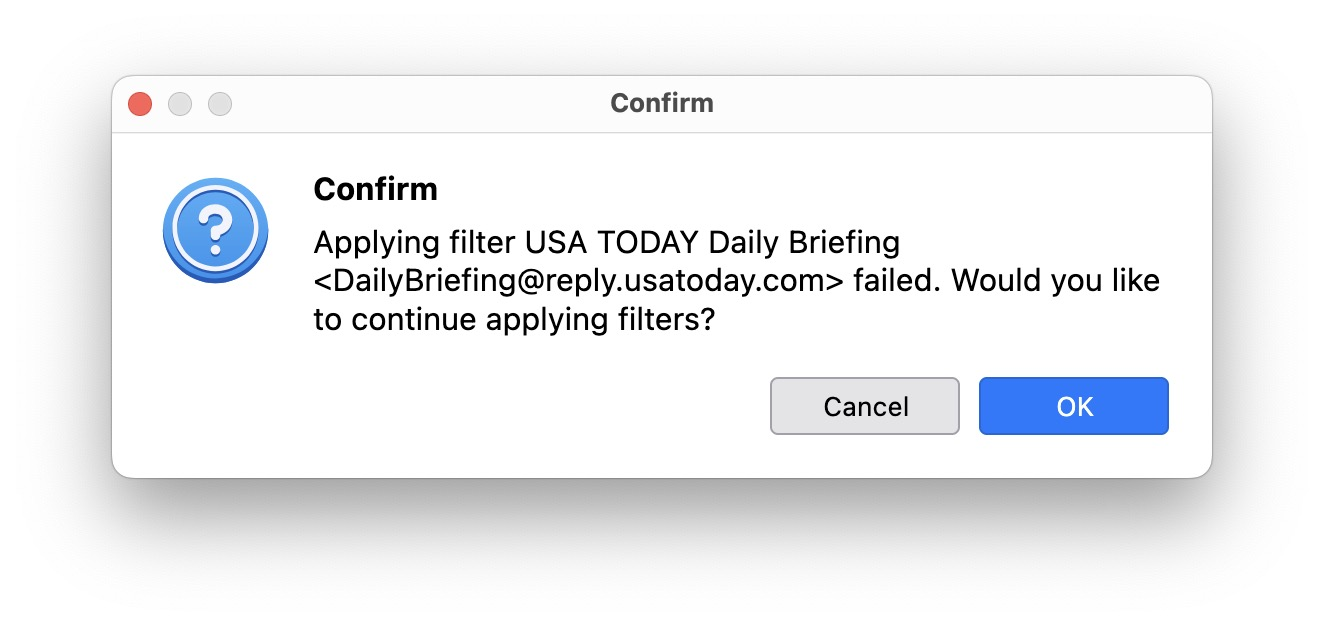
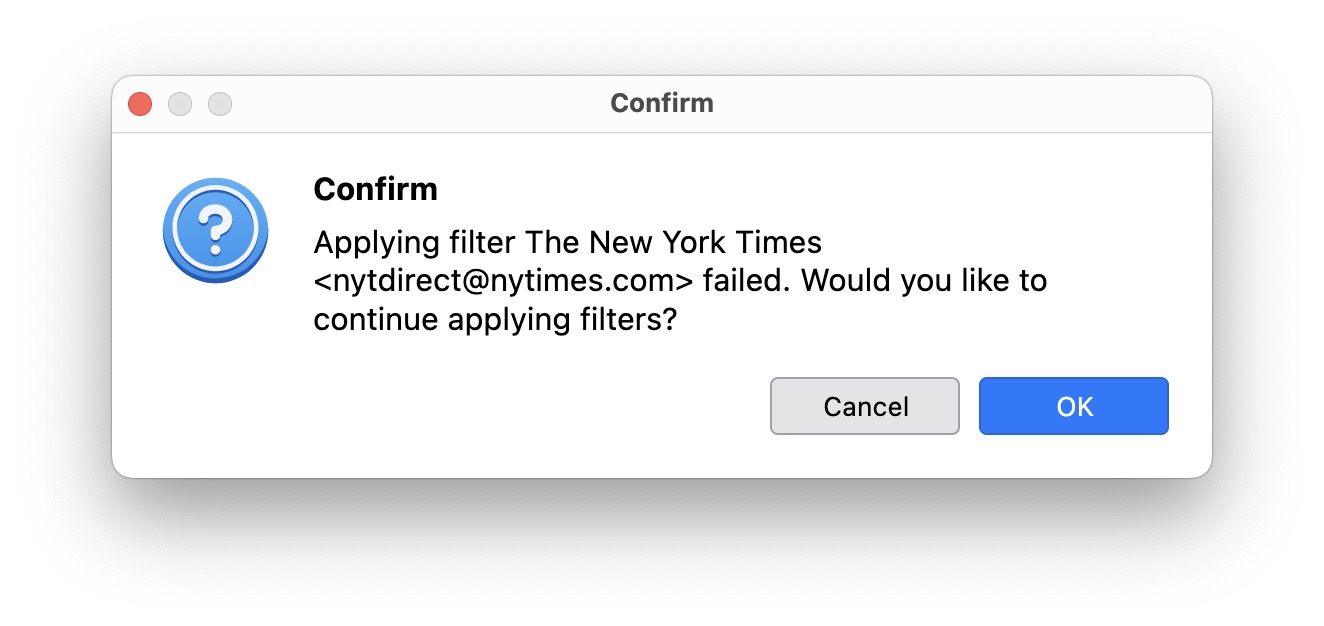
I leave Thunderbird running on my computer at home to do filtering and to handle spam. My account is an IMAP account. I often get a dialog box saying "Applying filter [name of filter] failed. Would you like to continue applying filters?" When this dialog box has not been dismissed, filters (and handling spam) seem to halt. Until the dialog box is dismissed.
That's not the desired behavior IMO. I'd like for TB to continue applying filters no matter what, and to (perhaps) log the failure in the log file.
Am I missing a setting that does this? If not, can we change the default behavior so that spam filtering does not halt (maybe with an error message in the log file) ?
TIA!
tech details: MacOS 15.7.2, Thunderbird 153.0.1 (aarch64)
I leave Thunderbird running on my computer at home to do filtering and to handle spam. My account is an IMAP account. I often get a dialog box saying "Applying filter [name of filter] failed. Would you like to
continue applying filters?" When this dialog box has not been dismissed, filters (and handling spam) seem to halt. Until the dialog box is dismissed.
That's not the desired behavior IMO. I'd like for TB to continue applying filters no matter what, and to (perhaps) log the failure in the log file.
Am I missing a setting that does this?
If not, can we change the default behavior so that spam filtering does not halt (maybe with an error message in the log file) ?
TIA!
tech details: MacOS 15.7.2, Thunderbird 153.0.1 (aarch64)